· block bots · Shopify bot traffic · bot blocking · rate limiting · Shopify fraud
How to Block Bots on Shopify Without Blocking Buyers
How to block bots on your Shopify store: spot bad traffic, set safe rules, and keep real shoppers moving. Step-by-step for US merchants.
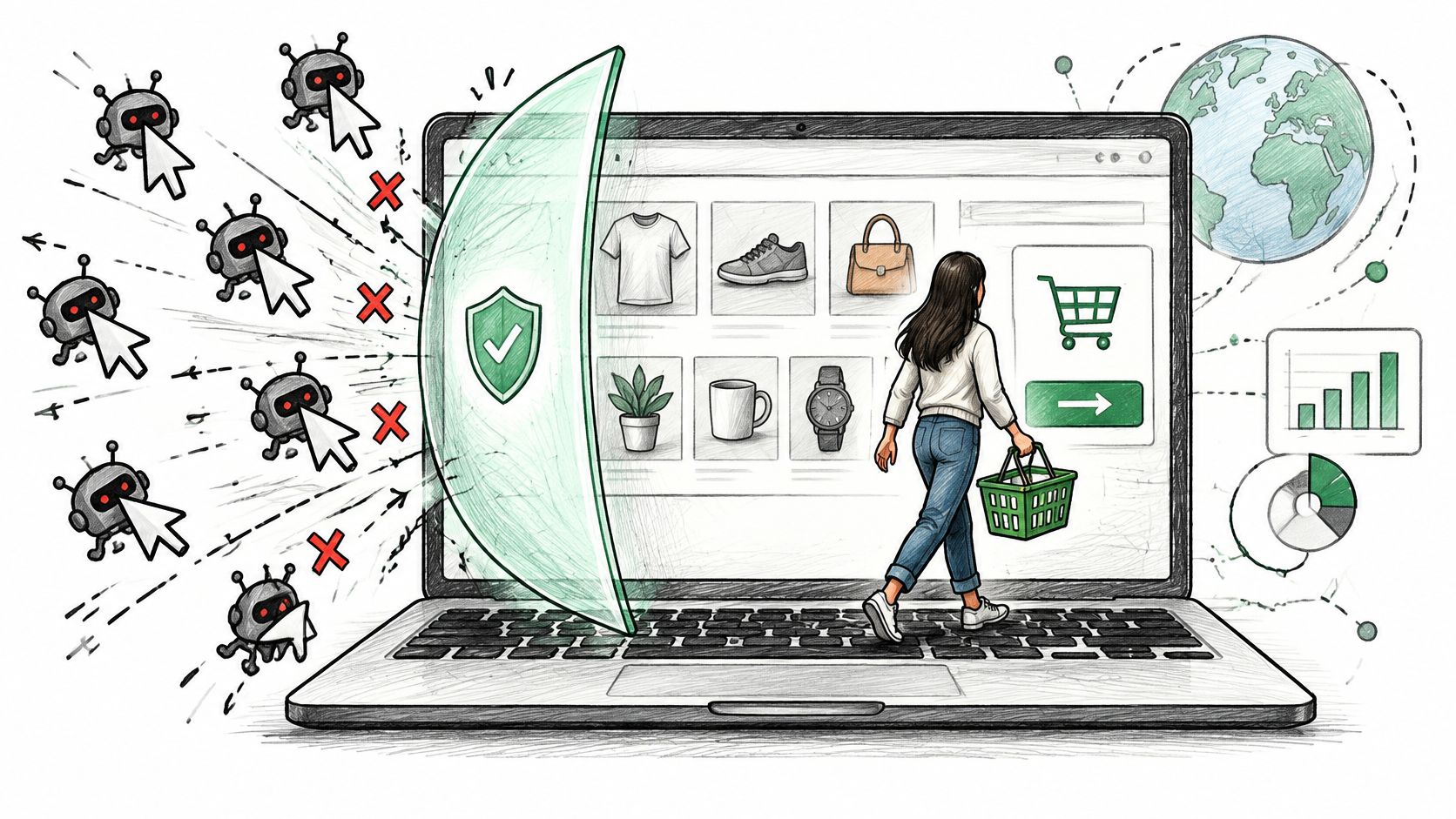
Your sessions jump on a Tuesday. No campaign launched, no post went viral, and revenue didn't move. Conversion drops, direct traffic looks inflated, and a few odd checkouts or failed logins show up overnight. That's usually not new demand. It's a reason to learn how to block bots carefully, by traffic type, before you block real buyers along with them.
Table of Contents
- Spot Bot Traffic Before You Block Anything
- How to Block Bots on Shopify Step by Step
- Which Bots to Allow, Limit or Block
- Rate Limits and Bot Scores That Stop Automation
- Tune Blocks Without Turning Away Customers
- Where Securify fits
- Frequently Asked Questions About Blocking Bots
Spot Bot Traffic Before You Block Anything
Say Tuesday's sessions are double Monday's, but add-to-cart rate falls and no ad, email, or creator post explains it. Check before you act. A spike can be demand, but automated traffic accounted for 51% of all web traffic globally in 2024, according to Thales's 2025 Imperva Bad Bot Report, so volume alone proves nothing.
Match Signals to Places You Can Check
Use the table as a worksheet. Work row by row in Shopify Analytics, order records, and customer lists, and write down what you find.
| Signal | Usually points to | Where to check |
|---|---|---|
| Sessions spike with no campaign or post | Scripts or scrapers | Shopify Analytics, sessions by day |
| Direct traffic far above normal | Automated visits with no referrer | Traffic sources report |
| Many sessions with almost no time on page | Bots or scripted crawlers | Engagement or session duration report |
| Repeated checkout starts or failed logins from one IP or country | Credential stuffing or card testing | Order logs and customer account activity |
| Orders shipping to countries you do not serve | Geographic abuse | Shipping address compared with order IP country |
| Product page hits in short bursts | Catalog scraping | Server or app traffic logs |
One signal is a reason to look, not proof. A flash sale can spike direct traffic. A new landing page can lower time on page. A wholesale buyer can refresh product pages fast.
Practical rule: Require two separate signals on two separate days before you write any rule.
That's also why classification matters more than raw session counts. A practical overview of bot traffic mitigation for marketers is useful context if you're trying to separate campaign noise from automation in your reports. For the reporting side specifically, our guide to bot traffic and analytics noise covers how fake sessions distort conversion and channel attribution, and our notes on bot detection methods for Shopify stores explain how signals are combined.
Build Your Baseline First
Export the last 14 days of sessions by day and by source. Mark each spike, then note the IPs and countries tied to failed logins, abandoned checkouts that appear scripted, and unusual orders. Keep that file. Without it, you can't tell later whether a rule cleaned up traffic or just hid legitimate shoppers you needed.
How to Block Bots on Shopify Step by Step
Two terms carry most of this routine. A challenge shows a check, such as hCaptcha, before a visit continues. A rate limit caps how many requests one client can send in a set window. You'll use both, but not on every path and not at the same strength.
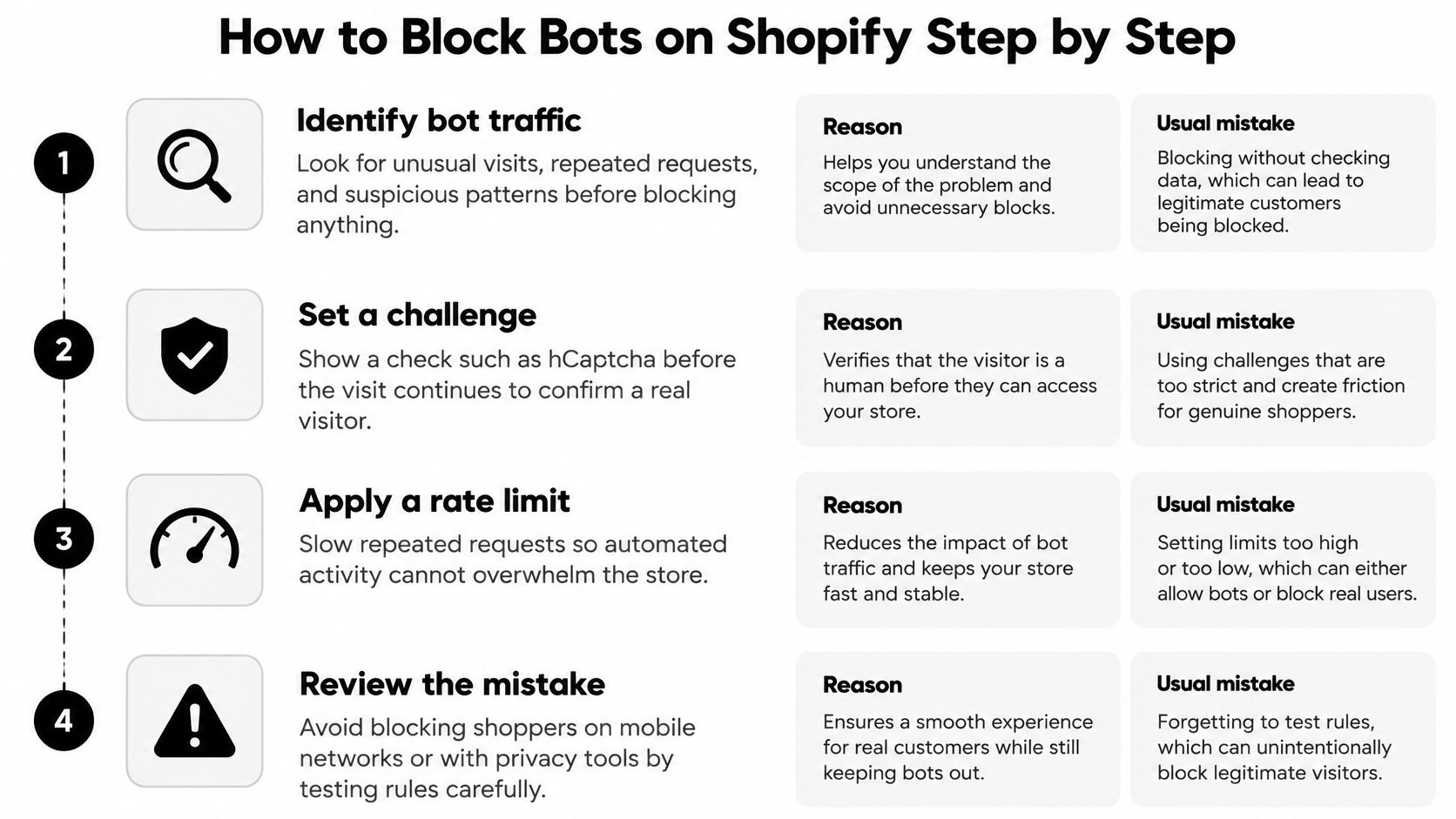
Steps 1 to 3 Confirm, Baseline, Geography
1. Confirm Shopify's built-in protection is active. Shopify's guidance on dealing with bots states that every request to a Shopify online store passes through Cloudflare before reaching the store, with Cloudflare's Web Application Firewall and DDoS protection in place, and hCaptcha enabled by default. Shopify Plus merchants also get a checkout bot-protection setting. Check help.shopify.com for what your plan exposes today, because setting locations change. The usual mistake is assuming platform protection covers card testing. It often doesn't, because card testing can look like a normal shopper until the payment attempts stack up.
2. Use your 14-day export as the baseline. Don't rebuild it. You'll compare sessions, sources, failed logins, and orders against those same 14 days after each change. If you change the baseline midstream, every later decision gets fuzzy.
3. Block countries you don't ship to. Apply a geographic rule in your chosen tool for countries where you can't fulfill an order. No legitimate order can ship there, so this is the lowest-risk block you own. Don't add countries you might ship to next quarter. Add them when shipping opens.
Steps 4 to 7 Protect Paths, Then Watch
4. Put the strictest controls on login, account, and checkout paths. Rate-limit repeated attempts and challenge sessions that retry at machine speed. A real shopper who mistypes a password twice isn't the problem. Dozens of attempts from one source in a short window is a different pattern, and you should treat it that way.
5. Limit catalog and search traffic instead of blocking it outright. Product discovery is where good crawlers, price-conscious shoppers, and scrapers mix. Slow the excessive request rates and leave normal browsing alone. If you also publish crawl directives, keep them consistent with enforcement. This overview of crawl controls for Shopify store owners is a helpful companion when you're aligning robots.txt with what you enforce.
6. Block individual IPs or ranges only for confirmed abuse. A single address is easy for an operator to rotate, so broad IP lists age badly and create false positives on shared networks. Our guide on IP blocking for Shopify merchants covers when an address-level rule makes sense. Use IP blocks as a scalpel for a documented pattern, not as your main defense.
7. Watch for seven days, then adjust one rule at a time. Track sessions, failed logins, orders, and support tickets together. If sessions fall but orders and tickets stay steady, you probably removed noise. If orders dip or access complaints rise, you caught buyers. Change one variable, wait, and compare. If one abusive account keeps ordering after traffic controls are in place, follow the steps for how to block a customer on Shopify for that specific account.
I would start with steps 1 and 3 on day one. They carry the least risk and clean up the clearest waste.
Which Bots to Allow, Limit or Block
A blanket block costs you something. Block all automation and you can hide product pages from search, break uptime monitors that warn you about outages, and cut integrations your store depends on. How to block bots well is a sorting job, not an on-off switch.
Verify Identity, Don't Trust a Label
A bot claiming to be a search crawler isn't proof of anything. Attackers copy user-agent strings in seconds. Cloudflare's documentation on verified bots sets two requirements, honest, deterministic self-identification and non-abusive behavior. Identification can rely on a Web Bot Auth signature, a published IP list combined with a stable user agent, or reverse DNS. A verified bot must also obey robots.txt and crawl directives, maintain reasonable request rates, and avoid evading the site owner's preferences.
Use that as your test. Transparent and compliant gets through. Hidden identity, ignored crawl rules, or excessive rates get stricter treatment.
| Traffic type | Typical example | Action | Reason |
|---|---|---|---|
| Search engine crawlers | Googlebot and Bingbot | Allow | Needed for product pages to be indexed |
| Uptime and monitoring tools | Status and uptime pings | Allow | Blocking them hides real outages |
| High-volume catalog or price scrapers | Scripts pulling every product page | Rate-limit | Slows harvesting without stopping visitors |
| Unidentified scripts on login or checkout | Credential stuffing or card testing | Block or challenge | Real shoppers have no reason to hit these paths at that speed |
| Visitors from countries you do not ship to | Mixed automated and human traffic | Block by country | No legitimate order can ship there |
| AI content crawlers | LLM crawlers reading product content | Rate-limit or block | Set by your policy on products appearing in AI answers |
The AI crawler row needs an owner decision, not a default. Some merchants want products surfaced in AI answers and accept crawling at a controlled rate. Others don't want catalog content reused and choose to block. Either position works if it's written down and enforced consistently.
Decide per traffic type and record each decision, with the date and reason, so you can explain it when a shopper, a vendor, or a search report questions it.
That record also stops rule drift. Six months from now, nobody remembers why a country or a crawler was blocked. The note does.
Rate Limits and Bot Scores That Stop Automation
Three levers do most of the work once you've sorted traffic types. Scores sort likely automation. Rate limits slow it. Failed-path monitoring shows you probing you would otherwise miss.
Scores Target Likely Bots, Not Strangers
Cloudflare's Bot Management documentation assigns every request a bot score from 1 to 99, and scores below 30 are commonly associated with bot traffic. Its rate-limiting guidance uses 30 as an example threshold for likely automated traffic and 10 for more strongly automated traffic. That range matters. You can challenge the middle band and block or tightly limit the lowest scores, instead of treating every unfamiliar visitor as hostile.
A score isn't a verdict on a person. It's a ranking of how automated a request looks, and you pair it with path and behavior before you enforce anything hard.
The Five Settings Behind Every Rate Limit
Cloudflare's rate-limiting best practices describe rules built from a traffic-matching expression, a counting characteristic, an evaluation period in seconds, a request limit, and a mitigation duration after the limit is reached. Counting is usually by IP address, though characteristics can also include country, path, host, query, headers, cookies, ASN, and JA3 or JA4 fingerprints.
Here's a worked example for login. Match your account login path, count by IP, evaluate over a one-minute window, and set a starting limit above your observed normal login volume from a single address. Run it in monitor mode first, compare flagged sessions with real customer logins, then enforce with a short mitigation period. Don't copy another store's number. A store with wholesale accounts behind one office network needs more headroom than a store where every login comes from a phone.
Watch Failed Paths, and Know Your Access Point
A spike in 403 or 404 responses from repeated failed-path requests can indicate automated probing or scanning. Add that check to your weekly review. One caveat shapes everything here. Shopify merchants usually reach these controls through Shopify's settings or a third-party tool rather than writing raw Cloudflare rules, so confirm what your setup exposes before you plan around a setting you can't touch.
Before you change anything, write down three numbers: your current login attempts, product page requests, and checkout starts per day. Those are the figures every threshold gets tested against.
Tune Blocks Without Turning Away Customers
Overblocking is the main pitfall, and it doesn't announce itself as a security problem. It shows up as a conversion dip, a support ticket, or a customer on a mobile network who can't check out. Shoppers using privacy tools can look unusual too. Unusual isn't the same as automated.
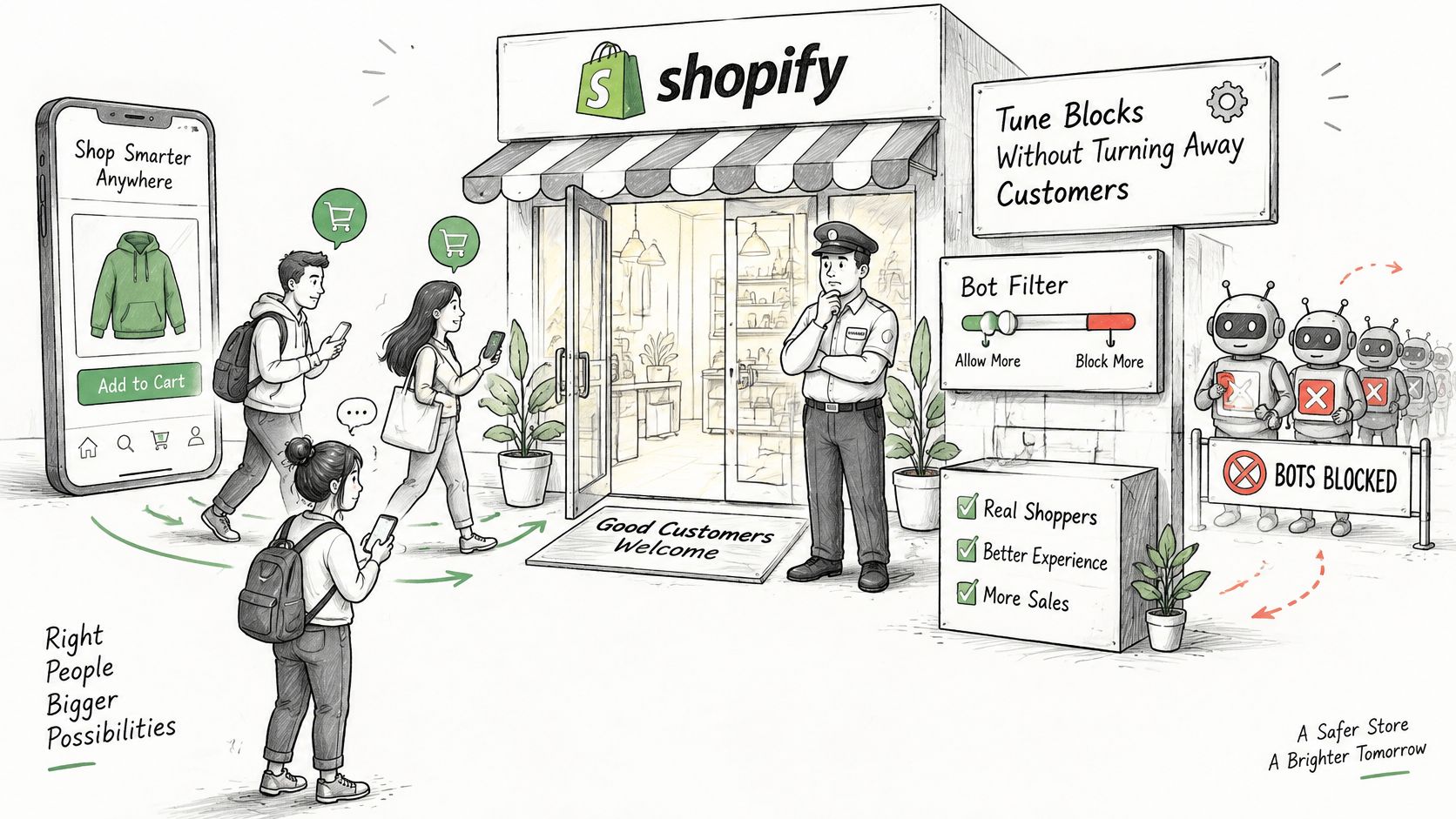
Roll Out in Monitor Mode First
Run new rules in monitor mode before enforcing. Compare what a rule would have blocked with confirmed outcomes, such as completed orders and verified customer actions. If flagged sessions include paying customers, the rule is wrong, no matter how bot-like it looked. Masked traffic needs the same care, which is why our notes on VPN detection signals and limits stress checking behavior alongside the connection type.
Then enforce one rule, compare human-only conversion before and after, and audit a sample of challenged sessions each week. Sessions falling while orders hold steady is the outcome you want.
| Symptom | Likely cause | Fix |
|---|---|---|
| Real shoppers hit a challenge at checkout | Checkout rule is too broad | Scope the rule to bot-like sessions and allow verified payment and fulfillment services |
| Conversion dips after a rule goes live | Challenge friction or a wrong geographic rule | Compare human-only conversion before and after, then roll back one rule at a time |
| Customers from one region report blocks | Geographic rule covers a country you ship to | Remove that country from the rule |
| Support tickets say access denied | Rate limit too low for normal browsing | Raise the limit on product and search paths |
| Email or review tools stop receiving events | Integration IP or user agent is blocked | Allowlist the vendor after confirming it is legitimate |
Know the limit of this work. Blocking bots doesn't replace order-level fraud review. Card networks and Shopify monitor chargeback rates, so keep yours as low as possible, and don't expect any bot rule to guarantee fewer chargebacks. Our chargeback fraud prevention guide covers the order-level layer that still needs attention.
Set a 30-minute review every two weeks. Check the table symptoms, audit challenged sessions, and retire rules that no longer match a pattern.
Where Securify fits
Securify is a Shopify app for bot blocking, geo-blocking, and VPN and proxy controls, with traffic classification that separates bad bots, suspicious sessions, and real visitors. It blocks bots, VPNs, and fraudulent traffic from high-risk countries, and screening targets bot, VPN and proxy, and fraud-pattern signals so genuine shoppers pass straight through. It works on storefront traffic, so it sits upstream of checkout and payment tools rather than replacing them. It can't remove manual order review entirely, though it can cut avoidable review work caused by bot-driven orders. It's a fit if bot noise pollutes your analytics, email lists, or support queue and you want per-traffic-type controls without writing rules by hand. If your only problem is order-level fraud, start elsewhere. Test your own numbers first, then see Securify on the Shopify App Store.
Frequently Asked Questions About Blocking Bots
Can I Block Bots on Shopify Without Coding
Yes, for the basic steps. Shopify's platform protection runs by default, and country, login, and checkout controls are set through Shopify settings or a dedicated app. You'd need coding only for custom rules beyond what those settings expose.
How Do I Check Whether a Bot Claiming to Be Googlebot Is Real
A user-agent string alone proves nothing, because attackers copy them. Verified crawlers identify themselves and can be confirmed through a published IP list combined with a stable user agent, or a reverse DNS check. If the identity doesn't verify, treat the traffic as unidentified and judge it by behavior and rate.
Will Blocking Bots Stop Chargebacks
Not by itself. Bot blocking can reduce some abusive orders before they reach checkout, but chargebacks also come from stolen cards and disputes on otherwise normal-looking orders. Card networks and Shopify monitor chargeback rates, so keep yours as low as possible and keep order-level review in place.
Will Bot Blocking Block Real Customers
It can, if rules are broad or limits sit below normal browsing levels. Run new rules in monitor mode first, compare flagged sessions with completed orders, and change one rule at a time. If real shoppers appear in your blocked sample, narrow the rule before you enforce it.
If your diagnosis shows bot noise in sessions, logins, or orders, Securify gives you bot blocking, geo-blocking, and VPN and proxy controls at the storefront layer, before that traffic reaches checkout. Visit Securify to see how per-traffic-type controls can clean up your numbers without turning away buyers.