
How to Block a Customer on Shopify (by Email, IP, or Country)
Learn how to block a customer on Shopify by email, IP or country. 6 native and app methods that stop checkouts before an order is created.
Shopify has no “Block customer” button. You can still block a customer through six methods, moving from free native controls to paid app controls across identity, network, and location.
That distinction matters. A repeat fraudster, chargeback abuser, or harassing buyer might rotate an email address, switch networks, or use a different shipping destination. The right control depends on where you want to stop them, at the storefront, checkout, or after an order already exists.
Table of Contents
- Can You Block a Customer on Shopify
- Free Native Ways to Block a Customer at Checkout and Account Level
- How to Block a Customer by Country and IP Address on Shopify
- Why Blocking by Email Alone Fails and How to Escalate
- Comparison of Every Method to Block a Customer on Shopify
- Where Securify Fits and Frequently Asked Questions
Can You Block a Customer on Shopify
Yes, but not directly from the customer profile as a universal storefront ban. Shopify merchants typically combine customer account controls, password protection, checkout rules, and app-based restrictions because disabling an account only prevents login. Guest checkout can still remain available, as Shopify community guidance explains in its discussion of blocking a customer account.
The key rule is simple: stage beats method.
- A storefront block means the visitor never reaches product pages.
- A checkout rule stops payment completion before an order is created.
- A Flow cancellation fires after the order exists, which can trigger fees, inventory activity, and a cancellation email.
You can use six layers: Fraud Control rules, account disabling, Shopify Flow, shipping or Markets restrictions, IP controls, and VPN or proxy detection. Start with the least expensive control that matches the abuse. If the buyer keeps returning, move one level higher instead of repeatedly blocking one email address.
For background on Shopify's built-in order review, see this explanation of Shopify fraud analysis. It's useful for deciding whether to fulfill, verify, or stop an order, but it isn't the same as blocking a visitor before checkout.
Free Native Ways to Block a Customer at Checkout and Account Level
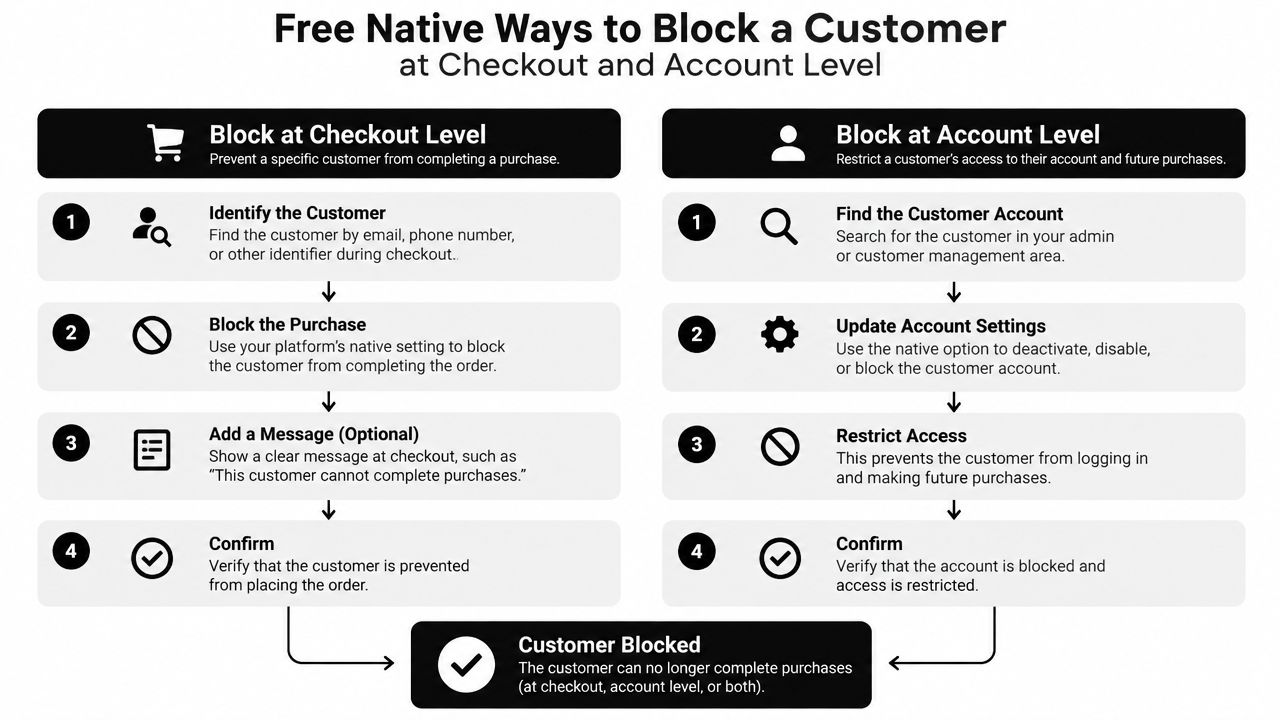
These controls work without an app. Use them in this order when the problem is a known email, address, IP, or customer account.
1. Create a Fraud Control checkout rule
Shopify's verified path is:
Apps > Fraud Control > Rules > Create rule > Checkout conditions > Save
Build the condition around an exact email address, an address field such as ZIP, or an IP address. The rule applies at checkout, so the buyer sees a generic message that checkout couldn't be completed. The attempt appears in Abandoned checkouts, which gives you another place to review the next email or IP they use.
This is the strongest free native option because no order is created. It's still narrow. Exact-match rules won't catch a new email, and they don't provide a wildcard rule for an entire email domain. Shopify also documents Fraud Control availability for stores using Shopify Payments in supported regions, so verify that your payment setup qualifies before building the workflow.
Operational rule: If you want the order stopped before payment, use a checkout rule. Don't use an after-order automation and call it a block.
2. Disable the customer account
For classic customer accounts, use:
Customers > select the customer > Disable account
Verify the current label and location in your admin, because Shopify's newer customer account experience doesn't expose the same disable-account control. Disabling the account blocks login, but it doesn't automatically stop guest checkout.
If you need account-only purchasing, review Settings > Checkout and verify the current Require log-in before checkout label before enabling it. This changes the buying experience for everyone, so don't use it as a narrow response to one abusive customer unless your store already requires accounts.
3. Cancel risky orders with Shopify Flow
For automation, use either a relevant Flow template, such as one that cancels orders from bad email addresses, or create a workflow from:
Apps > Flow > Create workflow > Order created > condition > Cancel order
Use an email match or a customer tag such as blocked. For Shopify's own risk assessment, the correct trigger is Order risk analyzed, not Order created. Shopify says that trigger fires only for Shopify risk assessments, not third-party assessments, which limits how broadly the automation can operate. See the Shopify Flow documentation before deploying it.
Flow is late. The order already exists, the buyer may receive a cancellation email, and a payment fee can still apply depending on your capture setup. It also does nothing for abandoned-checkout spam.
How to Block a Customer by Country and IP Address on Shopify
Country restrictions are shipping and risk decisions, not judgments about people from a particular place. Use them when you don't serve a destination or can't manage the associated fulfillment and fraud exposure.
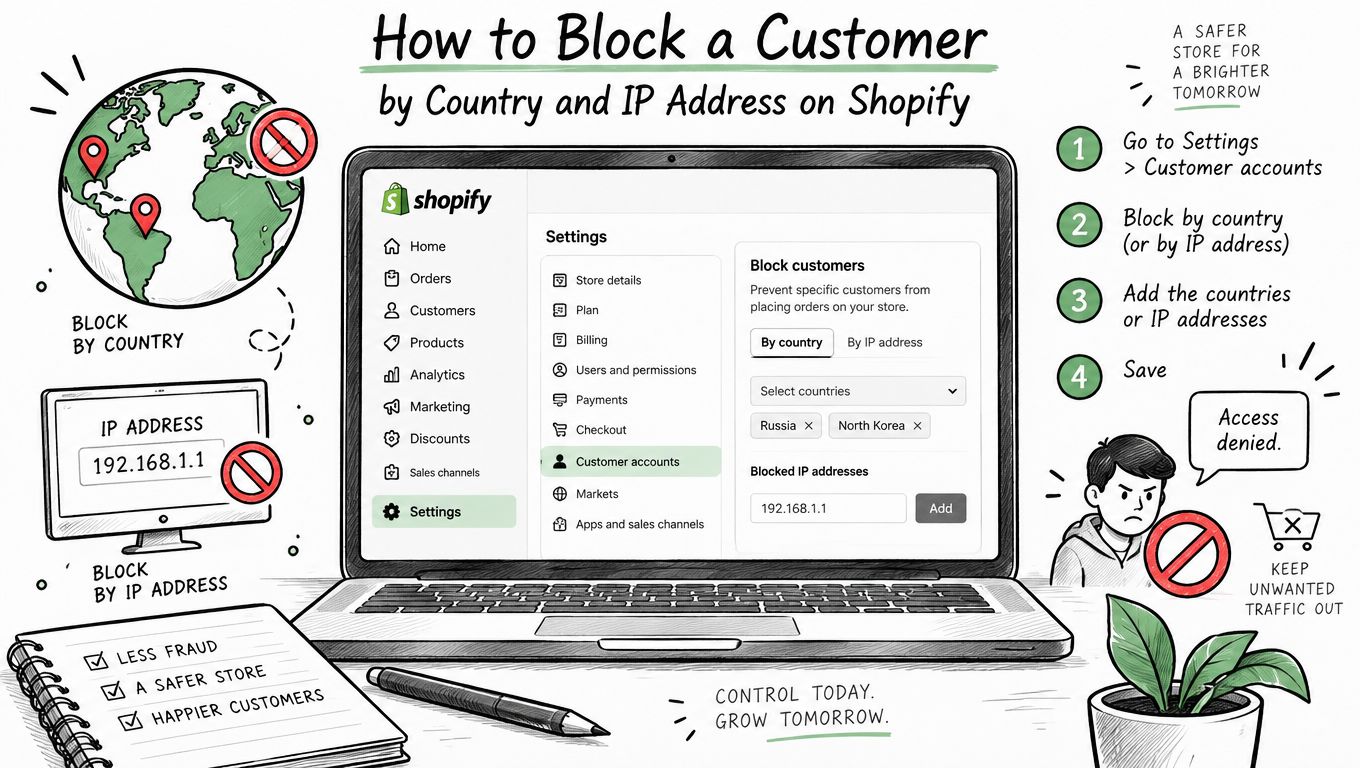
To remove a country from checkout, go to:
Settings > Shipping and delivery > edit the relevant shipping profile > remove the country from every shipping zone
The buyer can still browse, but checkout should show that shipping isn't available when no applicable rate exists. You can also review:
Settings > Markets > deactivate the relevant market
Shopify's Markets interface can change, so verify the current control in your admin. Neither method keeps a visitor off the storefront. Someone can browse from a restricted country and potentially ship to an allowed address.
Shopify doesn't offer a native admin switch that blocks an IP from storefront pages. The native option is an IP condition in Fraud Control at checkout. For an existing order, Shopify's Fraud analysis area can show IP address details and other indicators, but abandoned checkouts don't provide the same order-level view.
That gap matters when automated visitors repeatedly create abandoned checkouts. A visitor-log app can expose the IP behind those sessions, including patterns across an IP range. For more context on bots and VPN abuse, focus on the traffic source rather than treating every session as a separate customer.
VPN and proxy blocking has no native Shopify storefront control. Fraud analysis can flag proxy or VPN signals after an order, but preventing that traffic before checkout requires a separate storefront layer.
Why Blocking by Email Alone Fails and How to Escalate
Email is the cheapest identifier to rotate. A repeat offender can create another address, so an email-only blacklist often stops the first attempt and misses the next one.
Use this escalation ladder:
- Email address [new email]
- Email domain or pattern [new provider]
- Phone, name, and address rule [fake phone or altered address]
- IP address [new network]
- IP range [VPN]
- Country [VPN or another destination]
- VPN, proxy, or datacenter detection [residential proxy]
The practical rule is to block one rung above the last identifier they used. If they bypassed an email rule by switching addresses, add phone or address logic. If they switched networks, use an IP-range control. If they used a VPN to bypass geography, use VPN or proxy detection.
From the IP rung upward, prefer an allowlist when your business model permits it. Allowing the countries you serve is usually cleaner than maintaining a long list of blocked countries. Review false positives carefully because legitimate shoppers can share mobile-carrier IPs, VPNs, or proxy networks.
Practical rule: Block the behavior you observed, not a broad category you haven't verified.
Avoid name-pattern blocking. Names aren't reliable evidence of abuse, and broad rules can reject legitimate buyers. The objective is to make rotation expensive while preserving real demand and clean conversion measurement.
Comparison of Every Method to Block a Customer on Shopify
Use this table to choose the control by what it identifies and when it stops the buyer. You can also review chargeback fraud prevention when order disputes are part of the pattern.
| Method | Blocks What | Free | Stops At |
|---|---|---|---|
| Fraud Control rule | Exact email, address, or IP | Yes | Checkout, no order |
| Disable account | Login only | Yes | Login, guest checkout remains open |
| Shopify Flow cancellation | Email, tag, or Shopify risk condition | Yes | After order |
| Shipping zones or Markets | Destination | Yes | Checkout shipping step |
| Country, IP, or range app | Visitor location or network | Free tiers | Storefront browse |
| VPN, bot, proxy, or Tor app | Anonymized or datacenter traffic | No | Storefront browse |
| Checkout validation app | Email, domain, phone, or name | No | Checkout, no order |
The dividing line is whether an order exists. Flow is useful for routing and cancellation, but a Fraud Control rule or checkout validation is cleaner when you need to reject the transaction before it enters operations.
Older community answers may mention retired fraud-filter workflows. Shopify's current native path is Fraud Control plus Flow, so verify any older instructions against the current admin.
Where Securify Fits and Frequently Asked Questions
Securify acts before or alongside Shopify fraud analysis. At the storefront, it covers the higher rungs, including country, IP, IP-range, VPN, bot, proxy, and Tor controls. Its free plan includes country and IP blocking, allowlists, scheduled blocks, redirects by country, and a visitor log that can help identify the IP behind abandoned checkouts. Pro adds VPN controls, while Advanced adds bot, datacenter, proxy, and Tor controls. Growth adds email and domain blocking plus checkout validation for risky email, phone, or name signals, so no order is created. See the Shopify security integration and the guide to Shopify chargeback costs and early traffic control. Securify is listed as Country Blocker Fraud Securify on the Shopify App Store.
Can you block a customer on Shopify?
Yes, but not from the profile as one universal control. A Fraud Control checkout rule can match an email, address field, or IP and stop checkout before an order exists. Apps can extend blocking to storefront traffic, IP ranges, countries, and VPNs.
Can I block a customer on Shopify by email address?
Yes. Go to Apps > Fraud Control > Rules and create an email checkout condition. It's an exact match, so escalate to phone, address, IP, or country controls if the buyer returns with a new address.
How do I block a customer from ordering on Shopify without an app?
Create a Fraud Control rule using an email, ZIP, or IP condition. Disabling the account alone won't stop guest checkout unless you require customer login before checkout.
Can I block a whole country on Shopify?
Remove the country from every shipping zone or deactivate its market. The visitor may still browse, but checkout won't offer shipping to that destination. Storefront blocking requires an app.
Can I block VPN or proxy users on Shopify?
Not natively. Shopify can flag proxy or VPN signals during order review, but blocking that traffic before checkout requires an app with VPN, proxy, or bot detection.