
Fake Shopify Order Notification: Three Types and What to Do
A fake Shopify order notification can be phishing, a Shop app scam order, or a fake order on your store. Learn how to tell which, and what to do.
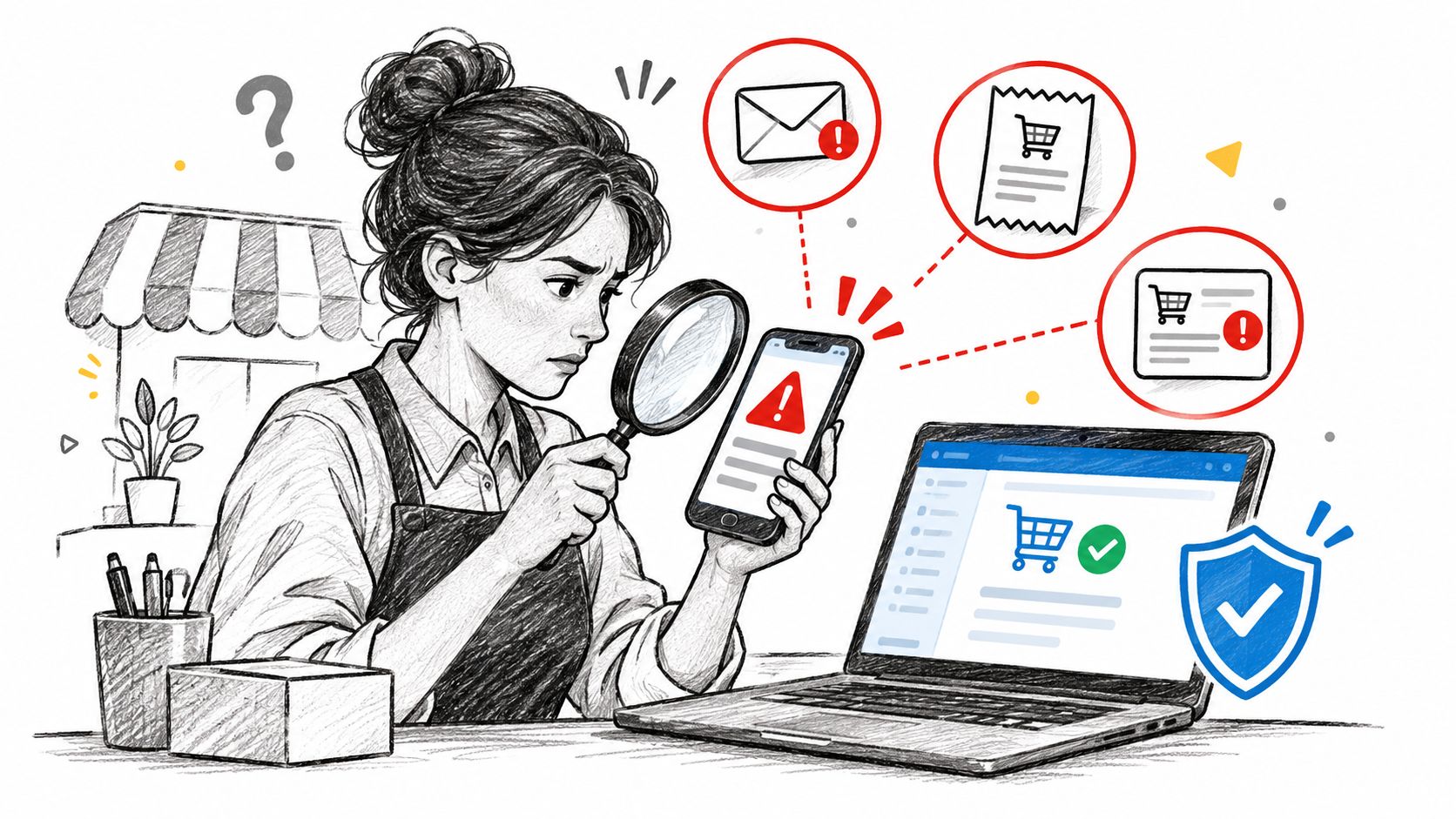
A payout-hold email lands before your first coffee: a new order flagged for fraud, a deadline to respond, a button to confirm your bank details. The logo is correct, the order number looks plausible, and the sender address is one character off. That is what a fake Shopify order notification trades on, urgency that makes you skip the one check that settles it.
Before you click, reply, or call any number in the message, ask a single question. Where does the order exist? The answer, not the message, decides what you do next.
Table of Contents
- Check Where the Order Exists Before You Act
- The Three Things a Fake Order Notification Can Be
- Phishing Emails That Imitate Shopify or Your Store
- The Shop App Scam Order That Looks Official
- A Real Order on Your Store That Looks Fake
- How to Handle a Suspicious Order Notification Step by Step
- Where Securify Fits
- Fake Shopify Order Notification Questions Answered
Check Where the Order Exists Before You Act
Open admin from a bookmark or typed address, never from the message. Go to Orders and search the order number, then the customer email. That search puts every case into one of three buckets.
- Not in admin, arrived by email: Treat it as phishing. No order exists on your store, whatever the subject line claims.
- Not in admin, but in the Shop app: Someone placed an order on another store with you as the recipient. The receipt is real, the order isn't yours.
- In admin: It's a real order on your store. Your job is judging the order itself, not the email that announced it.
Logos, order numbers, and phone numbers in a message are easy to copy. Your admin only records what your store created, which is why it outranks the message every time.
Practical rule: The message is a claim. The admin is the record.
One exception worth naming. If the order in admin carries a test mode banner, a colleague probably ran a checkout test, which is covered by the guide to Shopify test orders. That order shouldn't ship either, but it's not an attack.
This article is about fraud and phishing, not sales popup apps that display recent purchases to visitors. Find your bucket, then use the section that matches it.
The Three Things a Fake Order Notification Can Be
The location check tells you where the order lives. This table tells you what kind of problem you are holding, because each one fails in a different place: credentials, card details, or fulfillment.
| What you received | Tell-tale signs | What to check | What to do |
|---|---|---|---|
| Email about an order, refund, payout hold or store closure imitating Shopify or your store | Sender outside Shopify's domains; free-mail sender; urgency; unfamiliar link; a phone number to call | Full sender domain and Reply-To; SPF or DKIM result in the message headers; final domain behind the button | Don't click or call; if credentials were entered, reset the password from a typed admin URL and review staff logins |
| Shop app receipt or push for an order you never placed, often several hundred dollars | Unknown store name such as "My Store"; a support number in item text or shipping address; a shipment status | Merchant name, card ending and delivery address in the Shop receipt; saved Shop Pay details; bank statement | Don't call; tap "Not my order" in Shop; if charged, dispute with your bank |
| Order in your admin that looks wrong | Failed or pending payments; disposable email; $0 items; bursts of orders in minutes | Timeline for failed attempts before a successful authorization; payment status; fraud analysis; repeat customer or inventory velocity | Don't fulfill; hold the order, verify through details in admin, then cancel and refund if risk stays high |
Work in the order that limits losses fastest. A charged Shop receipt is a bank problem first. A phishing message stays contained until someone enters credentials. An admin order keeps stock and chargeback exposure alive until you decide.
Two records matter more than the design of the message: the authentication headers behind an email, and the order Timeline inside admin. Read those before you refund, ship, reset, or reply.
Phishing Emails That Imitate Shopify or Your Store
These arrive as store closure notices, compliance warnings, payout holds, fake new order alerts to staff, or order confirmations from lookalike store domains. Each one uses an alleged order or account problem to push a fast click toward a counterfeit login page.
The FTC guide to recognizing phishing flags unrecognized invoices, generic greetings, account hold claims, and requests to update payment details, and says to verify through a website or phone number you find yourself. Shopify lists the same pattern, free-mail senders, requests for personal information, poor grammar, urgency, and unfamiliar links.
Sender Check for Emails That Mention Shopify
| Sender | Verdict | What it means |
|---|---|---|
| @shopify.com or @email.shopify.com | Shopify domain | Official Shopify mail; still confirm the order in admin |
| @em.shopify.com or @shopify-billpay.melio.com | Shopify domain | Listed by Shopify as an official sending domain |
| Gmail, Yahoo, Apple or Hotmail address | Not Shopify | Treat as phishing, whatever the logo shows |
| Store domain rewritten to shopifyemail.com | Shopify routing | Possibly your own store mail; authenticate your domain to confirm |
Links may route through shopifysvc.com, which is a Shopify domain. Sensitive documents are only requested through upload pages on app.shopify.com or shopify.com, never as email attachments you return.
One nuance trips up customers. If your store domain isn't authenticated, Shopify rewrites outgoing order mail to a store+123@shopifyemail.com address. A customer seeing that from your store isn't looking at phishing. Authenticating your domain removes the doubt.
A clean sender settles the email. Only the admin settles the order.
The Shop App Scam Order That Looks Official
Say a push lands on your phone for a security subscription renewal you never bought. The receipt sits in your Shop history next to real purchases. The notification is real. The order is not yours.
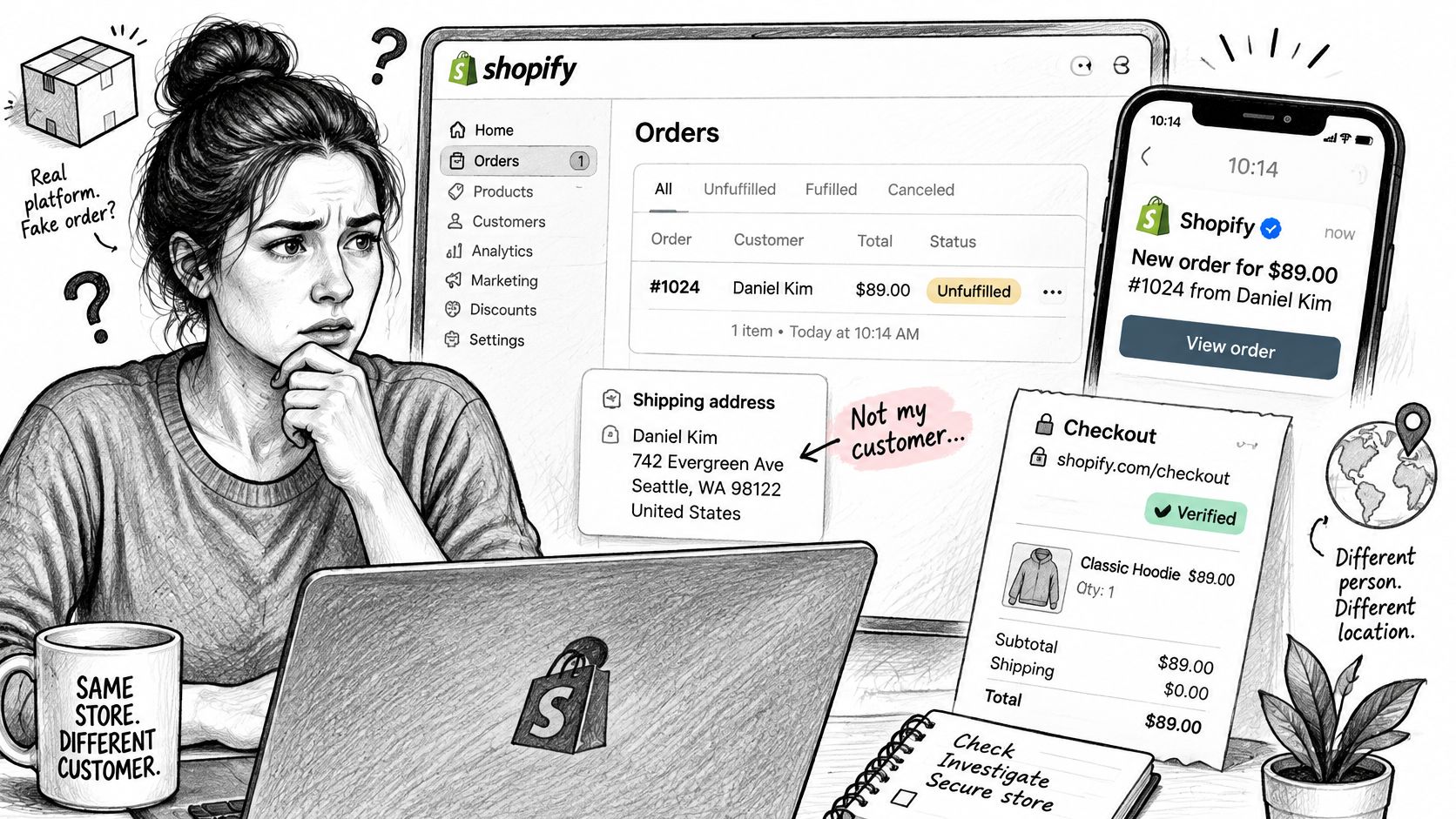
Huntress describes scammers who create or compromise a store, place an order with the victim's email or phone as recipient, and let Shopify send the genuine push and receipt. The "support" number sits in the product description or shipping address, and some add a tracking status so it looks routine. Calling that number leads to a refund scam asking for remote access, bank logins, or gift cards.
Gen Digital reports Norton branded invoices, usually for several hundred dollars, from sellers named "My Store", with wording like "If Order Not Place By You". Reporting collected by TechRadar on scammers hijacking real Shopify notifications makes the same point, that notifications can appear in a victim's Shop history while impersonating familiar brands.
A native looking notification isn't the same as a merchant authorized order. Platform authenticity and transaction authenticity are separate questions.
Your bank statement answers whether money moved. If nothing was charged, open the order in Shop, tap the menu, choose "Report an issue with this order" and report it as "Not my order". If you were charged, dispute it with your bank first, then report it the same way. You can also report the store from its page under Report > Misleading.
If a customer forwards you one, they didn't get it from your store and no charge exists there. Your admin wasn't breached and can't prevent it. Tell them where to report it, not how to investigate it.
A Real Order on Your Store That Looks Fake
An order sitting in Orders with a mismatched billing address or a throwaway-looking email is a real transaction, and it gets judged on its own evidence. Read the payment status in the order timeline first. Paid, pending, authorized, or failed tells you what the gateway captured. Then weigh the risk indicators through Shopify fraud analysis, where the address and card verification checks sit beside the recommendation. Keep fulfillment paused while anything reads medium or high.
Check who should have been told about it. Shopify's staff notifications documentation places recipients under Settings > Notifications > Staff notifications, and changing them requires Orders and Manage settings permissions. After adding a recipient, send a test notification to confirm the address works. An order email landing at an inbox that isn't configured there deserves extra suspicion.
For the full playbook, work through how to stop fake orders on Shopify and the hub on Shopify fake orders. Broader fraud prevention methods for ecommerce sellers from Million Dollar Sellers are useful background once the order is held.
Any message asking you to act on an order is a claim to verify inside admin.
How to Handle a Suspicious Order Notification Step by Step
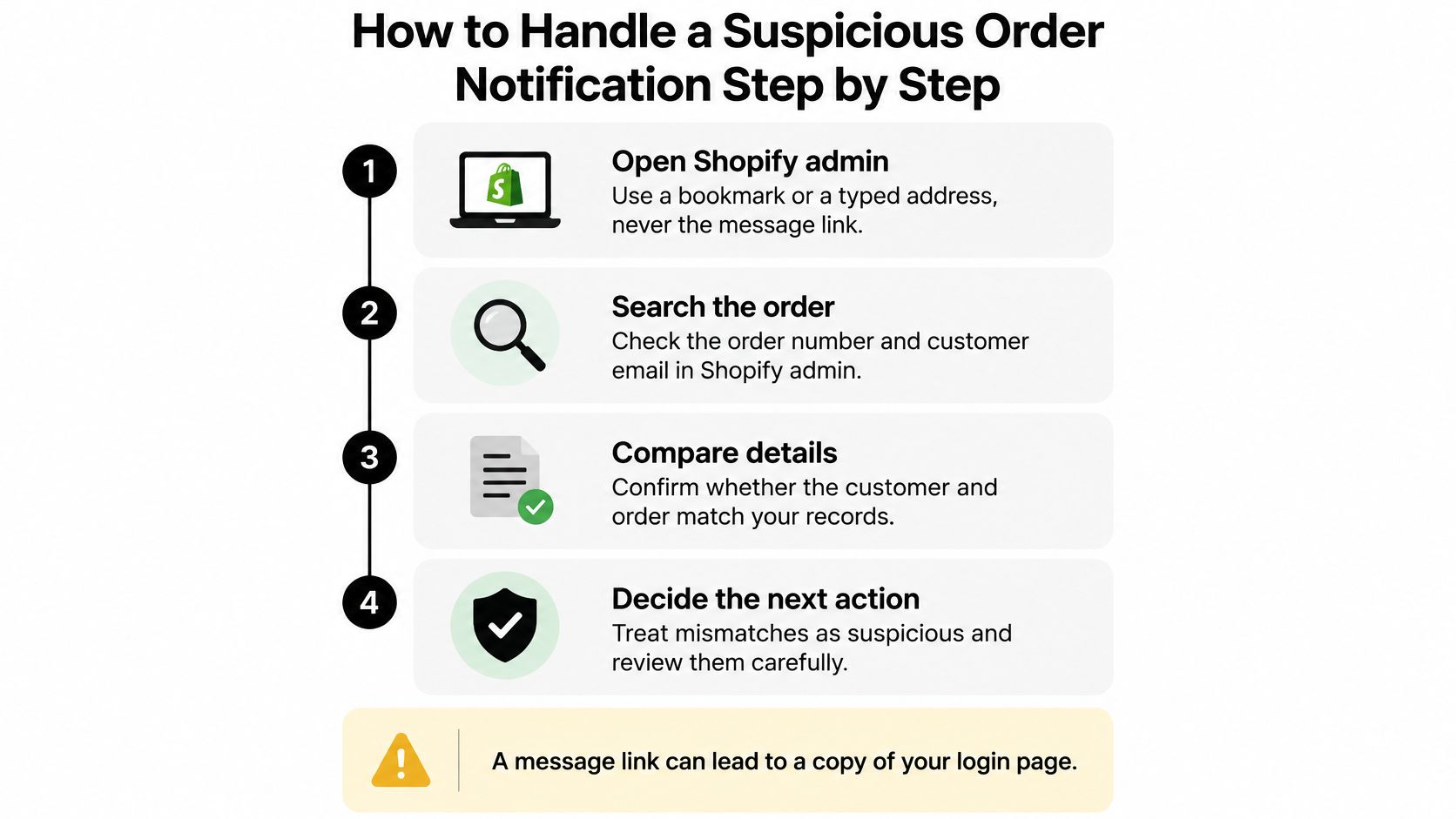
- Open admin from a bookmark. A message link can lead to a copy of your login page.
- Search the order number and customer email under Orders. No match means no such order exists on your store.
- Check the full sender address and hover every link. Compare the domain with the sender table above.
- Never call a number from the message, including one inside a Shop receipt. Reach Shopify Support through the Help Center instead.
- Don't open attachments or upload documents unless you reached that page yourself on app.shopify.com or shopify.com.
- If you clicked or entered a password, change your Shopify password, turn on two-step authentication, review staff accounts, and ask Support to check for unauthorized access.
- Report it. Forward impersonation emails to phishing@shopify.com, Shop orders get "Not my order", and identity theft goes to reportfraud.ftc.gov.
Shopify's phishing guidance asks you to forward phishing messages to phishing@shopify.com, and after a click, to reset your password, turn on two-step authentication, and contact Support to check for unauthorized access.
That same discipline applies when you're reviewing Shopify high-risk orders that do exist. Set one staff rule to close the loop.
No order action starts from an email link. Reviewers act only inside admin.
Where Securify Fits
Securify covers the third case only: a real order created on your store. It blocks bots, VPNs, and proxies at the storefront before they reach checkout, with AI-powered bot blocking, and risky emails can also be blocked at checkout through Shopify's checkout validation. High-risk order alerts with hold and cancel are included, and the app sits alongside Shopify Fraud Analysis as a separate layer rather than replacing it. A Shopify security app covers the store, not the inbox: it can't stop a phishing email or a Shop notification sent from another store, and no app can. The listing currently shows a Free plan, billed in USD, rated 4.5 from 98 reviews: Securify on the Shopify App Store.
Fake Shopify Order Notification Questions Answered
Is This Shopify Order Confirmation Email Real
Look up the order number in your admin. Every real confirmation points to an order record that exists there, so a message quoting a number with no matching record is the fake. The email only claims an order exists; the admin is the one place that can confirm it.
Why Did I Get a Shop App Notification for an Order I Didn't Place
The notification itself is genuine. Someone ran a real order through their own store with you listed as the recipient, and Shop delivered that store's receipt to your app. Your bank statement is the only place to check whether money moved.
Does Shopify Send Emails From Gmail or Yahoo
No. Shopify sends from official domains such as @shopify.com and @email.shopify.com, and its links may use shopifysvc.com. A Gmail, Yahoo, or Hotmail address on a message about orders or payouts means the sender isn't Shopify.
How Do I Report a Shopify Phishing Email
Forward it to phishing@shopify.com, the inbox Shopify's help center names for phishing reports, and flag the message as phishing in your email app so its filters catch the next attempt. If you entered personal or payment details, file a report at reportfraud.ftc.gov.
Can an App Stop Fake Order Notifications
It can stop fake orders being created on your store, and so the real notifications those orders would trigger. It can't stop a phishing email or a Shop notification sent from another store.
I Clicked the Link. What Now
Treat anything you typed on that page as stolen. Change that password on Shopify and on every other account where you reuse it, then turn on two-step authentication so the stolen password alone can't open your store.