
· shopify security app · bot blocking · fraud prevention · VPN detection · shopify fraud analysis
Best Shopify Security App Picks for Bot and Fraud Control
Compare Shopify security apps for bot blocking, VPN detection, and review protection. See what Shopify covers natively, where the gaps are, and how to pick.
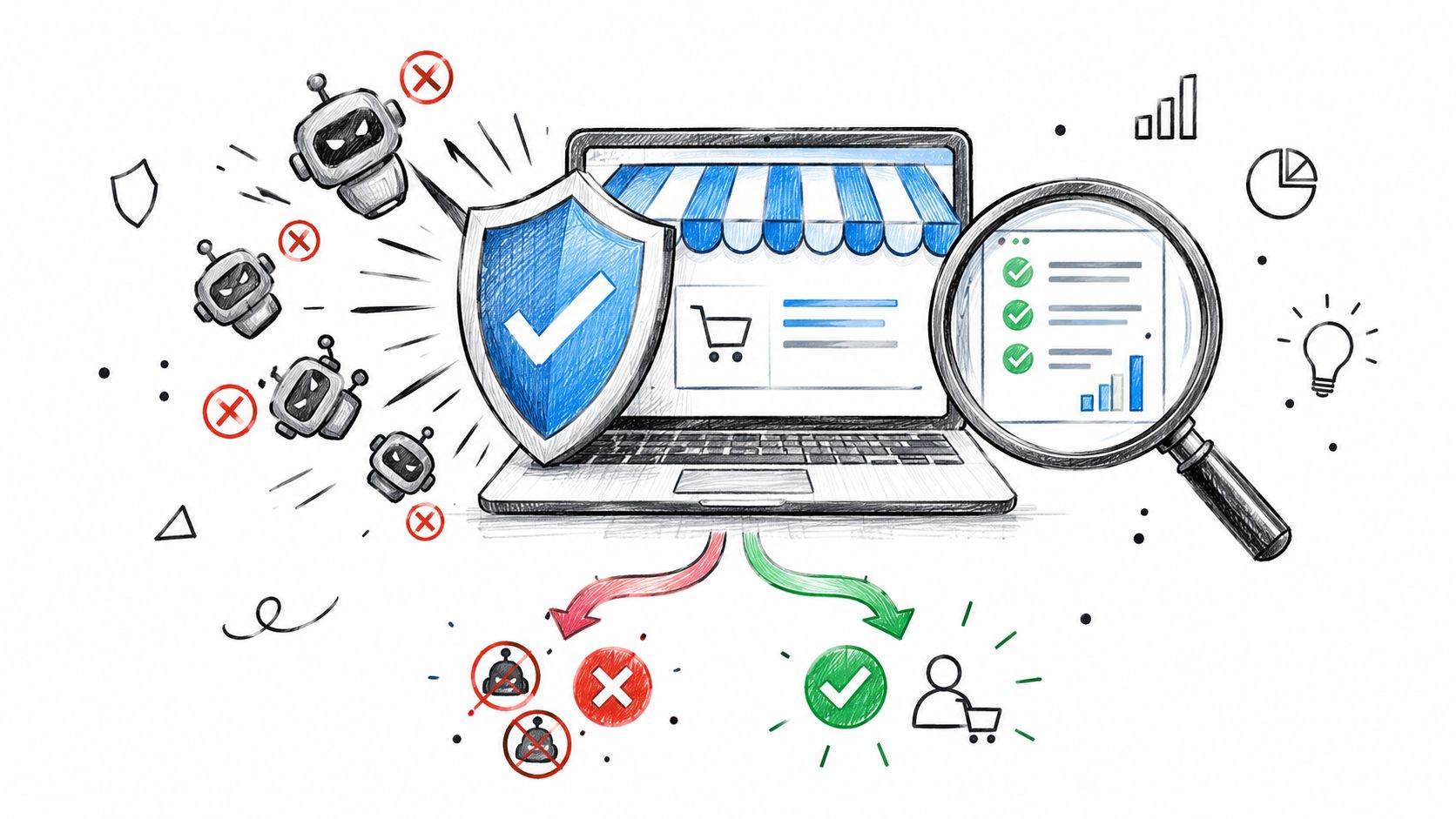
A suspicious order spike hits overnight. Your conversion rate suddenly looks stronger, but support is filling with empty chats, payment reviews are piling up, and analytics show visitors from places you don't serve. By morning, you're trying to work out whether you've found a winning campaign or invited automated abuse into the store.
A Shopify security app can help, but only if you match the app type to the problem. Storefront blockers, fraud-screening tools, and review-protection controls solve different problems. This guide compares them by operating need, not by a long feature list. For the broader background, read this Shopify fraud and bad traffic guide.
Table of Contents
- Why Your Store Needs a Shopify Security App
- What a Shopify Security App Should Actually Cover
- What Shopify Protects Natively and Where the Gaps Are
- Comparing the Main Types of Shopify Security Apps
- Choosing an App by the Problem You Actually Have
- How to Vet an App Before You Install It
- Where Securify fits
- Frequently Asked Questions About Shopify Security Apps
Why Your Store Needs a Shopify Security App
A security problem often appears in the numbers before it appears in an order queue. Sessions rise, product pages receive repeated visits, support fills with low-value requests, and checkout activity comes from places your store does not serve. By the time a fraudulent order is visible, automated traffic may already be distorting attribution and consuming staff time.
Industry research reported that bots made up 30.8% of traffic on ecommerce websites and mobile apps, while 17.7% of all traffic came from bad bots linked to scraping, account takeover, gift card abuse, payment fraud, and reseller inventory denial. Later reporting cited by Shopify placed automated traffic above 51% of all internet traffic, with bad bots representing 37% of that total. Treat these figures as context, not a diagnosis. Your own traffic sources, engagement patterns, and order outcomes should decide what you install. (Imperva bot attack statistics)
A Shopify security app is useful when it addresses the point where your store is losing control. Fake orders call for order screening and payment-risk checks. Unreliable conversion data calls for traffic classification and storefront rules. Sessions from VPNs, proxies, or restricted countries may require access rules before those visitors reach checkout, customer support, or review workflows.
Security is more than checkout protection
Shopify's built-in fraud controls help evaluate orders and payment risk. They do not automatically identify every unwanted storefront session, stop content scraping, or protect marketing reports from automated activity before an order is submitted.
Choose an app that answers three operational questions: what should be blocked, what should be reviewed, and what should remain visible for measurement? The answer depends on whether the problem is automation, payment fraud, scraping, customer abuse, or contaminated reporting.
Use the earliest sensible control. Installing several overlapping apps can create conflicting rules, excessive permissions, and more manual review. Match the app category to the failure point, then measure whether it reduces bad activity without hiding genuine shoppers.
What a Shopify Security App Should Actually Cover
A store's security surface has three layers. Treating only the checkout layer leaves the rest of the operation exposed.
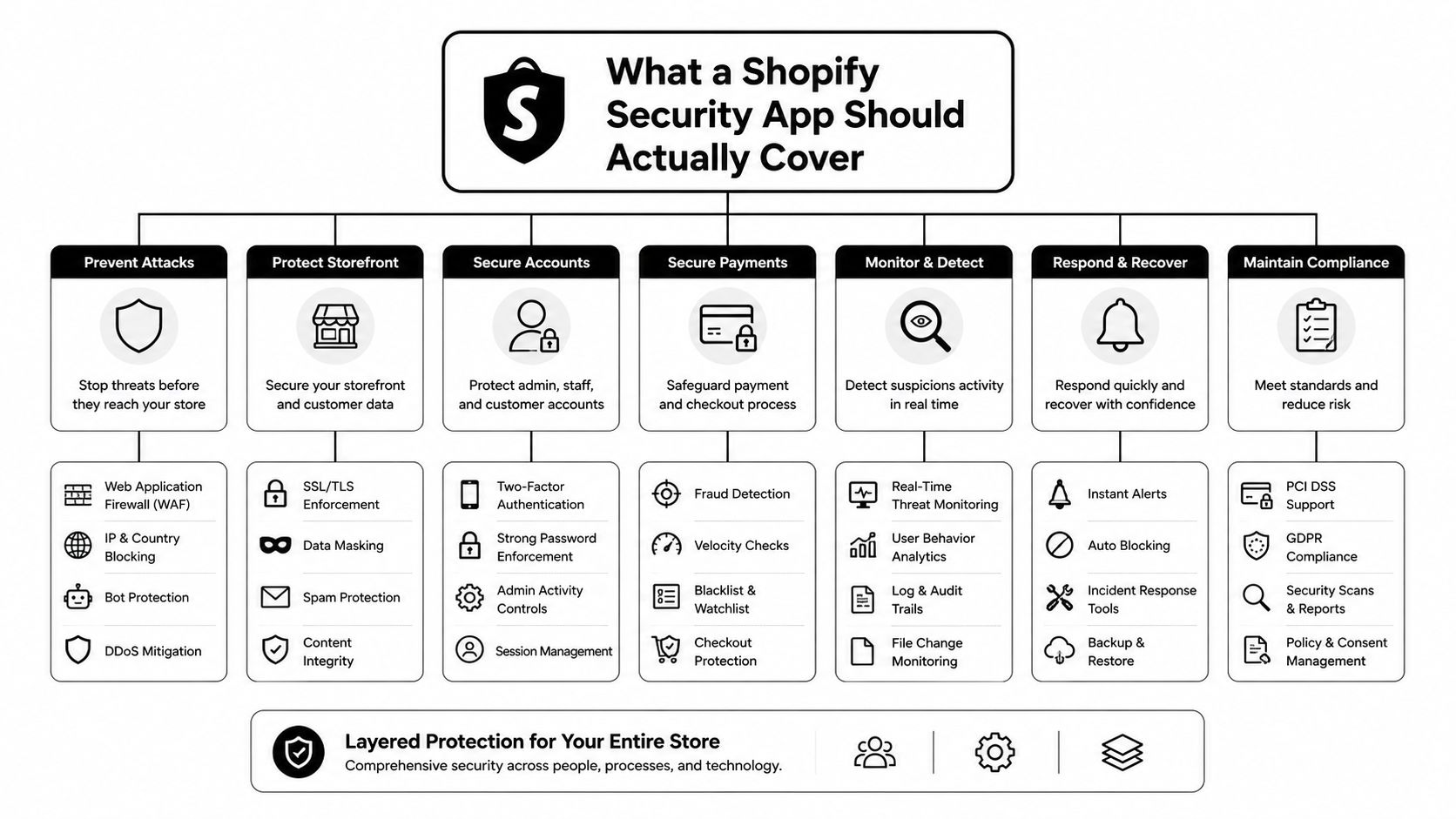
Storefront traffic quality
The first layer is the visitor entering the storefront. Bots, scrapers, VPN users, proxy traffic, and Tor traffic can create sessions that look real enough to distort marketing reports. They can also hit product pages repeatedly, harvest pricing, and generate activity that your team later mistakes for demand.
Shopify recommends analyzing 30 to 90 day windows when distinguishing bot spikes from normal marketing variation. Sudden concentration from one geography, near-zero engagement, or unusual landing-page concentration can be stronger evidence than raw session volume. (Shopify's bot traffic detection guidance)
Traffic classification matters because a clean conversion rate starts with a reasonable denominator. If automated sessions enter the funnel, your marketing team may pause a good campaign, increase spend on a bad one, or report a conversion decline that never happened among genuine shoppers.
Order-level fraud risk
The second layer begins when a shopper creates an order. Signals can include payment verification results, mismatched locations, unusual device behavior, repeated card attempts, and other order context. This layer is where risk scoring and manual review belong.
It shouldn't be the first line of defense for every suspicious session. By the time a questionable visitor creates an order, your team may already have spent time handling support, reviewing events, or investigating a false marketing signal.
Downstream systems
The third layer includes email lists, support queues, and product reviews. A bot that reaches a signup form can pollute a marketing audience. A scripted visitor can create support tickets that hide genuine requests. Automated or abusive activity can also affect review workflows and make customer feedback harder to interpret.
Core operating rule: upstream traffic control is cheaper than downstream fraud cleanup.
The strongest setup uses different controls for different layers. Storefront rules reduce unwanted traffic, order analysis evaluates payment risk, and downstream protections keep operational systems focused on real customers. This guide to bot traffic, VPN abuse, and storefront controls covers the access problem, while this resource on bot traffic and analytics noise focuses on measurement damage.
What Shopify Protects Natively and Where the Gaps Are
Shopify already provides meaningful order-level protection. Its fraud analysis automatically reviews each order and can display AVS results, CVV checks, whether the customer's location matches the payment method, unusual device or network activity, and attempts to use more than one credit card. Eligible online card orders can also receive a low, medium, or high recommendation for chargeback risk. (Shopify fraud analysis)
Shopify tells merchants to review high-risk orders before fulfillment. The order page's Order risk section shows the recommendation and supporting indicators, and fulfilling a risky order without review can lead to chargebacks, payment-processing problems, or removal from Shopify Payments. More detail is available in this guide to Shopify high-risk orders.
Payment signals are useful, not complete
Stores using Shopify Payments can flag proxy-service or proxy-IP use. Shopify also recommends comparing the customer's IP location with the shipping country and checking whether the IP belongs to a web-hosting company. A proxy signal should prompt review, but it isn't proof of fraud by itself. (Shopify fraud prevention guidance)
That distinction matters for stores with legitimate travelers, privacy-conscious shoppers, or customers whose network location doesn't match their shipping address. A rule that treats every masked connection as fraudulent will create avoidable false positives.
The gaps merchants still need to cover
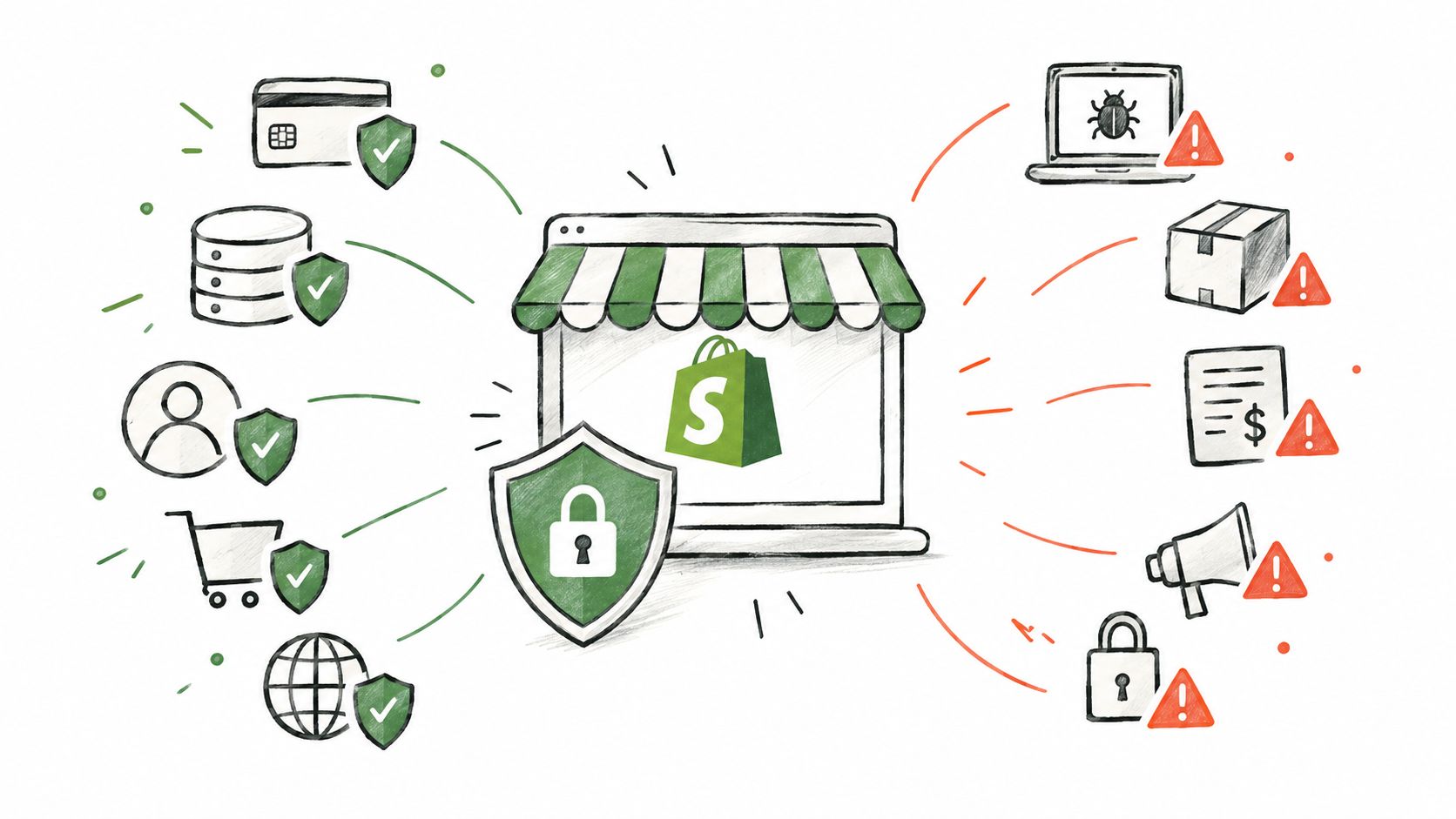
Shopify doesn't natively provide platform-level VPN, proxy, or Tor detection and blocking for every storefront visitor. It also doesn't offer a global way to remove all bad traffic from core dashboard reporting. Merchants may need filtered reports and pattern analysis instead. Community discussions and independent guidance describe these limitations, including the need for layered access rules rather than a single IP block. (Shopify bot protection context)
That leaves a clear division of labor. Shopify's native tools help assess order risk. A separate traffic-quality control can act earlier, before suspicious sessions contaminate analytics, email capture, support, or review processes.
Comparing the Main Types of Shopify Security Apps
A Shopify security app should match the first point where your store is taking damage. Storefront blockers handle suspicious traffic before it reaches analytics and customer workflows. Order-screening tools evaluate payment and checkout risk. Review and list protection tools address abuse after visitors or customers can submit content.
| App type | What it protects | Strengths | Limits | Integration notes |
|---|---|---|---|---|
| Bot, IP, and country blockers | Storefront access, traffic quality, and catalog exposure | Restricts suspicious sessions before they reach reporting, email capture, support, or reviews | Aggressive rules can block legitimate shoppers and need regular tuning | Check whether decisions and signals can reach your analytics, marketing, review, and support systems |
| Fraud-scoring and order-screening tools | Orders, payment risk, and manual review queues | Adds structured risk signals and supports consistent review decisions | Works at or near the order stage, so it cannot remove earlier bot traffic from analytics | Confirm how it fits Shopify's order workflow and whether risk data can be exported |
| Review and list protection tools | Product reviews, email capture, and customer-facing trust systems | Limits abusive submissions and polluted audiences | May not stop the visitor, bot session, or payment attempt that caused the abuse | Check connections with review, email, CRM, and support systems |
How to read category trust signals
App-store adoption provides a useful starting signal. It shows whether merchants continue using a tool, but reviews cannot replace a controlled test in your own store. Across the Shopify security app category, leading listings show 300 to 1,700+ reviews at 4.7 to 4.9 stars, while the wider category averages about 4.62 stars across 101 tracked apps and includes 16 apps carrying the Built for Shopify badge.
Use those figures as a quality baseline, not as a buying shortcut. Read recent negative reviews for false blocks, delayed support, unclear activity logs, weak rule controls, and difficult uninstall processes. The best Shopify apps resource can help with broader discovery, but narrow your final review to storefront traffic quality, order risk, and the controls your team can operate daily.
Timing determines the right app type. Blocking tools work upstream, before suspicious sessions distort reporting or reach downstream workflows. Fraud scoring works during order handling, where it can support review decisions. Review protection works downstream, after abuse reaches public content or customer lists.
Choose the first control that addresses the observed failure. Add another layer only when your operating evidence supports the extra complexity. For a practical blocking workflow, see how to block a customer on Shopify. For payment-risk coverage, read this guide to Shopify fraud protection.
Choosing an App by the Problem You Actually Have
Start with the failure you can observe, not the feature list on an app page.
Fake orders and card testing
If your team is handling repeated low-quality orders, multiple card attempts, or obvious checkout abuse, begin with Shopify's order-risk signals and a fraud-screening workflow. Add storefront controls when the same source patterns are reaching checkout repeatedly. The goal is to reduce review volume without automatically rejecting every order that looks unusual.
This guide to stopping fake orders on Shopify is useful when the immediate issue is order creation. Keep the review queue focused on cases where a human can make a meaningful decision.
Analytics and conversion metrics no longer make sense
If sessions rise but engagement and sales don't follow, prioritize traffic classification and bot controls. A checkout fraud tool may identify some bad orders, but it won't repair the marketing report that already includes automated sessions.
Look for explanations at the session level. You should be able to see why traffic was classified as suspicious and whether a rule affected a geography, network type, or behavior pattern. If your team can't explain the change in reported conversion, the control is too opaque for daily operations.
Chargebacks tied to VPN users or risky geographies
Use a layered approach. Start with the countries you don't serve, then examine proxy and VPN patterns, payment signals, shipping mismatches, and repeat behavior. Country blocking alone is blunt. IP blocking alone is brittle. The useful control combines geography, network classification, and order review.
Card networks and Shopify monitor chargeback levels, so keep the rate as low as possible and review suspicious orders before fulfillment. Don't promise that any app can eliminate chargebacks.
Scraped prices or polluted reviews
Choose a control that addresses storefront access and content exposure first. Review protection can reduce abusive submissions, but it won't stop a scraper from collecting product information. If price scraping is the problem, monitor repeated product-page access and protect catalog content where appropriate.
Reactive setup: review the order after abuse reaches checkout. Proactive setup: classify and restrict suspicious traffic before it reaches checkout, support, email, or reviews.
Use the smallest rule that solves the problem. Start with observation, apply a targeted restriction, then check whether genuine traffic or support volume changes. This keeps false positives visible instead of hiding them inside an aggressive block list.
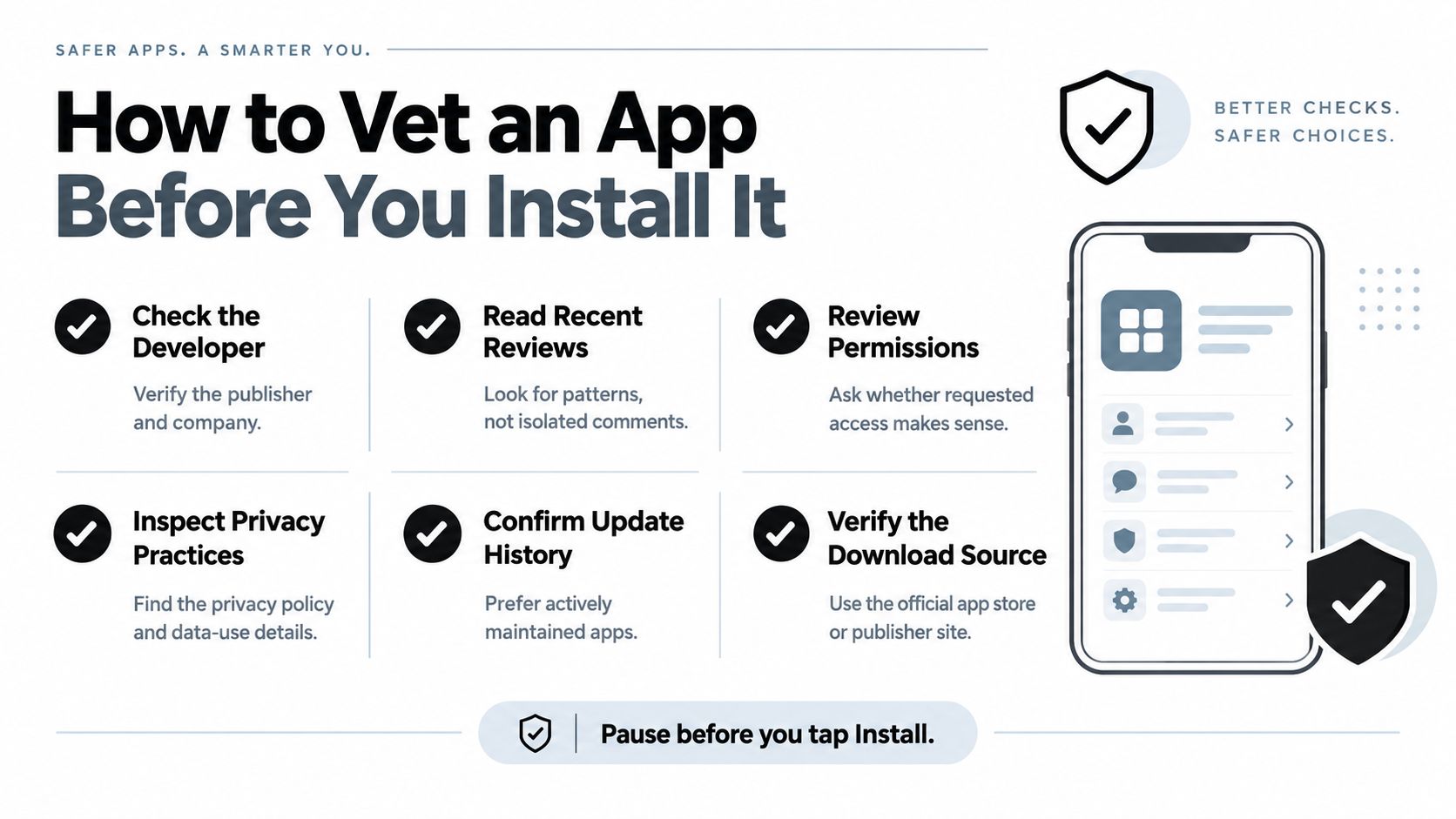
How to Vet an App Before You Install It
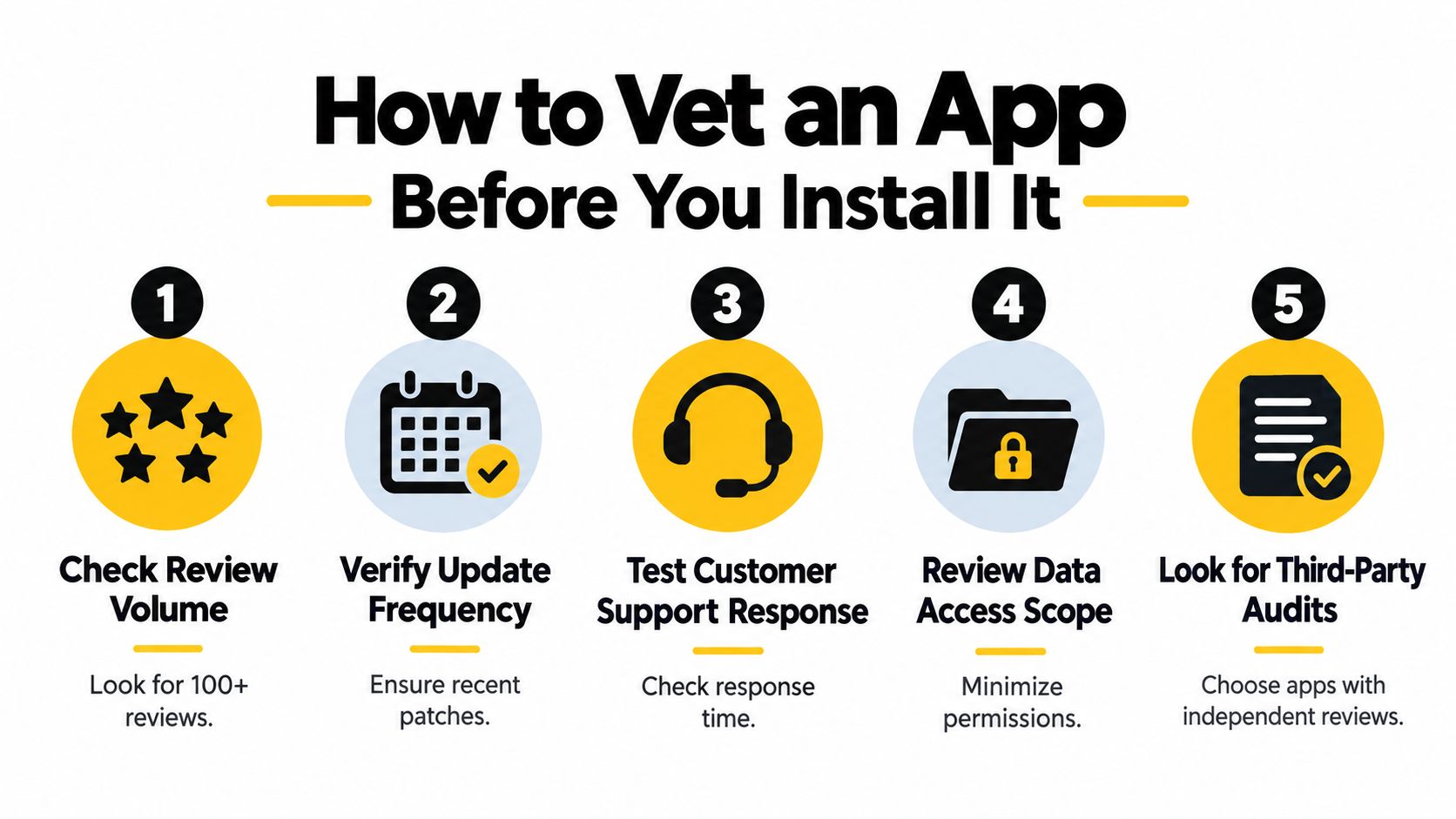
Read the app-store rating in context. A high score with very few reviews tells you less than a strong score backed by sustained merchant feedback. Look for comments about false positives, support quality, rule visibility, and uninstall behavior.
Shopify reviews every app's security before publishing it in the Shopify App Store. The review checks protection against common web vulnerabilities, encryption in transit, closed network service ports, secure token generation, and careful handling of shortened URLs. Shopify also specifies randomly generated tokens with 128 bits of entropy and TLS encryption for client-to-server data. (Shopify app security requirements)
That platform review is a baseline, not a complete buying decision. Confirm what data the app requests, whether its permissions match its job, and whether its documentation explains retention and deletion.
Ask operational questions before approval
A security app can be technically sound and still create work your team can't sustain. Check whether it affects page speed, how quickly rules take effect, whether blocked sessions are explainable, and how you reverse a mistaken block.
Verify product claims against Shopify's help documentation before you publish a workflow or promise a result internally. Test the app with a small rule set first, then document who owns monitoring and escalation.
Use this compact checklist:
- Review evidence: Read recent feedback, including critical reviews.
- Permission scope: Approve only access the app needs.
- Rule transparency: Confirm that blocked activity has an understandable reason.
- Operational fit: Test speed, setup, rollback, and support response.
- Timing: Put controls in place before a major traffic period, not during the incident. This peak-season bot fraud guide covers the planning angle.
Where Securify fits
Securify is a Shopify-first security and traffic-quality app that acts before or alongside Shopify's own fraud analysis. It blocks bots across storefront sessions, detects VPN and proxy traffic, applies geo-blocking rules, supports price protection against scraping, and classifies traffic so teams can separate suspicious sessions from genuine visitors.
Its native connections with Shopify, Klaviyo, Gorgias, and Judge.me are designed to keep bad traffic out of email lists, support queues, and review workflows. It has an available free plan and a 4.4/5 App Store rating based on merchant feedback. Review the current listing and capabilities on Securify on the Shopify App Store before installing.
Frequently Asked Questions About Shopify Security Apps
Can a Shopify security app slow down my storefront?
It can, depending on how it evaluates requests and where its scripts or rules run. Test page performance before and after installation, especially on product pages and mobile connections. Ask whether the app blocks traffic upstream, loads storefront code, or relies on a remote check for each session. A useful app should also explain what it does when its service is unavailable. Keep a rollback plan and monitor real customer behavior after enabling rules.
Do bots hurt small Shopify stores, or only large stores?
Bots can hurt a small store because the damage isn't limited to order volume. A modest amount of automated activity can distort conversion reporting, consume support time, pollute an email list, or create misleading campaign results. Shopify recommends looking for unusual traffic patterns and analytics anomalies, rather than assuming only large merchants need controls. For a broader view of the financial and operational impact, read this guide to chargeback costs and early traffic control.
How can I tell bot traffic from a legitimate marketing spike?
Compare the pattern with your normal behavior over a 30 to 90 day window, as Shopify recommends. Look for sudden concentration from one geography, near-zero engagement, repeated landing-page activity, or add-to-cart and failed-payment spikes that don't match sales. Don't judge by session volume alone. A real campaign usually creates recognizable downstream behavior, while automated traffic often creates abnormal concentration without meaningful engagement.
For additional context on defensive methods, this overview of how Refact tackles bot attacks discusses common attack patterns and prevention approaches.
Could blocking countries or VPNs remove legitimate customers?
Yes. Country and network rules can block travelers, privacy-conscious shoppers, corporate networks, or customers whose IP location differs from their shipping address. Use them as risk signals, not automatic proof. Start with countries you don't serve, review the business reason for each rule, and measure false positives after launch. Combine access controls with payment and order indicators so a single VPN or geography signal doesn't decide every customer outcome.
Securify offers storefront bot blocking, VPN and proxy detection, geo rules, traffic classification, and protection against catalog scraping. Visit Securify to assess whether its traffic-quality controls fit the fraud, analytics, or operational problem affecting your Shopify store.