
Shopify Fraud Analysis Explained: Read the Risk Indicators
What each Shopify fraud analysis indicator means, why legit orders get flagged, and what to do with medium and high-risk orders before you ship.
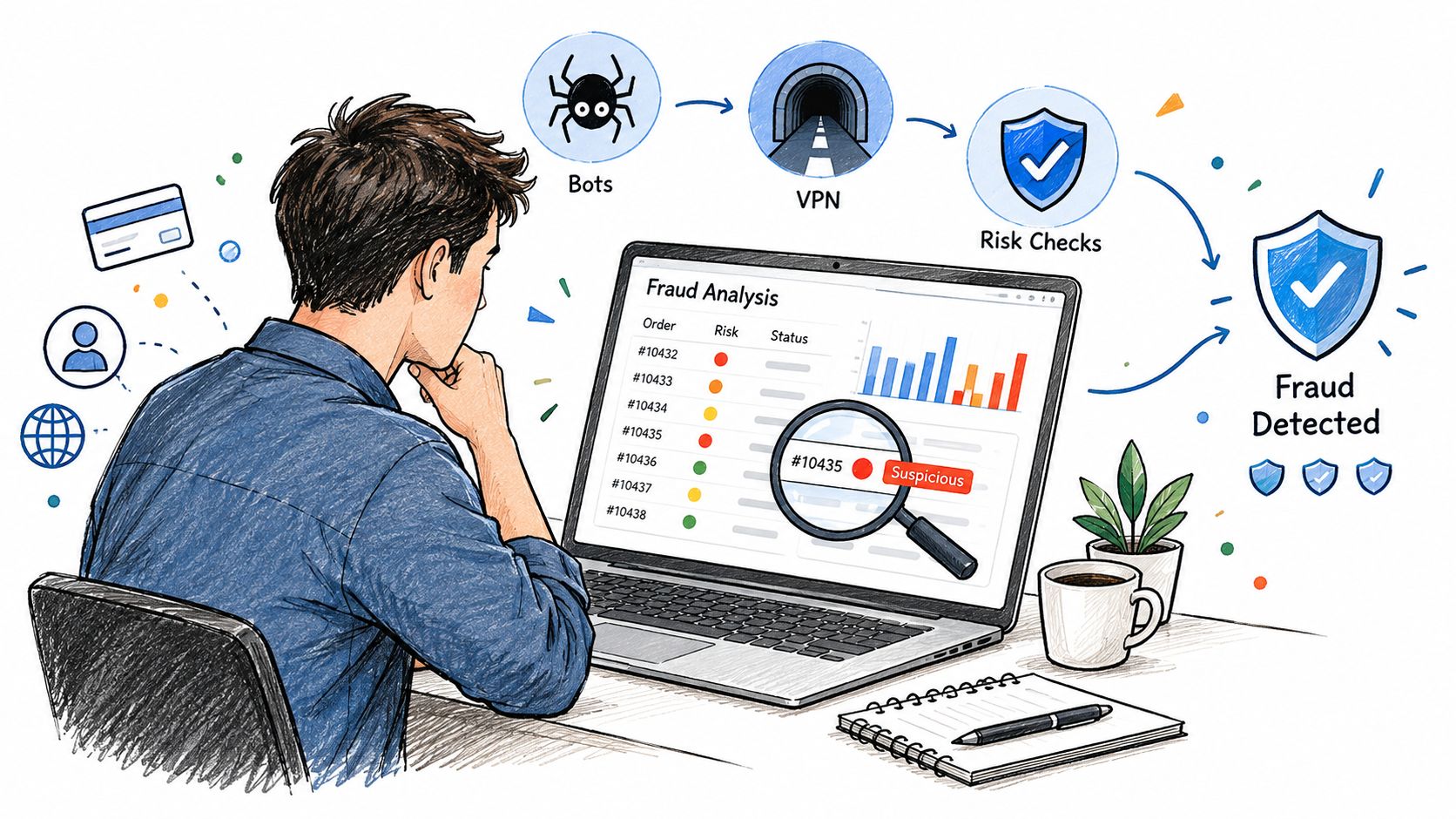
You're staring at a warning icon on an order page, and the hard part isn't the icon itself. It's figuring out whether Shopify is flagging a real problem, a harmless mismatch, or just noise from a legit customer who bought while traveling, using a VPN, or shipping a gift. Shopify fraud analysis is meant to estimate the chance of a fraud chargeback, so the panel is a triage tool, not a final judgment. The practical job is simple, read the signals correctly, then decide what deserves manual review before you ship.
Table of Contents
- What Shopify Fraud Analysis Is and Where to Find It
- Indicators Versus Recommendation
- The Shopify Fraud Indicators One by One
- Low, Medium, and High Risk Recommendations
- Why Legitimate Orders Get Flagged
- The Fraud Checks You Don't See
- Automating Responses and Blocking Early
- Testing Fraud Analysis Before Real Orders Arrive
- Where Securify Fits in Fraud Analysis
- FAQ
What Shopify Fraud Analysis Is and Where to Find It
Open the order, then look for Order risk on the order page. Shopify's fraud analysis sits inside the order itself, not in a separate standalone dashboard, so merchants often waste time searching for a report that doesn't exist. The evaluation icon opens the panel, and medium or high-risk orders can also surface a warning icon in the Orders list and in staff emails.
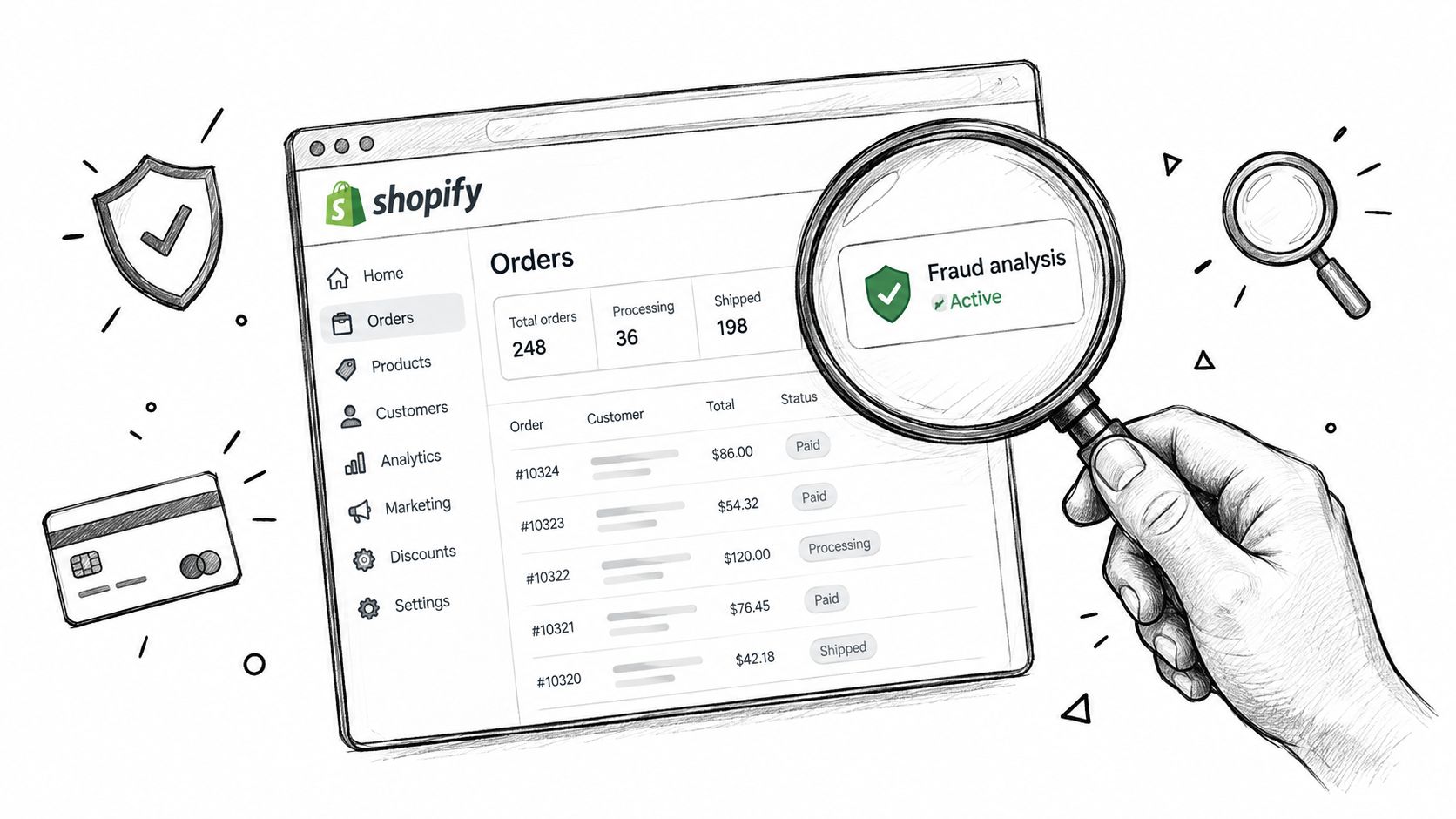
Shopify says the review uses signals such as AVS, CVV, IP address details, and unusual purchase patterns, and it classifies the order recommendation as low, medium, or high risk. That makes it useful as an operational check, not a mystic score. It's also why the same storefront can see a lot of suspicious-looking activity without every order landing in the high-risk bucket.
Practical rule: if you're hunting for a separate Shopify fraud report, stop looking for a hidden dashboard. The per-order Order risk panel is the thing you need to read first.
There's also a store-level view for teams that want broader fraud control, through Shopify's free Fraud Control app. That doesn't replace order review, but it does give a higher-level view when you need to see patterns across many orders instead of one customer at a time.
Indicators Versus Recommendation
The most common mistake is treating the indicators as the verdict. Shopify's help center is clear that the groups are “groups of fraud indicators, not the order's overall risk level.” That means a red flag on one line doesn't automatically make the whole order high risk.
Inside the panel, the labels High risk signals, Low risk signals, and Other details are individual checks. The recommendation, low, medium, or high, is separate. Read them in that order. First, identify the mismatches. Then decide whether those mismatches stack into a real fraud concern.
A clean way to think about it is this, one isolated mismatch can be normal. A billing address that doesn't line up might just be a recent move. A different IP might be a customer on work Wi-Fi or a traveler placing an order from a hotel. But when several checks point the same way, the probability of genuine abuse rises quickly.
A single red line is rarely enough. Stacked signals are what usually justify a harder decision.
That's also why many merchants misread the panel and overreact. If you cancel every order with one odd detail, you'll block too many legitimate customers. If you ignore multiple odd details just because the order “looks fine,” you'll push bad orders into fulfillment and spend more time cleaning up later.
The right expectation is narrower. Shopify fraud analysis is a decision aid. It tells you which orders deserve attention, and which ones are probably safe to move forward, but it doesn't remove judgment from the process.
The Shopify Fraud Indicators One by One
Shopify's help center lists indicators such as these, and the trick is to read each one as a mismatch, not as a verdict by itself. A red flag can come from a real fraud attempt, or from an ordinary customer situation that just doesn't match the billing profile.
| Indicator | What Shopify checks | Innocent explanation | Fraud explanation | Weight alone |
|---|---|---|---|---|
| Billing address fails AVS | Whether the billing address matches what the card issuer expects | Typo, recent move, alternate billing address | Stolen card details, wrong billing info | More serious when paired with CVV failure |
| CVV wrong or missing | Whether the security code matches the card | Customer mistyped the code, card worn or unreadable | Card-not-present fraud, stolen card data | Weak alone, stronger when AVS also fails |
| IP location differs from billing or shipping | Whether the buyer's IP geography lines up with the address on file | Travel, corporate network, mobile carrier routing | Masked location, stolen session, geo mismatch | Often low by itself |
| IP is proxy, VPN, hosting, or datacenter related | Whether the network looks masked or non-residential | Privacy tools, work network, shared infrastructure | Fraudster hiding origin, scripted attack traffic | More concerning with address mismatch |
| More than one card tried | Whether several payment cards were tested during the session | Family checkout, payment retry after bank decline | Card testing, stolen card validation | High concern when repeated quickly |
| Billing and shipping far apart | Whether address distance looks unusual for the order | Gift order, relocation, forwarding service | Stolen card shipped elsewhere | Context matters a lot |
| Email or phone looks disposable or mismatched | Whether the contact data looks throwaway or inconsistent | New shopper, typo, alternate contact | Fake identity, low-effort fraud setup | Supporting evidence only |
The strongest combination in the order review is usually an AVS failure together with CVV failure. That pairing matters because it removes a lot of the ordinary explanations at once. One failed check can be a customer mistake. Two failed checks point harder toward a compromised payment method.
Manual review note: call the number, compare the area code against the billing story, search the email address, and look at the shipping and billing pattern together. One signal doesn't carry the whole decision.
A few signals deserve extra restraint. Different IP geography is common enough that it should never carry the same weight as repeated card attempts. A far-apart billing and shipping address can be a gift order or a move, so it needs context. Disposable contact info is useful as a supporting clue, but it shouldn't be the only reason to block an order.
Low, Medium, and High Risk Recommendations
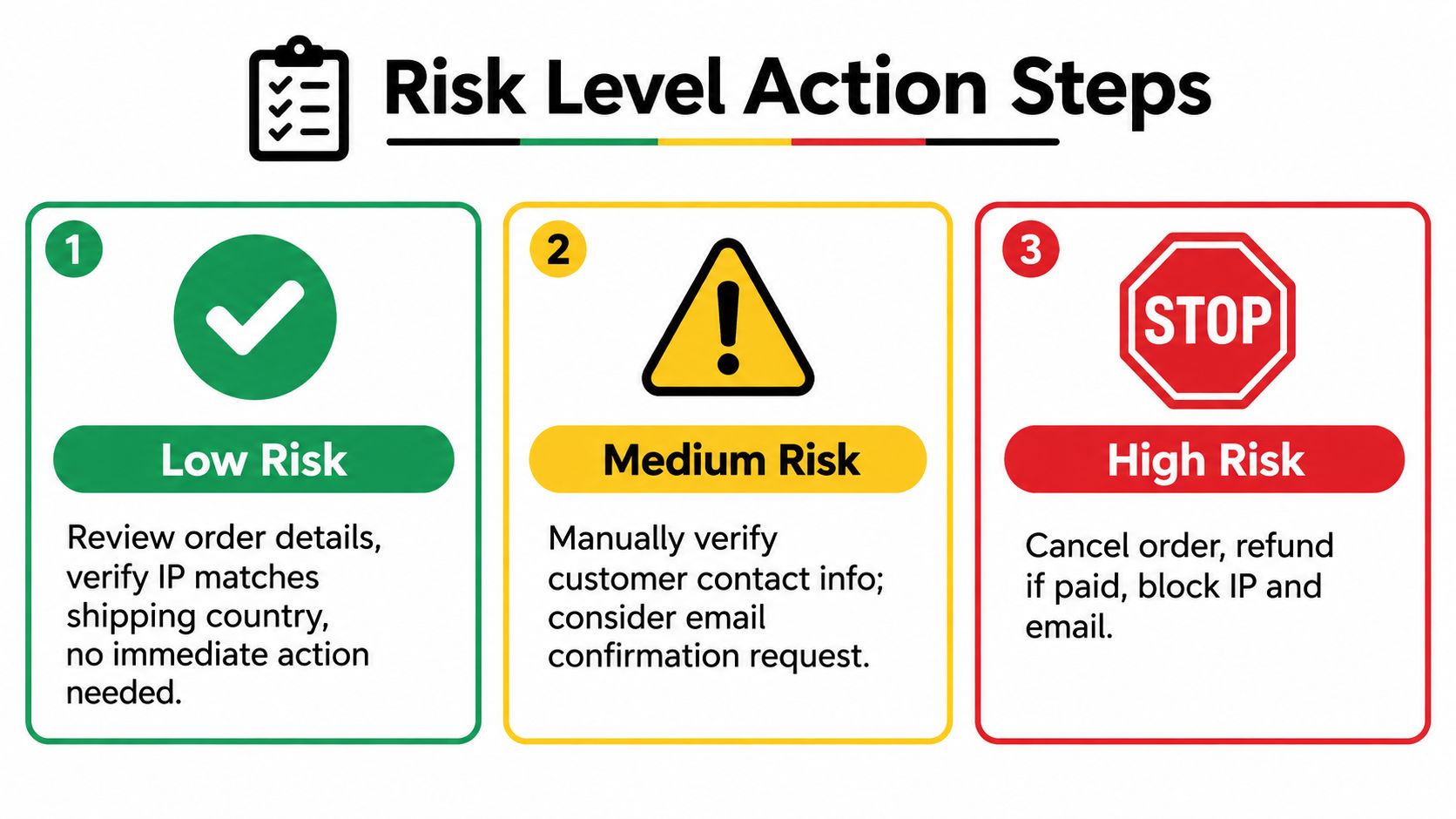
The recommendation is the part merchants want to skip to, but the label only makes sense after you've read the signals. Low risk means Shopify didn't cross its threshold for concern. It does not mean the order is verified safe, and it definitely doesn't mean the business should stop paying attention to fraud controls.
The useful split is between review and action. Medium risk usually means check more before you ship. High risk means the order needs immediate attention before capture or fulfillment.
What to do in the next 10 minutes
- Don't fulfill or capture right away. A high-risk order already deserves a pause.
- Count the stacked signals. One mismatch is weak. Several aligned mismatches are stronger.
- Run the manual checks Shopify expects. Call the phone number, compare the area code to the billing story, search the email, map billing versus shipping, and look for a proxy or hosting-style IP.
- Decide based on evidence, not anxiety. If the details line up, fulfill and note why.
- If it still looks wrong, cancel and refund. Tag the order or customer so the pattern is easy to spot later.
A high-risk order is expensive even when the payment goes through. The business can lose the goods, the payment fees, and the dispute cost if the cardholder later reverses the charge. Repeated losses can also put pressure on payment standing, which is why review discipline matters before a bad order turns into a dispute.
For a fuller decision path after a risky order lands, use what to do with a high-risk order as a process reference.
Why Legitimate Orders Get Flagged
Most legitimate orders get flagged because the checks measure mismatches, not intent. A customer can be honest and still look strange to the system. A recent move changes the billing story. A gift order creates a billing and shipping split. Travel makes the IP look off. A corporate VPN makes the network look masked.
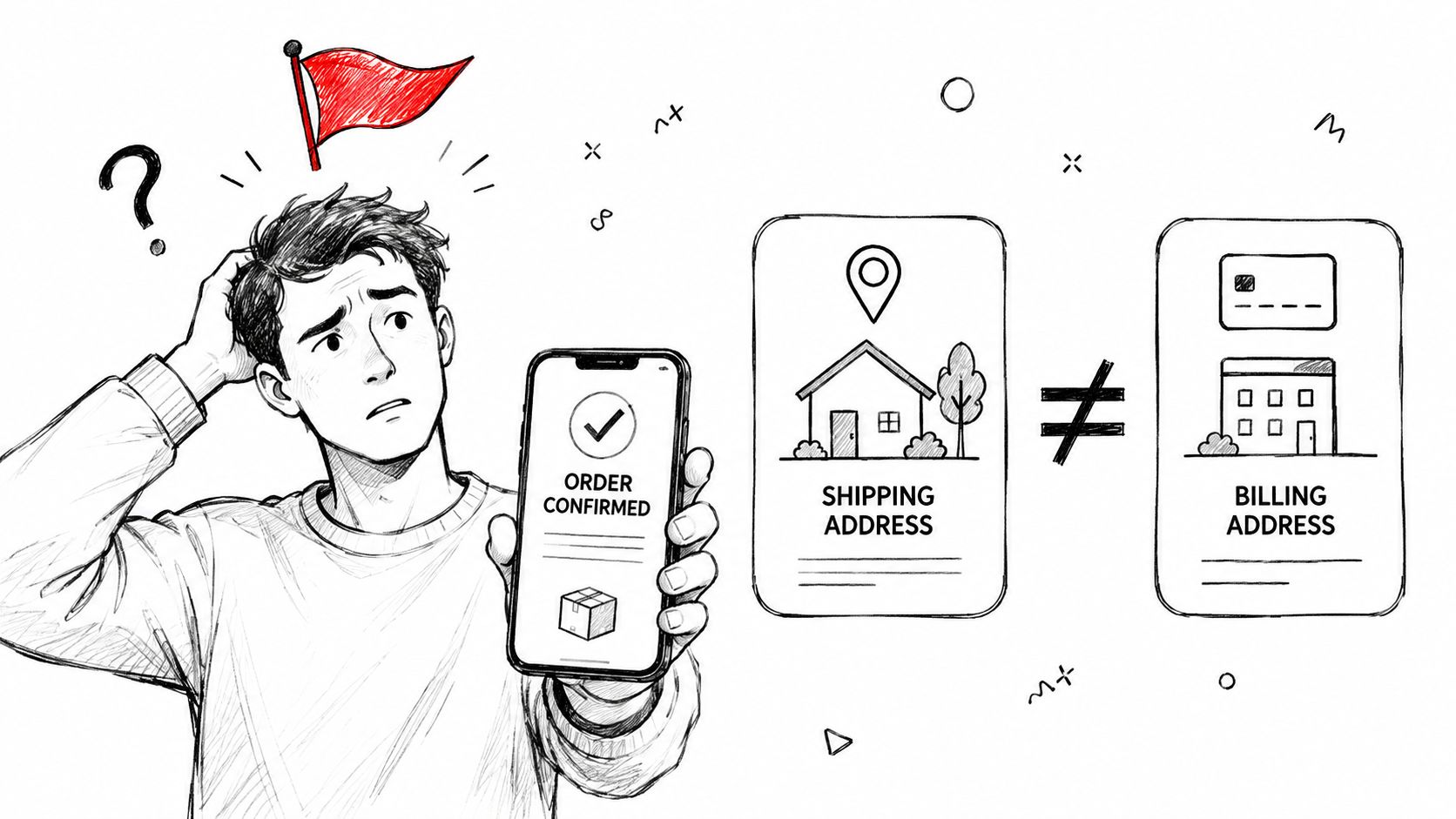
That's why Shopify fraud analysis should be treated as triage. It catches patterns that deserve a second look, but it can't read customer intent from a checkout form. If the billing and shipping details are off, that may be a fraud attempt or just an ordinary buying situation with messy data entry.
The hidden operational cost is timing. Shopify says card-testing declines can raise the decline rate for legitimate customers after the attack stops, and authorization holds can still show up on the cardholder's statement. That means false positives are not harmless. They can create customer service work long after the order page is closed.
If a customer can explain the mismatch, the order may still be fine. If the mismatch stacks with other odd signals, keep the review tight.
For teams trying to separate genuine checkout activity from polluted traffic earlier in the funnel, how bot traffic and VPN abuse distort storefront data is the more useful lens. Good traffic quality upstream makes the fraud panel easier to trust downstream.
The Fraud Checks You Don't See
Shopify doesn't only react after an order exists. Some checkout attempts get blocked before they become orders, and those show up in Abandoned checkouts under Blocked with the timeline note “Blocked due to high risk of fraud”. That matters because blocked checkouts never enter the same review flow as completed orders.
There's also a temporary IP blocklist. In practice, that means Shopify can suppress repeat abuse from a bad actor for a limited window, then lift the block automatically. It's a useful brake, but it isn't a broad storefront security system, and it doesn't replace order-level review.
What this means operationally
If a known customer gets blocked, a draft order can be the cleanest way to rescue the sale without reopening the same path of abuse. If the issue is card-level fraud pressure, the temporary blocklist may reduce repeat attempts for a short time, but it doesn't solve traffic quality across the storefront.
Practical difference: blocked checkout controls stop some bad attempts before order creation. Fraud analysis reviews the order after checkout and authorization.
That timing is why early blocking matters. Once the card is authorized, your team has already spent review time on the order, and the customer may already see a hold. Upstream control reduces the number of orders that need human eyes at all.
For a simple workflow around customer blocking and access control, see how to block a customer on Shopify.
Automating Responses and Blocking Early
Shopify Flow can react when an order risk is analyzed, which helps teams stop hand-reviewing everything manually. Shopify's own templates include “Cancel and restock high risk orders” and “Capture payment if order is not high fraud risk”, so the platform is already set up for rules-based handling.
The mistake is to automate too aggressively. For medium-risk orders, a hold or tag is usually safer than an automatic cancel. High risk deserves stricter handling, but even there, a human review step is often smarter when the pattern isn't obvious. Good automation should reduce queue volume, not replace judgment.
The bigger advantage comes earlier in the flow. If you block risky countries, IPs, IP ranges, bots, datacenter traffic, VPNs, proxies, and Tor before checkout, fewer suspicious orders ever reach the fraud panel. That changes the review load, the conversion picture, and the amount of time spent on false alarms.
Testing Fraud Analysis Before Real Orders Arrive
You don't want the first time you learn the panel to be during a fraud wave. Shopify Payments test mode lets you rehearse the flow with sample test details, including shopify.test.high@shopify.com and the matching medium and low test emails. You can also trigger higher-risk behavior by using shopify.test.high in address fields.
The point of the test isn't to chase a score. It's to confirm that your team can find the panel, read the indicators, and act consistently before a live order puts the process under pressure. That matters even more because not every order type shows a recommendation.
Test orders, free products, gift-card-paid orders, POS orders, B2B orders, and subscription orders can skip the fraud analysis panel entirely. If you expect a verdict on those orders, you'll think the system is broken when it's behaving as designed. Indicators also depend on plan and payment setup, so the dashboard can look sparse if the store doesn't meet the right conditions.
Where Securify Fits in Fraud Analysis
Shopify's fraud analysis helps after checkout and authorization. Country Blocker Fraud Securify works earlier, at the traffic and checkout layer, so risky visits can be blocked before they become orders that need review. It can block by country, IP, and IP range, block bots, datacenter traffic, VPNs, proxies, and Tor before checkout, and filter risky emails or domains with checkout validation. On the Growth plan, it also supports an email allowlist, plus post-order holds, tags, and Shopify Flow triggers.
If you want a storefront control layer before orders hit the panel, see Securify on the Shopify App Store. The app listing shows a 4.6-star rating from 95 reviews, a Built for Shopify badge, and a free plan. Pricing starts from $5.99/mo, with Growth at $49/mo for the checkout filter, allowlist, risk scan, and ML bot blocking.
The practical fit is timing. Shopify tells you what a risky order looks like after it's authorized. Securify helps reduce the traffic that creates those orders in the first place.
FAQ
How accurate is Shopify's fraud analysis?
The checks measure real mismatches, but not intent, so treat the panel as triage and verify medium and high-risk orders.
Why don't I see a fraud recommendation?
Indicators need Basic or higher, the recommendation needs Grow or Shopify Payments, and test, free, gift-card-paid, POS, B2B, and subscription orders usually don't get one.
What does “high risk of fraud” mean on a Shopify order?
It means Shopify estimates a high chance of a fraud chargeback, so you should verify before fulfilling or cancel and refund if the evidence still looks wrong.
Can Shopify block a fraudulent order before it's placed?
Partly. Shopify can block some high-risk checkouts and use a temporary IP blocklist, but broader blocking by country, VPN, proxy, or risky email usually needs another control layer.
Does low risk mean the order is safe?
No. It only means no signal crossed the threshold. Low risk isn't a guarantee, and Shopify does not cover bank reversals for every case.
Read the indicators, not just the label. Verify medium-risk orders, be strict with high-risk ones, and keep the review process tied to evidence instead of panic.