
· block country shopify · shopify fraud prevention · shopify shipping zones · block ip address shopify · shopify geo blocking
How to Block a Country on Shopify: 3 Methods That Work
Learn how to block a country on Shopify using shipping zones, checkout rules, and storefront blocking apps. Stop fraud, protect analytics, and control traffic.
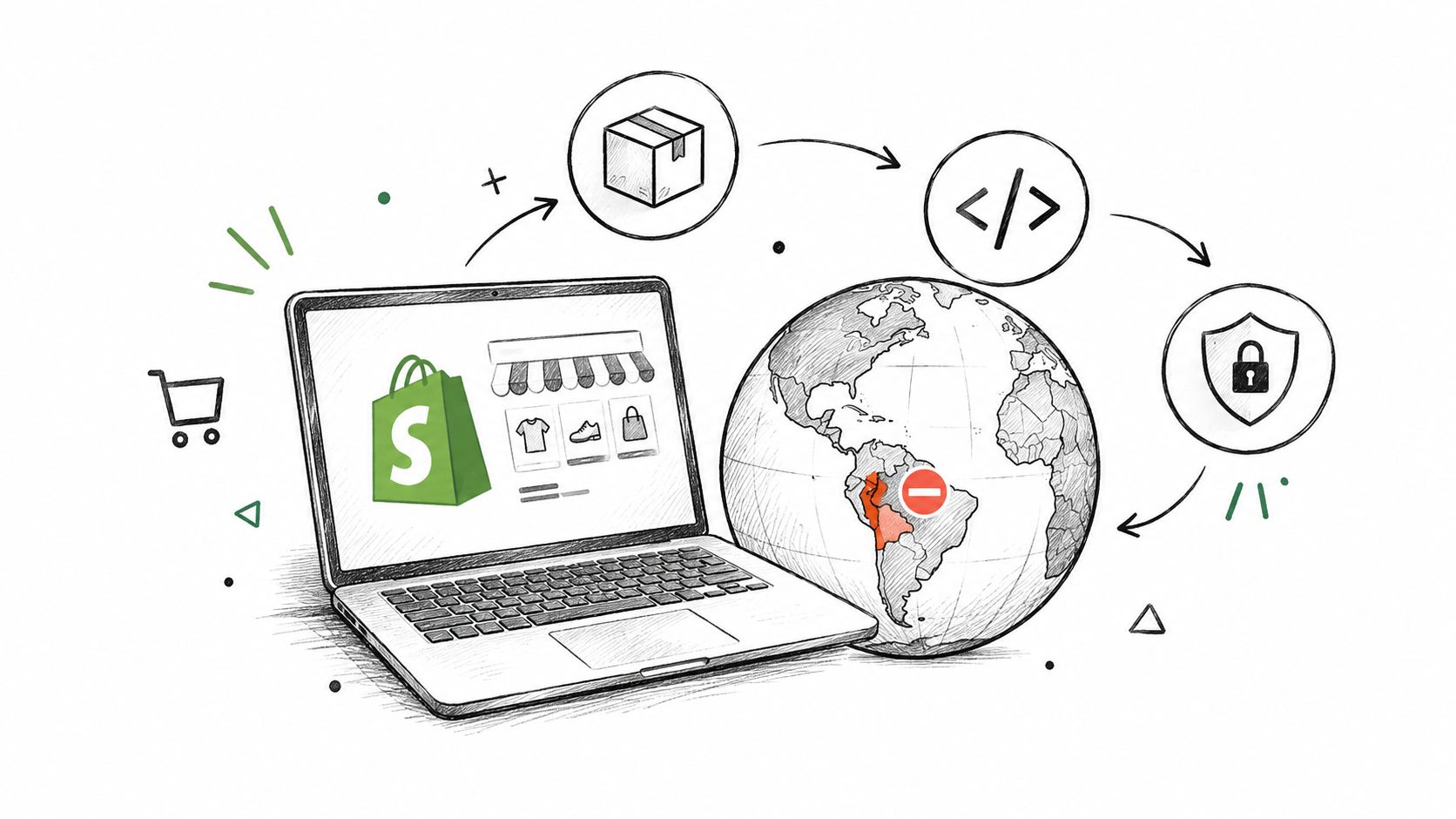
You can stop shipping and block checkout natively for free, but if you want a country off your storefront entirely, Shopify won't do that on its own. The question is what you're trying to stop, the parcel, the order, or the visit.
Table of Contents
- Can You Block a Country on Shopify? Three Levels Explained
- Method 1, Stop Shipping to a Country Using Zones and Markets
- Method 2, Block Checkouts from Specific IPs or Addresses
- Method 3, Keep a Country Off Your Storefront Using Apps
- How to Block an IP Address on Shopify
- Which Blocking Method Should You Choose
- Where Securify Fits
- FAQ
Can You Block a Country on Shopify? Three Levels Explained
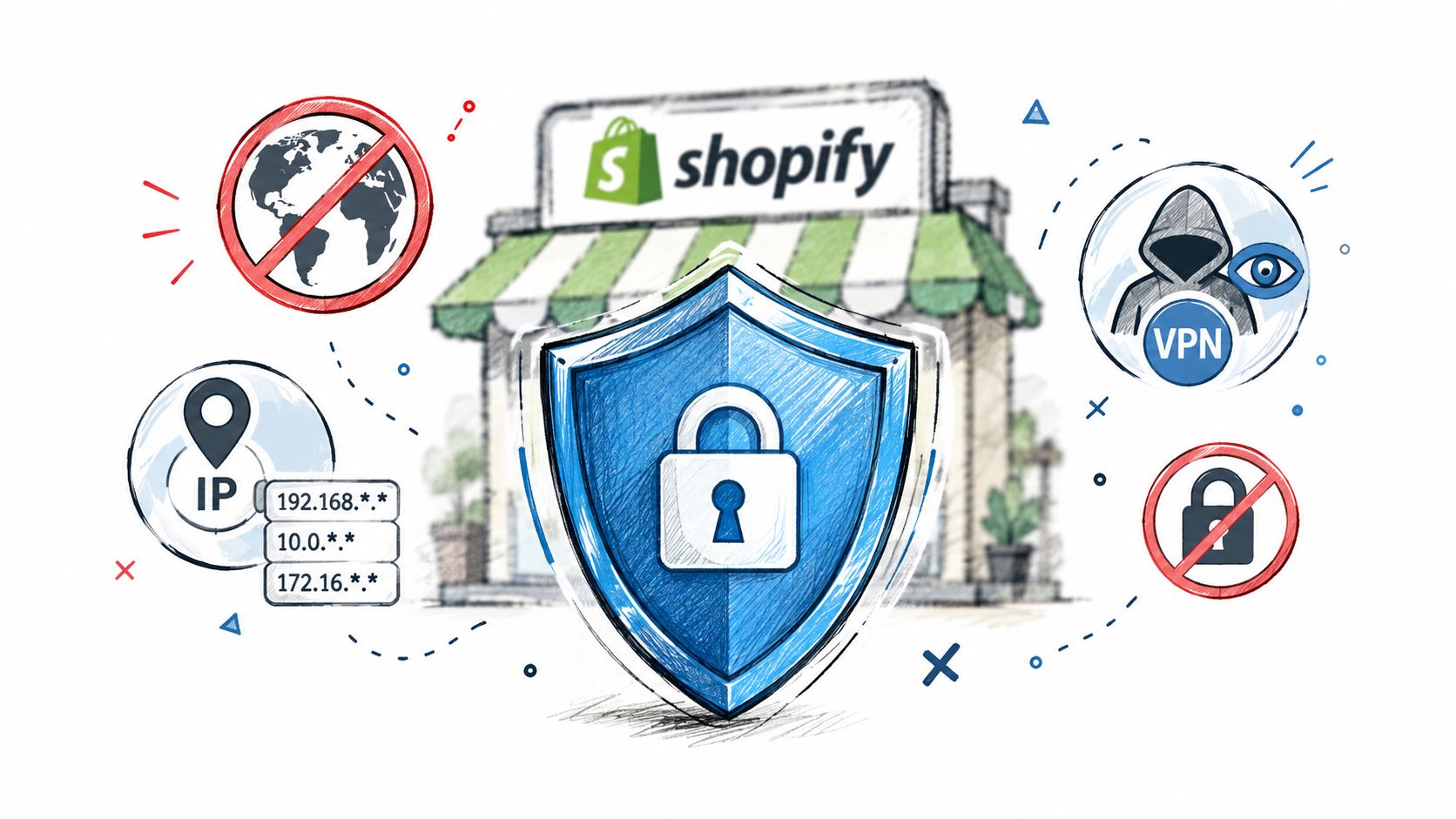
Most merchants ask one question and need three different fixes. If you only need to stop parcels, Shopify can do that natively. If you need to stop an order from being created, Shopify can do that too, but only in specific checkout rules. If you want the visitor kept off the storefront entirely, you need an app.
That distinction matters because each level leaves a different trail. Shipping blocks still let people browse, cart, and hit checkout before they get turned away. Checkout blocks stop the order, but the traffic still reaches your store and can distort analytics, email flows, and abandoned-checkout reporting. Storefront blocking is the only option that stops the visit itself.
This is not about people in a country. It's about where you ship, where you take payment, and where you want traffic to reach your site. If you mix those up, you'll end up with a half-fix that looks like control but still leaves the store visible.
For a deeper breakdown of fraud and traffic controls, see Shopify fraud protection.
Practical rule: choose the narrowest control that actually stops the problem. Don't use a storefront block when you only need to stop shipping.
Method 1, Stop Shipping to a Country Using Zones and Markets
If the problem is simple, use Shopify's built-in shipping tools first. Go to Settings > Shipping and delivery, open the relevant shipping profile, and remove the country from the zone. Test every profile you use, because stores often have more than one. If a shopper lands on a removed destination, they should see a notice that no shipping rate is available for their region.
Remove the country from the shipping profile
This is the cleanest free fix when you don't serve a destination. The customer can still see products, add them to cart, and start checkout, but the shipping step stops them from finishing to that address. That's useful when the issue is logistics, not abuse.
If a country isn't in your shipping zone, it shouldn't be in your shipping promise.
Deactivate the market instead of managing every rate by hand
Shopify's Markets settings let you remove countries or turn off a market. Go to Settings > Markets, open the market, and remove the country or deactivate it if that's the right move for your setup. The labels can change over time, so verify the current admin wording before you publish the change.
Markets are useful when you want to control pricing, language, and availability in one place. They're not the same thing as keeping a visitor off the site. A removed country can still route to a backup region rather than hitting a hard block, so don't mistake market management for storefront blocking.
The downside is straightforward. The store can still be indexed, browsed, and reached through direct links. Customers may still start checkout, and forwarding addresses can still get around a destination restriction if the shipping country is allowed.
Method 2, Block Checkouts from Specific IPs or Addresses
If one IP or one repeating address pattern keeps causing bad orders, block it at checkout. Go to Apps > Fraud Control > Rules > Create rule, then set conditions for email, address attributes, or IP address, and save the rule. This only works with Shopify Payments, and it stops the order before it is created.
What the buyer sees when the rule hits
The checkout fails with a message saying it could not be completed. The attempt lands in Abandoned checkouts, not in your paid orders, so no authorization goes through. That makes it a hard stop for the exact condition you set.
The limits matter just as much. Fraud Control rules do not give you a country condition, and they rely on exact matches, so they are not a geo block. Shopify's Help Center says fraud analysis gives insight into possible fraud, but it does not actively protect against it, which is why checkout rules matter for prevention while analysis stays a signal.
Why this works for repeat abuse, and where it fails
Use this when you know the exact IP or address pattern causing the problem. Do not rely on it if the bad actor can rotate addresses or hide behind a proxy. Shopify's fraud checks can flag proxy-service IPs before an order is completed, but that still does not replace a storefront block when the traffic itself is the issue.
If you are dealing with bots, VPNs, or rotating traffic, start with a guide to bots and VPN abuse on Shopify stores. If the issue is customer identity rather than traffic, a guide to blocking a customer by identity rather than by traffic is the better route.
Method 3, Keep a Country Off Your Storefront Using Apps
Shopify doesn't give you a native country-level storefront block. Markets changes what you sell and where you sell it, but it doesn't reliably keep a visitor from reaching the storefront in the first place. If you want to stop the visit itself, you need an app that checks the visitor's IP-derived country and then blocks or redirects them.
Allowlist first, blocklist second
An allowlist is the cleaner setup. If you only sell to the US and Canada, allow those countries and leave everything else out. That keeps the rule set stable as new traffic sources appear. A big blocklist looks thorough until a new VPN exit or a new region slips through it.
My take: if you know where you sell, allow those countries and stop thinking in terms of a giant denylist.
Redirect or hard-block
A redirect is the softer move. Send visitors to a page that says you don't ship to their region yet, and let them leave with context. A hard block is better when the traffic is abusive, repetitive, or clearly not a customer.
This choice is about store behavior, not just enforcement. A redirect keeps the experience cleaner for legitimate visitors who landed in the wrong place. A hard block is harsher, but it's the right answer when you're protecting operations from persistent abuse.
The weak spot is obvious. Country-only rules can be bypassed with VPNs and proxies, and they can also catch the wrong people, like travelers or corporate users. If your traffic problem includes masked sessions, a country block alone won't hold.
How to Block an IP Address on Shopify
Shopify only gives you IP-based blocking at checkout through Fraud Control. It does not offer a native way to keep an IP off the storefront. That matters, because the fix changes depending on whether you want to stop an order or stop a visit.
You can still find an IP after the fact. Shopify shows it on completed orders in the fraud analysis panel under Other details. Shopify also puts some abusive IPs on a temporary internal blocklist automatically, but you do not control that list, and you should treat it as a short-term safeguard.
One IP is rarely the whole problem. Bots rotate through ranges, and a VPN user can return with a new IP or a different country. If the same traffic keeps coming back, block the range where you can, then add VPN and proxy detection on top. If you need to block a specific customer account, use a walkthrough of blocking a specific customer account on Shopify.
Which Blocking Method Should You Choose
| Method | Blocks what | Free? | Where stopped | Side effects |
|---|---|---|---|---|
| Shipping zones | Destination | Free | Shipping step | Still browses and starts checkout |
| Deactivate market | Destination, pricing | Free | Backup region | Not a hard block |
| Fraud Control rule | Exact IP or address | Free, Shopify Payments only | Checkout, no order | No country condition |
| Shopify temporary IP blocklist | One IP after a burst | Automatic | Checkout | Short-lived only |
| Country blocklist app | Visitors by country | Free tiers available | Storefront | Travelers and VPN bypass |
| Country allowlist app | All but allowed countries | Free tiers available | Storefront | Include crawler regions |
| IP or range app rule | IP or range | Free tiers available | Storefront | Bots rotate |
| VPN, proxy, datacenter detection app | Masked traffic | Paid | Storefront | Some corporate VPN users |
Most stores need row one plus one storefront control. If the problem is purely logistical, shipping zones are enough. If it's a few known bad IPs, checkout rules solve it. If the problem is traffic quality, you need storefront blocking as well.
For a broader view of order and traffic risk, the how to stop fake orders on Shopify guide is worth a look.
Where Securify Fits
Securify fits at the storefront layer, where Shopify's native tools stop short. It covers country blocking, IP and range blocking, allowlists, scheduled blocks, redirects, and visitor logs on the free tier. The Pro tier adds VPN detection, custom blocked-access messaging, and bulk IP import, while the Advanced tier adds bot, datacenter, proxy, and Tor detection before checkout.
That matters because storefront filtering works upstream of order creation. It keeps bad traffic out before it can pollute analytics or trigger unnecessary review work. It also gives you a practical way to stop it before it becomes an order. Learn more in Shopify fraud problems usually start before checkout.
Securify on the Shopify App Store is here: Securify on the Shopify App Store. It's the right fit when you already know Shopify can stop shipping and block checkout, but you need something that also keeps unwanted visitors off the storefront.
FAQ
Can I block a country on Shopify without an app?
Yes, but only at the shipping step. Remove the country from your shipping zones or markets, and buyers will see that no shipping rate is available. They can still browse and start checkout.
How do I block a country from checkout on Shopify?
Use a shipping restriction first. If you need a hard stop, set a Fraud Control rule on the address or IP, or use a country blocker app that stops the visit before checkout starts.
How do I block an IP address on Shopify?
Natively, only through a Fraud Control checkout rule. If you need to keep an IP or range off the storefront, that needs an app, and a VPN user can still change IPs anyway.
Does blocking a country hurt SEO?
It can if you block regions that search engines or your own market settings rely on. Keep your selling countries open, and use redirects instead of hard blocks when the goal is just to guide traffic away.
Will blocking countries stop fraud on Shopify?
It removes orders from places you do not serve, but it won't stop masked traffic by itself. Pair it with VPN, proxy, or datacenter detection if abuse keeps coming back.
Start with the free Shopify tools that stop shipping and checkout mistakes, then move to storefront blocking when the problem is traffic quality. If you need to keep unsupported countries, bad IPs, or masked sessions off the site, Securify gives you the upstream control Shopify doesn't.