
· shopify fraud prevention · fraud prevention settings · chargeback prevention · shopify apps · bot blocking
Shopify Fraud Prevention Checklist: 13 Settings to Turn On
A 30-minute Shopify fraud prevention checklist covering 13 native settings from store to checkout to orders, plus the traffic layer most merchants miss.

Most stores don't get hit by fraud because they lack tools. They get hit because the useful settings are left untouched, the risky ones are used out of order, and the team is guessing at the wrong layer. If you run Shopify and you want a clean pass at shopify fraud prevention, start with the 13 controls below, grouped by where they act, with the click path, the limit, and the reason it matters. If you want the bigger map of which native tool covers which layer, keep this companion guide open while you work.
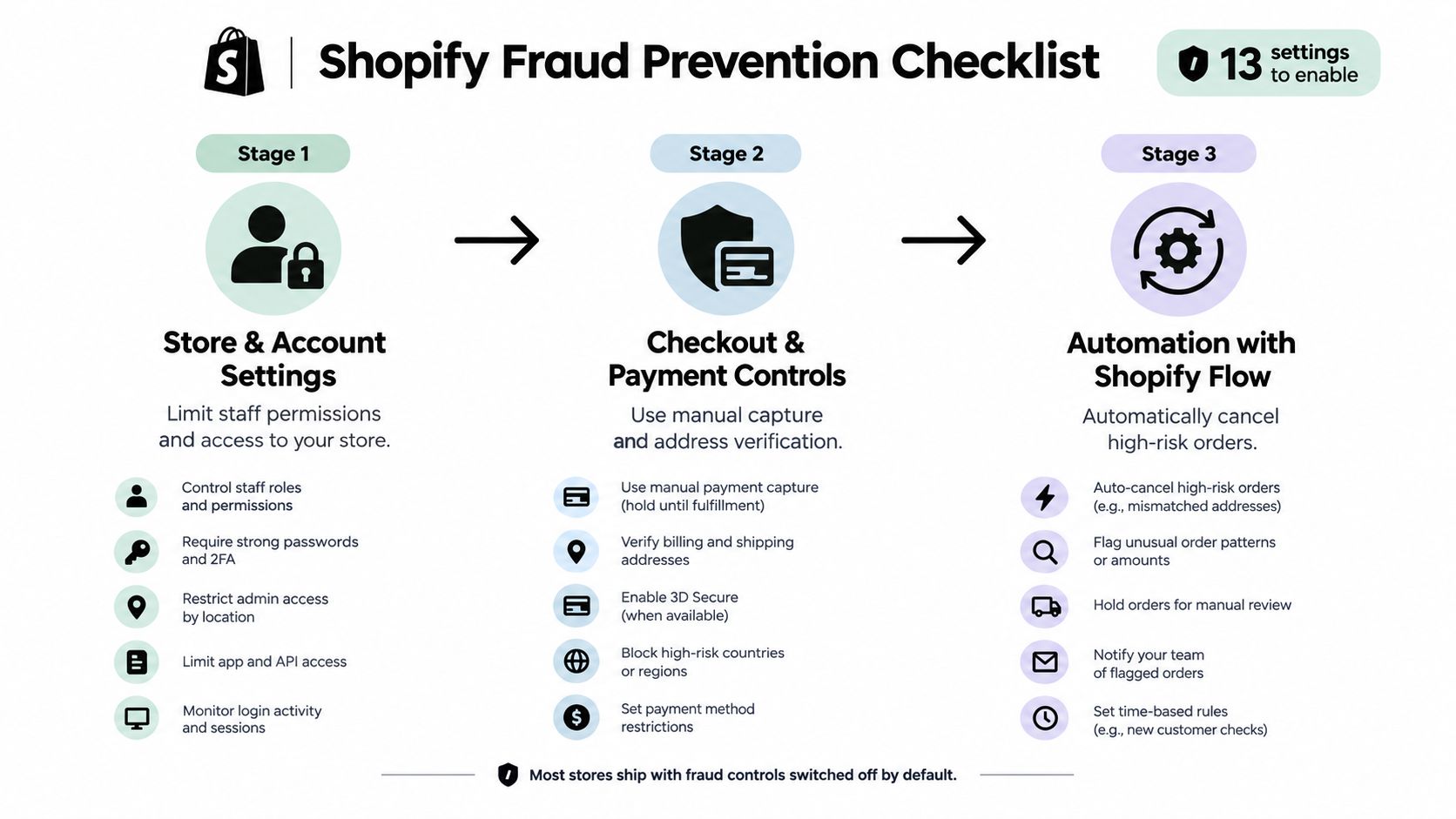
Table of Contents
- Introduction to the Shopify fraud prevention checklist
- Where to configure store and account fraud prevention settings
- How to configure checkout and payment fraud prevention controls
- Using Shopify Flow to automate high-risk order handling
- Post-order and chargeback prevention habits
- The full Shopify fraud prevention checklist in one table
- Where Securify fits into Shopify fraud prevention
- FAQ
Introduction to the Shopify fraud prevention checklist
Most merchants already know the pain point. An order slips through, a staff account gets touched, a return turns into a dispute, or the analytics look clean while bad traffic is quietly poisoning the numbers. The fix is not one magic setting, it's a short shopify fraud prevention checklist that starts with access controls and ends with dispute hygiene.
Shopify's own guidance says no single tool prevents ecommerce fraud at scale, so the practical move is to layer controls where they act, then keep watching the data as attack patterns change over time. Shopify's fraud-management guidance lays out that layered approach, including risk scoring, selective authentication, automated decisions, and continuous monitoring.
Practical rule: turn on the settings that remove the easiest fraud paths first, then automate the obvious decisions so your team stays focused on the middle.
The sequence below is built for about 30 minutes if you already know your admin. Stage 1 hardens store access and shipping logic. Stage 2 handles checkout and payment controls. Stage 3 uses Shopify Flow to automate the risky orders that don't need a human first pass. Stage 4 covers the habits that make disputes easier to fight.
Where to configure store and account fraud prevention settings
Start with the controls that reduce mistakes before anyone reaches checkout. They won't stop a stolen card from being used elsewhere, but they do keep bad access, spam, and unsupported destinations from creating noise in the store.
1. Staff permissions
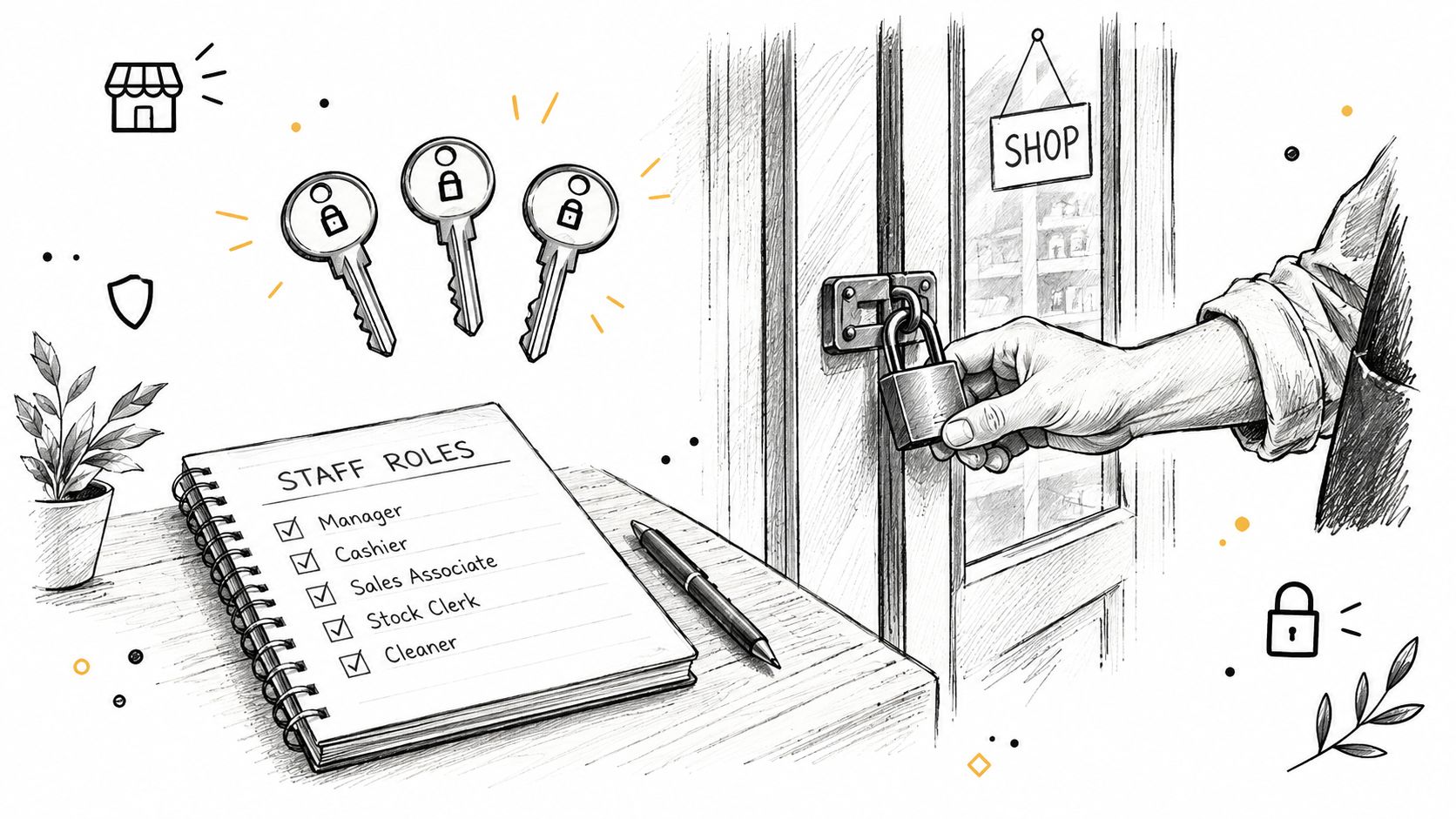
Go to Settings > Users and make sure refund, order-edit, and payment rights only live with the people who need them. The point is simple, if a staff account is hijacked, the attacker has fewer ways to reroute orders or change payment settings. This doesn't stop external fraud, but it does reduce the blast radius of account takeover.
2. hCaptcha
Turn on Online Store > Preferences > Spam protection > Enable hCaptcha on contact and comment forms. That blocks form spam, not checkout abuse. Shopify's bot guidance makes clear that checkout bot protection is a different layer, and it's not something this setting handles on its own.
3. Shipping zones
Audit Settings > Shipping and delivery > profile > zones so unsupported countries don't fall into a confusing dead end. If a country isn't in a zone, shoppers see that no shipping rate is available for their region. That stops orders you can't serve, but it doesn't stop browsing, bots, or VPN traffic.
A useful way to think about these first settings is that they tighten the edges of the store, not the payment flow. If you need a deeper explanation of what happens after the order is created, pair this pass with what to do with a high-risk order and the notes on manual review burden.
How to configure checkout and payment fraud prevention controls
Most merchants should spend their time here first. The settings below affect whether an order gets authorized, held, or pushed through for a closer look.
4. Manual capture
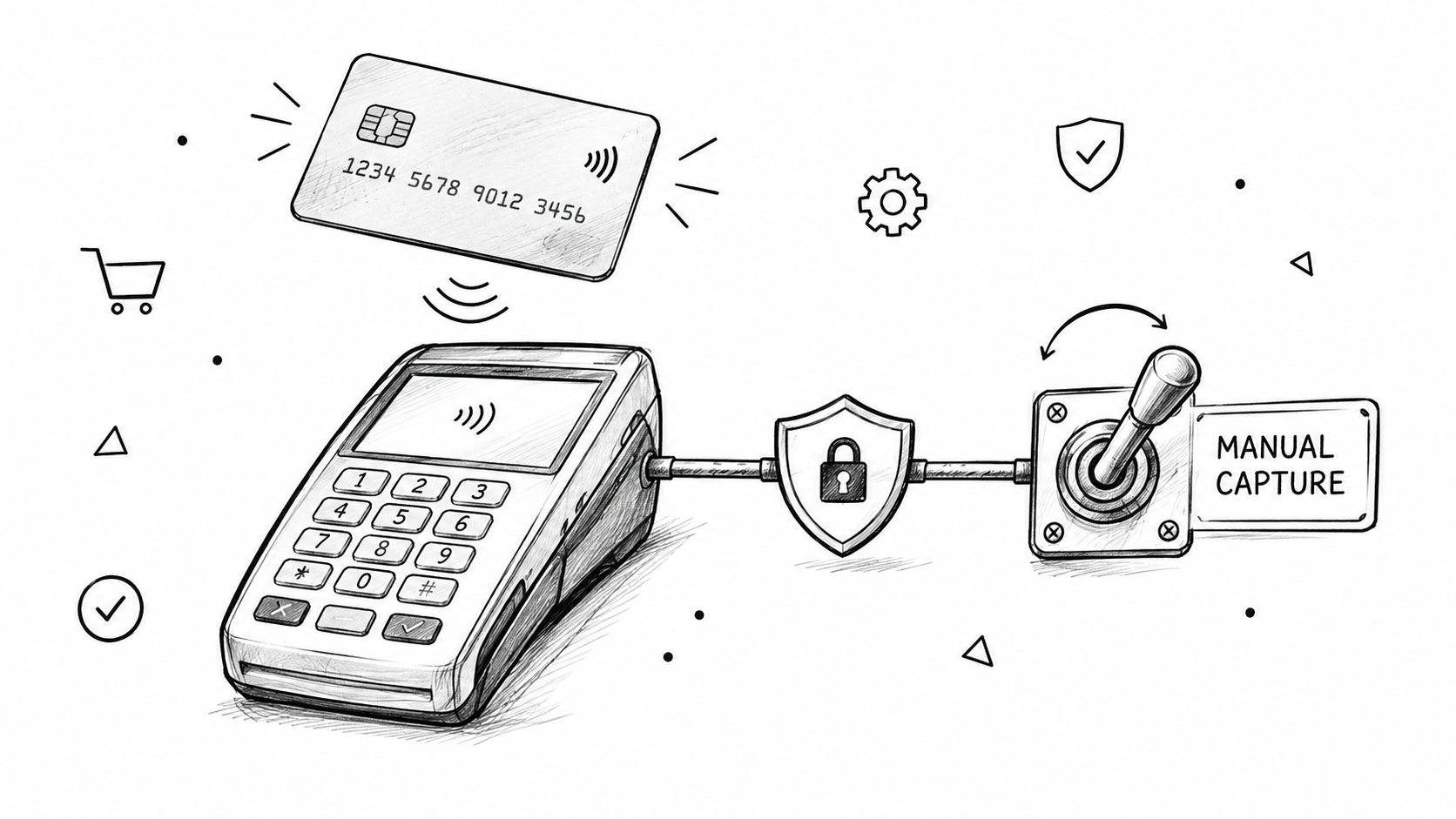
Set Settings > Payments > Payment capture method > Manually. If you cancel the order, you release the authorization instead of processing a refund you didn't need to issue in the first place. Shopify Payments authorizations last 7 days, while some other gateways can hold longer depending on card type. The customer's statement still shows the hold, so this is not a way to erase the original authorization.
5. AVS and CVV declines
In Payments settings, turn on the AVS and CVV fraud filters that decline likely stolen-card attempts. This helps with stolen cards, not with every third-party gateway or every kind of fraud signal.
6. What Shopify Payments runs for you
Shopify Payments already runs card-testing protection, proxy flagging, and dynamic 3D Secure when the issuing bank requires it. You can't force 3D Secure on every checkout, and you can't use this layer to stop bots that never reach payment. It still matters because it catches a lot of activity that would otherwise become noisy review work.
7. Require a phone number
Go to Settings > Checkout > Customer information > Shipping address phone number > Required, then set the contact method to Phone number or email. That field doesn't stop fraud by itself. It helps with verification when an order looks off and you need a faster callback path.
8. Fraud Control rules
Open Apps > Fraud Control > Rules > Create rule and build checkout rules using conditions like email, address attributes, and IP. This works only on Shopify Payments. It's useful when you already know a repeat offender pattern and want to stop that checkout before the order exists. It's not a fix for new emails, broad IP ranges, VPN use, or whole-country blocking.
Practical rule: don't use one signal as a hard block unless you've checked your own loss data against it. Overreacting to a label is how teams turn approval rates into self-inflicted damage.
Using Shopify Flow to automate high-risk order handling
If you're still touching every risky order by hand, the queue will eat your day. Shopify Flow is the free way to move the obvious cases out of the manual path without making the middle of the queue harder to review.
9. Turn on the right Flow templates
Use the templates for Cancel and restock high risk orders, Capture payment if order is not high fraud risk when manual capture is on, Cancel and tag orders from known bad email addresses, and a per-customer daily order cap if your store needs one. The trigger should be Order risk analyzed, not Order created, because the fraud signal only exists after the analysis step. Medium-risk orders still need judgment, they're not the same thing as the high-risk bucket.
10. Read Fraud analysis before you ship
Use what each indicator means as your reference and don't re-interpret the indicators every time someone asks. The point here is setup, not re-teaching risk scoring.
A simple operating rule helps. Let Flow handle the orders that are clearly safe or clearly bad, then reserve human review for the ambiguous middle. That's the part that keeps the queue from ballooning when volume picks up.
Post-order and chargeback prevention habits
Fraud prevention doesn't stop when the order is placed. Once the charge exists, your job is to make the dispute easier to understand and the customer less likely to open one in the first place.
11. Make the charge recognizable
Your billing statement text should match the store name or domain, and the return policy plus contact information should be easy to find. If a customer can't recognize the charge, they're more likely to challenge it. Shopify's chargeback-prevention guidance also points merchants toward clear policies and reachable support so the customer has somewhere to go before the bank.
12. Ship fast with tracking
Ship products as soon as possible after you collect payment, and use delivery confirmation with accurate delivery estimates. If you only ship orders that pass AVS, that adds another layer of caution on the most sensitive orders. The goal is simple, remove avoidable confusion before it turns into a dispute.
13. Run a ten-minute weekly routine
Once a week, filter orders by risk, open the Fraud Control dashboard, and scan abandoned checkouts for repeat emails or IPs. Shopify's dashboard shows operational metrics like acceptance rate, high-risk order rate, fraudulent chargeback rate, Shopify Protect coverage, and orders canceled due to fraud, with data delayed by ten days to support fulfillment. Use it as a signal check, not a scoreboard.
The full Shopify fraud prevention checklist in one table
| Control | Where it acts | Admin path | What it stops | What it does not |
|---|---|---|---|---|
| Staff permissions | Order | Settings > Users | Hijacked staff access | External fraud |
| hCaptcha | Traffic | Online Store > Preferences | Form spam | Checkout bots |
| Shipping zones | Checkout | Settings > Shipping and delivery | Unsupported destinations | Browsing, bots, VPN |
| Manual capture | Checkout | Settings > Payments | Unneeded refunds | Statement holds |
| AVS and CVV declines | Checkout | Payments settings | Stolen-card attempts | Every gateway |
| Shopify Payments controls | Checkout | Automatic | Card testing, proxy flags | Traffic before checkout |
| Required phone number | Checkout | Settings > Checkout | Verification friction | Fraud alone |
| Fraud Control rules | Checkout | Apps > Fraud Control | Known repeat offenders | New signals, broad VPNs |
| Flow, cancel high risk | Order | Shopify Flow | Bad orders after analysis | Medium-risk judgment |
| Flow, capture safe orders | Order | Shopify Flow | Manual review overhead | Risk scoring itself |
| Flow, tag bad emails | Order | Shopify Flow | Repeat bad email patterns | New email variation |
| Flow, daily order cap | Order | Shopify Flow | Serial order abuse | One-off fraud |
| Weekly review routine | Chargeback | Dashboard, orders | Missed drift | Fraud at storefront |
The table is useful because it shows the gap plainly. Everything native starts at checkout or later, and that means it can't block a country, VPN, datacenter IP, or bot before the store is reached. When fake-checkout bursts show up, when orders come from places you never ship to, or when one person keeps returning with new emails, you need traffic-layer control, not another checkout filter.
Shopify's own prevention guidance says proxy detection is available for stores using Shopify Payments, and that proxy-service IPs should prompt you to contact the customer and verify the order. It also tells merchants to compare IP geography and check whether the IP belongs to a web hosting company. That's helpful, but it still leaves the storefront exposed before the order exists.
For the upstream layer, read fraud problems usually start before checkout and how to stop fake orders on Shopify. That's where a shopify fraud prevention app becomes relevant, because the storefront itself needs a separate control plane.
Where Securify fits into Shopify fraud prevention
Securify sits at the traffic and checkout edge, before or alongside Fraud Analysis and Flow. It's built to control who reaches the store and who gets far enough into checkout to create noise, with country and IP blocking, VPN and proxy detection, bot and datacenter filtering, scheduled blocks, and checkout validation on risky email, phone, or name inputs. It also supports auto-hold and auto-cancel for fraudulent orders, plus links into Shopify, Klaviyo, Gorgias, and Judge.me so bad traffic doesn't keep leaking into adjacent systems.
If you want to test that layer, use Securify on the Shopify App Store. The app has a free plan, and the paid tiers add broader filtering such as VPN, proxy, Tor, and bot controls before checkout.
It's a practical fit when native settings are already on and the problem is still happening upstream. The point is to stop it before it becomes an order.
FAQ
How do I prevent fraud on Shopify without an app
Use manual capture, AVS and CVV declines, Fraud Control rules, and the free Flow templates that cancel or hold risky orders. That gets you most of the native setup, especially if you're already on Shopify Payments.
Does Shopify have built-in fraud prevention
Yes. Shopify gives you fraud analysis, card-testing protection, proxy flags on Shopify Payments, Fraud Control rules, and Flow automations. None of those controls who reaches the storefront in the first place.
Should I use manual payment capture on Shopify
For most stores, yes. If you cancel the order before capture, you're releasing an authorization instead of issuing an avoidable refund. Shopify Payments authorizations last 7 days.
Which settings should I turn on first
Start with manual capture, AVS and CVV declines, then the Flow template that cancels and restocks high-risk orders. If your admin is already set up, that's the fastest meaningful pass.
Do these settings stop bots and VPN traffic
No. Shopify's native controls help after traffic has reached checkout or after the order exists. Blocking countries, VPNs, proxies, datacenter traffic, or bots before checkout needs a separate traffic layer.