
· shopify risk management · shopify chargebacks · shopify fraud · bot traffic · vpn abuse
Shopify Risk Management: A Practical Playbook for Merchants
A practical guide to Shopify risk management covering fraud, chargebacks, bot traffic, VPN abuse, and the controls merchants use to protect their stores.
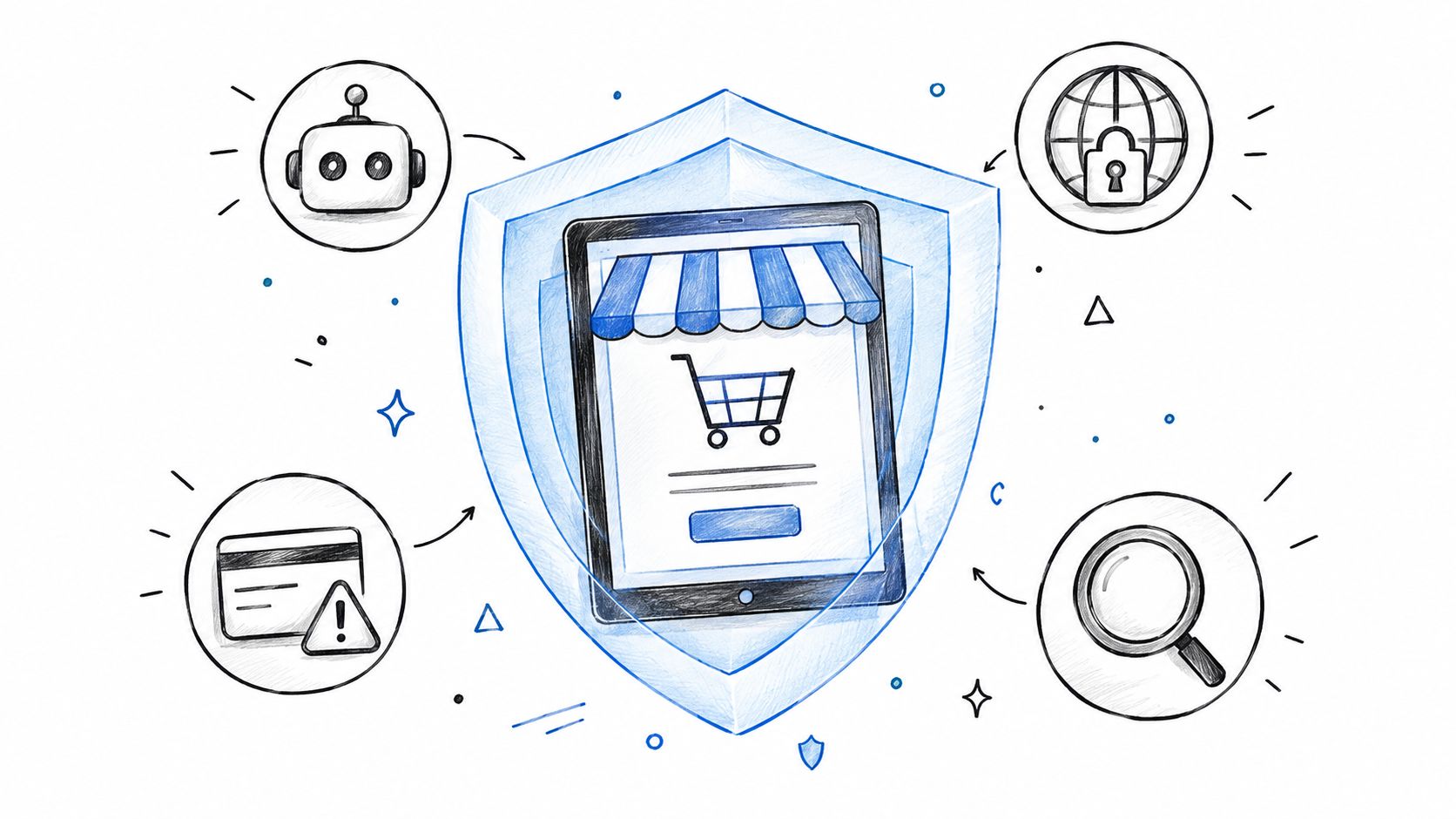
Your Shopify dashboard can look calm while the business behind it gets riskier. Sessions hold steady, the conversion rate looks normal, and orders keep coming in, but chargebacks start to rise and fulfillment teams spend more time investigating suspicious purchases. By the time the pattern is obvious, bad traffic may already have distorted the data you use to make decisions.
Shopify risk management works best as a connected operating system. It starts with the storefront session, continues through checkout and fulfillment, and ends with the evidence and customer response around a dispute. Treating each stage separately leaves gaps that a single fraud score can't close.
Table of Contents
- What Shopify Risk Management Actually Means
- The Five Core Risks Every Shopify Store Faces
- A Layered Framework for Shopify Risk Control
- What Shopify's Built-in Tools Cover and Where They Stop
- Prevention and Detection Playbook for Real Stores
- Chargebacks, Disputes, and the Evidence Trail
- Where Securify Fits
- Frequently Asked Questions
What Shopify Risk Management Actually Means
A steady dashboard doesn't guarantee healthy traffic or safe orders. Automated sessions can inflate page views, scrape products, and generate checkout attempts, while masked locations and repeated behavior can make suspicious activity harder to spot. Meanwhile, a risky order may pass basic checks and only reveal its cost after fulfillment or a dispute.
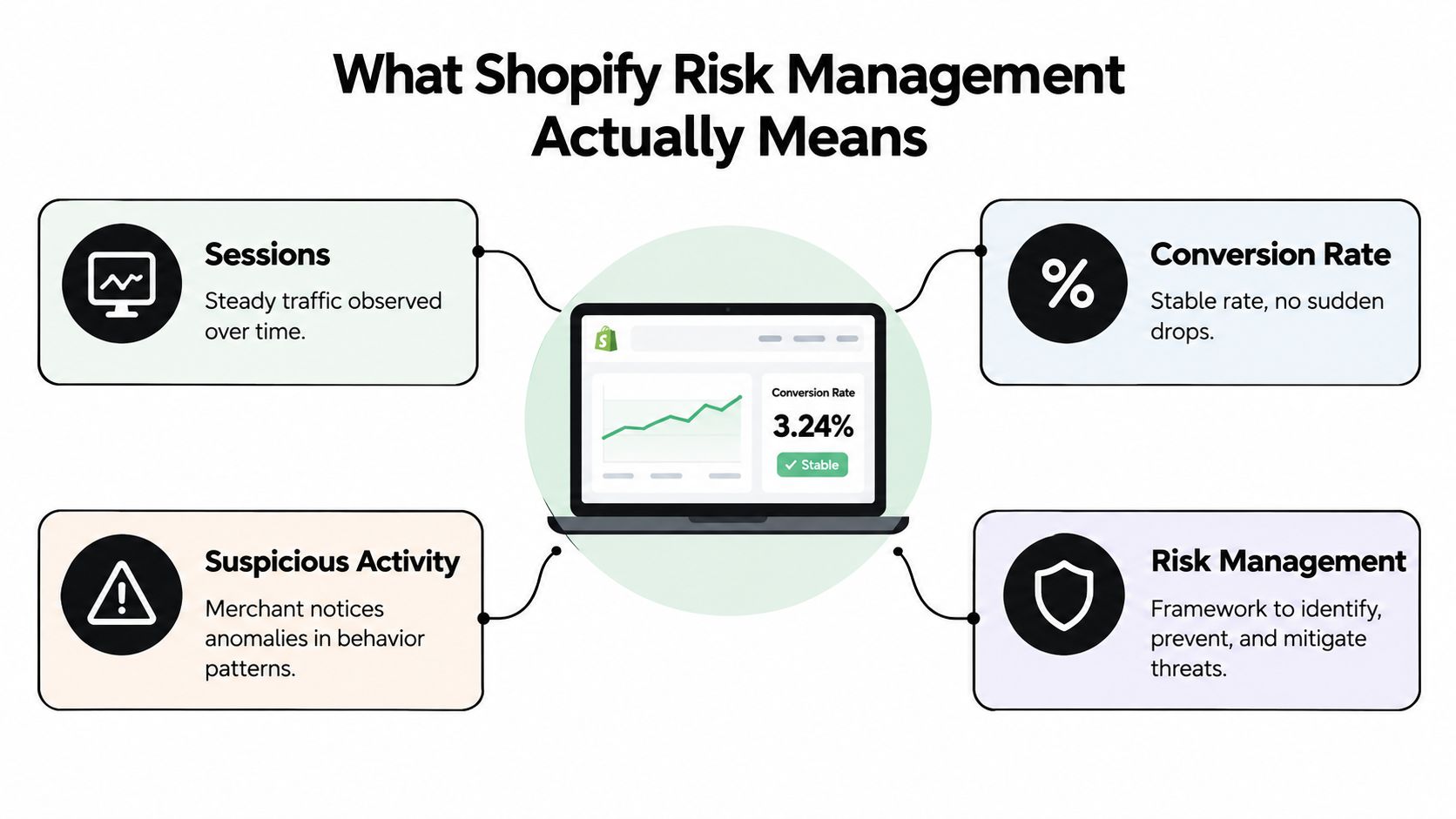
The point is to connect signals across the customer journey. Traffic quality affects analytics and marketing decisions. Transaction signals help teams decide whether an order needs review. Fulfillment records, customer-service contacts, and delivery evidence matter when a customer disputes a charge or claims an order never arrived.
That wider view is necessary because automated traffic is not a fringe concern. Imperva reported that bots made up 49.6% of global internet traffic in 2023, with bad bots representing 32% of traffic. Retail was among the sectors with the highest volume of bot attacks, at 24.4% of observed attacks (Imperva's bot traffic report). For a Shopify merchant, that makes traffic classification part of risk management, not just an analytics cleanup task.
Treat risk as one operating surface
The teams handling marketing, orders, support, fulfillment, and finance may see different symptoms of the same problem. A bot wave can skew campaign reporting, a suspicious order can consume review time, and a weak delivery record can make a later dispute harder to answer. Shopify risk management means assigning ownership across those handoffs instead of waiting for one team to solve everything after a loss.
Security also includes protecting store accounts and sensitive business information. Founders who need a practical baseline can review these encryption and MFA tips for founders as part of a broader effort to reduce account and data exposure.
The Five Core Risks Every Shopify Store Faces
A store's risk doesn't begin when a payment is submitted. It can start with a session that never represents a real shopper, continue through an order that appears ordinary, and surface later as a refund dispute or customer-service burden.
The risks to recognize
- Automated traffic and bots: A bot repeatedly requests product pages, inflating sessions and making a product launch appear more popular than it is. During the 2024 holiday shopping period, automated traffic represented 57% of total e-commerce website traffic, up from 49% the previous year, according to Radware's holiday bot report. Raw visits and conversion rates need context before a team uses them to change spend or inventory.
- Masked or misleading locations: A VPN or proxy can hide where a session originates. That doesn't prove fraud, but it can weaken the value of location as a signal, especially when the device, shipping destination, and payment details don't line up.
- Risky orders that pass basic checks: A buyer may enter valid payment details while showing unusual device activity, rapid checkout attempts, or repeated card use. A single passing check shouldn't outweigh a cluster of contradictory signals.
- Chargebacks and dispute workload: A disputed transaction can lead to lost revenue, time spent assembling evidence, and pressure on payment-processing standing. The FTC reported more than $12.5 billion in consumer fraud losses in 2024, with online shopping the second most commonly reported fraud category and about $432 million in reported losses (FTC data on reported fraud losses). These consumer reports aren't a count of every fraudulent transaction, but they show why online-shopping risk deserves attention.
- Post-purchase policy abuse: A legitimate purchase can still be followed by a false non-delivery claim, repeated refund requests, or wardrobing. Checkout screening alone won't catch a pattern that develops through refunds, service contacts, and delivery records.
The practical test is whether your team can connect these events. If the storefront, order record, support history, and fulfillment proof live in separate workflows, recurring abuse can look like a series of unrelated incidents.
A Layered Framework for Shopify Risk Control
Build controls in the order risk appears. Start with the session, apply behavior rules during browsing, assess the payment and order at checkout, then preserve evidence after purchase. This keeps teams from expecting a checkout screen to solve problems that started upstream.
| Layer | Stage in journey | What it checks | Risk it reduces |
|---|---|---|---|
| Traffic classification | Storefront entry | Automation, network reputation, location patterns | Analytics pollution and abusive access |
| Behavioral controls | Browsing and cart | Request frequency, repeated actions, geographic rules | Scraping and high-volume checkout attempts |
| Transaction review | Checkout and order creation | Payment checks, device and location consistency | Suspicious orders reaching fulfillment |
| Evidence and response | After purchase | Customer contact, shipping, delivery, refund history | Avoidable disputes and repeated policy abuse |
Put each control where it can work
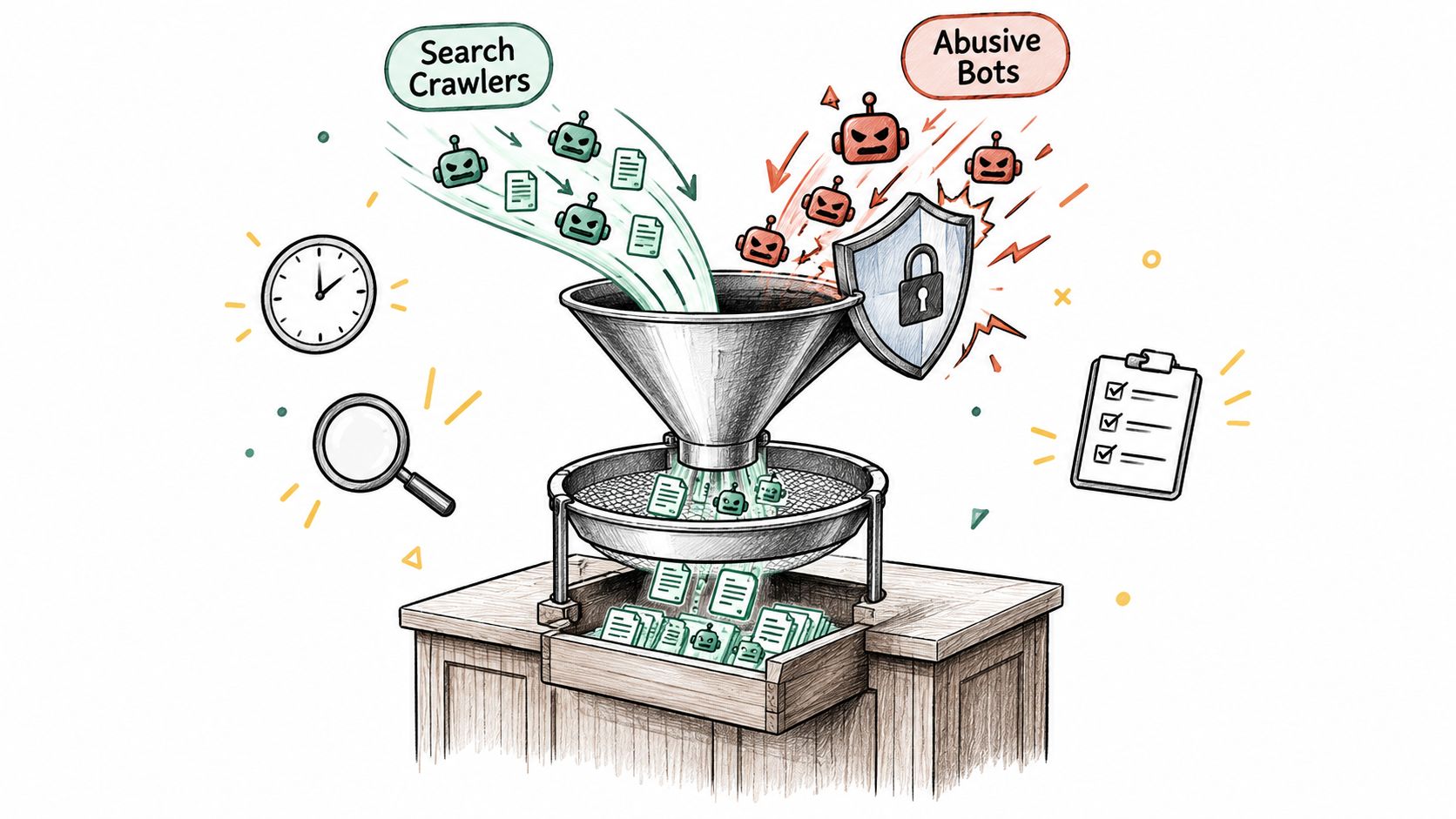
At the storefront, classify sessions before they create analytics events or enter connected customer systems. Distinguish known search crawlers from abusive automation, and avoid treating every high-volume visit as a shopper.
During browsing, look for behavior that exceeds normal interaction patterns. Rate limits can slow repeated requests, while geo rules can reduce unwanted access from places you don't serve. A geographic mismatch should prompt closer review, not an automatic assumption about intent.
At checkout, use Shopify's available fraud signals alongside your own review criteria. AVS, CVV, device or network anomalies, location consistency, and multiple-card attempts can help reviewers understand an order's risk. For a broader method of weighing signals and deciding what merits review, see this customer risk assessment framework.
After purchase, preserve the facts that could matter later: order decisions, customer communications, fulfillment events, tracking, delivery confirmation, and refund history. A layered model works only when teams can pass useful context from one stage to the next.
What Shopify's Built-in Tools Cover and Where They Stop
Shopify provides useful payment and order signals, but merchants should understand which orders those signals cover and what they don't answer. The built-in tools help assess transactions. They don't replace traffic classification, consistent review practices, or post-purchase documentation.
| Shopify tool or practice | What it covers | Limit to plan around |
|---|---|---|
| Fraud analysis | Eligible online credit-card orders Shopify can verify receive a low, medium, or high chargeback-risk recommendation. The record can show AVS and CVV results, payment-method and customer-location consistency, device or network activity, and attempts to use multiple cards. | It isn't a universal risk score for every payment type, and a score is a recommendation, not a complete investigation. |
| Shopify Payments AVS and CVV filters | Merchants can configure automatic declines when supported checks fail. AVS compares the numeric billing-address and postal-code information with data held by the card issuer. | These checks run only when the card-issuing bank supports them. Shopify says AVS is deactivated by default in Shopify Payments. |
| Chargeback-prevention guidance | Shopify recommends investigating suspicious orders before fulfillment, publishing clear policies, making contact details easy to find, responding promptly, and using shipping updates with tracking and delivery confirmation where available. | The advice depends on store processes and consistent follow-through. |
| Shopify Protect, where available | It may apply to eligible orders under its terms. | Check current eligibility and coverage in your admin; don't assume it covers every payment or dispute. |
CVV is the card's three- or four-digit security code, and card companies prohibit merchants from storing it. AVS and CVV results are useful evidence, but neither proves that a buyer is trustworthy or that a transaction is fraudulent.
Use built-in signals without overreading them
An order with a passing AVS result can still warrant review if other details conflict. Conversely, a failed check can have a legitimate explanation. The operational question is whether a signal, or a combination of signals, changes the fulfillment decision enough to justify a pause or customer contact.
Store performance also affects the experience legitimate customers have while these controls run. Merchants reviewing their operational setup can use this guide to audit your Shopify store speed, while keeping performance checks separate from fraud decisions.
Prevention and Detection Playbook for Real Stores
Start by separating ordinary discovery traffic from automation that scrapes or repeatedly hits the same pages. Search-engine crawlers can serve a useful purpose; abusive automation can consume resources, distort analytics, or target product and pricing information. Don't block traffic because it moves quickly. Look at request concentration, repeated patterns, and whether the session behaves like a shopper.
Make the controls specific
- Watch high-frequency behavior. Apply rate limits to sessions that repeatedly request product pages, search, or cart actions in ways that don't resemble normal shopping. Review product-page request concentration to spot catalog scraping without blocking every active customer.
- Assess masked networks in context. Proxy, VPN, or hosting-provider access can reduce confidence in a location signal. Pair it with device behavior, checkout speed, shipping destination, and payment consistency rather than treating a masked connection as proof of fraud.
- Use geography deliberately. If you don't ship to a country, a geo rule can prevent unwanted visits from generating noise or reaching checkout. If you do sell internationally, avoid a universal country block that can suppress legitimate demand.
- Keep connected systems cleaner. Blocked sessions shouldn't become email subscribers, support tickets, or product reviews. Check the handoff between storefront controls and the systems that manage marketing, customer support, and reviews so that fake visitors don't create downstream work.
Blocking is most useful when it interrupts a harmful event, not when it merely makes a dashboard look quieter. If your team blocks a session before it can scrape products, create a fake order, or generate a support ticket, detection has become prevention.
For teams handling suspicious traffic patterns, this guide to bots and proxies on Shopify offers more context on why network signals need behavioral checks. Keep an eye on store availability as well. A plain-language explanation of how uptime monitoring works can help operations teams distinguish a traffic spike from an access or performance problem.
Chargebacks, Disputes, and the Evidence Trail
A chargeback filed this week often started weeks earlier: a session from a risky network, an order that cleared one check while failing others, a support email nobody answered. Card networks and Shopify monitor chargeback exposure, so merchants should keep it low without declining every uncertain order. When the dispute rate climbs, inspect the full path from session to shipment. Reviewing only the final dispute record misses the earlier pattern.
Shopify advises merchants to investigate suspicious orders before fulfillment, make store contact details easy to find, publish clear policies, respond quickly to customer problems, and send shipping updates with tracking and delivery confirmation when available. Those steps give customers a clearer way to resolve problems and give the merchant a stronger record if a dispute follows. They will not prevent every chargeback.
Preserve the facts that matter
For physical goods, Shopify recommends considering AVS-passing orders for shipments to the United States, United Kingdom, or Canada, or contacting the customer before shipping when an order fails AVS. Treat that as a review aid, not a blanket rule: a passing result does not erase other anomalies, and a failed result often deserves a quick customer check instead of an automatic cancellation.
For in-person sales, Shopify recommends chip or contactless payments over manual card entry. Merchants can turn off the "Allow manual card entry (MOTO)" option on POS devices that do not need it. For online and in-person orders alike, log what the team reviewed, what action it took, and what the customer was told. When a dispute surfaces months later, that record is what separates a winnable case from a fee you absorb.
Operational rule: Make the evidence trail part of fulfillment, not a scramble after a dispute arrives.
Teams tracking their dispute ratio can start with this breakdown of the Shopify chargeback rate and what pushes it upward, then connect order review with clear policies, timely support, and verifiable delivery records. Stores formalizing that workflow can also follow this process for chargeback fraud prevention.
Where Securify Fits
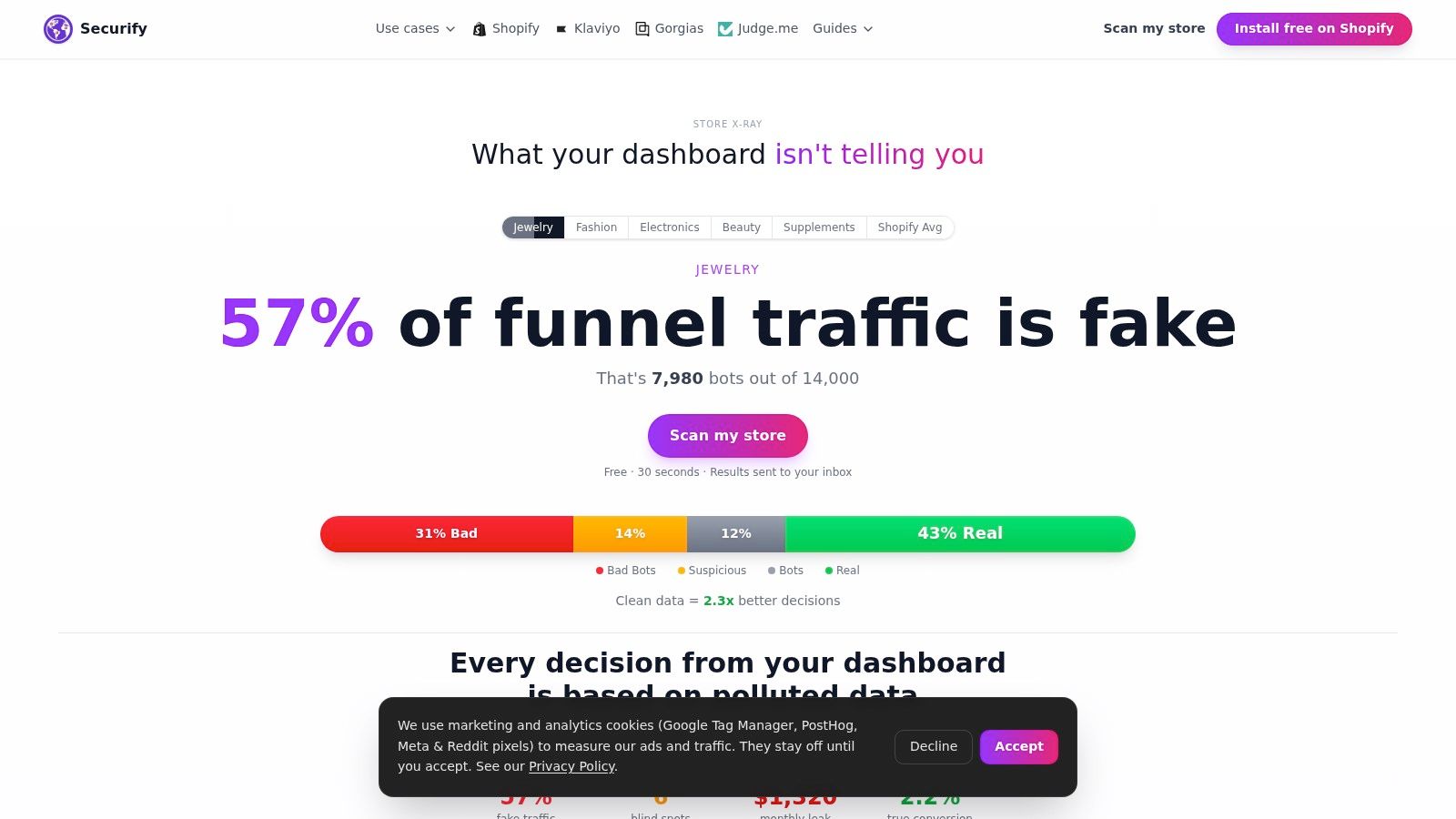
Securify works at the storefront layer, before suspicious activity reaches checkout or creates noise in connected workflows. It identifies and mitigates bot traffic, VPN and proxy use, fake visitors, and other traffic patterns that can affect storefront analytics and operations. That makes it one possible upstream control in a risk stack, alongside Shopify's transaction-level signals and the merchant's own fulfillment and dispute procedures.
Securify offers a free plan, and its published Shopify App Store rating is 4.4 out of 5. Merchants can verify the app details and current listing on Securify on the Shopify App Store.
Frequently Asked Questions
What's the difference between bot traffic and fraud?
Bot traffic is automated activity, and it can distort analytics or scrape a catalog without completing a purchase. Fraud concerns deceptive or unauthorized activity that may involve an order, payment, account, or post-purchase claim. One can contribute to the other, but they're not the same problem.
What should I check first when chargebacks suddenly rise?
Compare recent disputed orders for shared traffic sources, location or device anomalies, repeated customer behavior, and gaps in fulfillment or delivery records. Then review the checkout decisions and customer communications for those orders, and make sure your policies and contact details are easy to find. Chargeback spikes often trace back to a traffic problem upstream, so check where those buyers came from before you blame the checkout.
Is Shopify's built-in fraud analysis enough on its own?
It gives merchants useful signals for eligible online credit-card orders, but it doesn't cover every payment type or classify all storefront traffic. Use it with upstream traffic controls, a consistent order-review process, and records that support fulfillment and dispute decisions.
How do I keep blocked sessions out of my email lists, support tickets, and product reviews?
Your storefront controls should stop blocked activity before it reaches any connected system, whether that is an email platform, a help desk, or a review tool. A practical test is to attempt a signup or ticket from a blocked network and confirm the event never reaches the connected system; if it does, tighten the handoff rule before the next campaign sends. Spot-check new subscribers, tickets, and reviews for patterns that suggest automated activity, and treat any leak as a sign the block happens too late in the flow.