
· shopify order risk · shopify flow · fraud review · medium risk order · risk policy
Shopify Order Risk Policy: A Team-Wide Playbook
Turn the Shopify order risk level into a written policy with owners, rules, and deadlines using Flow to cut manual review without hurting conversion.
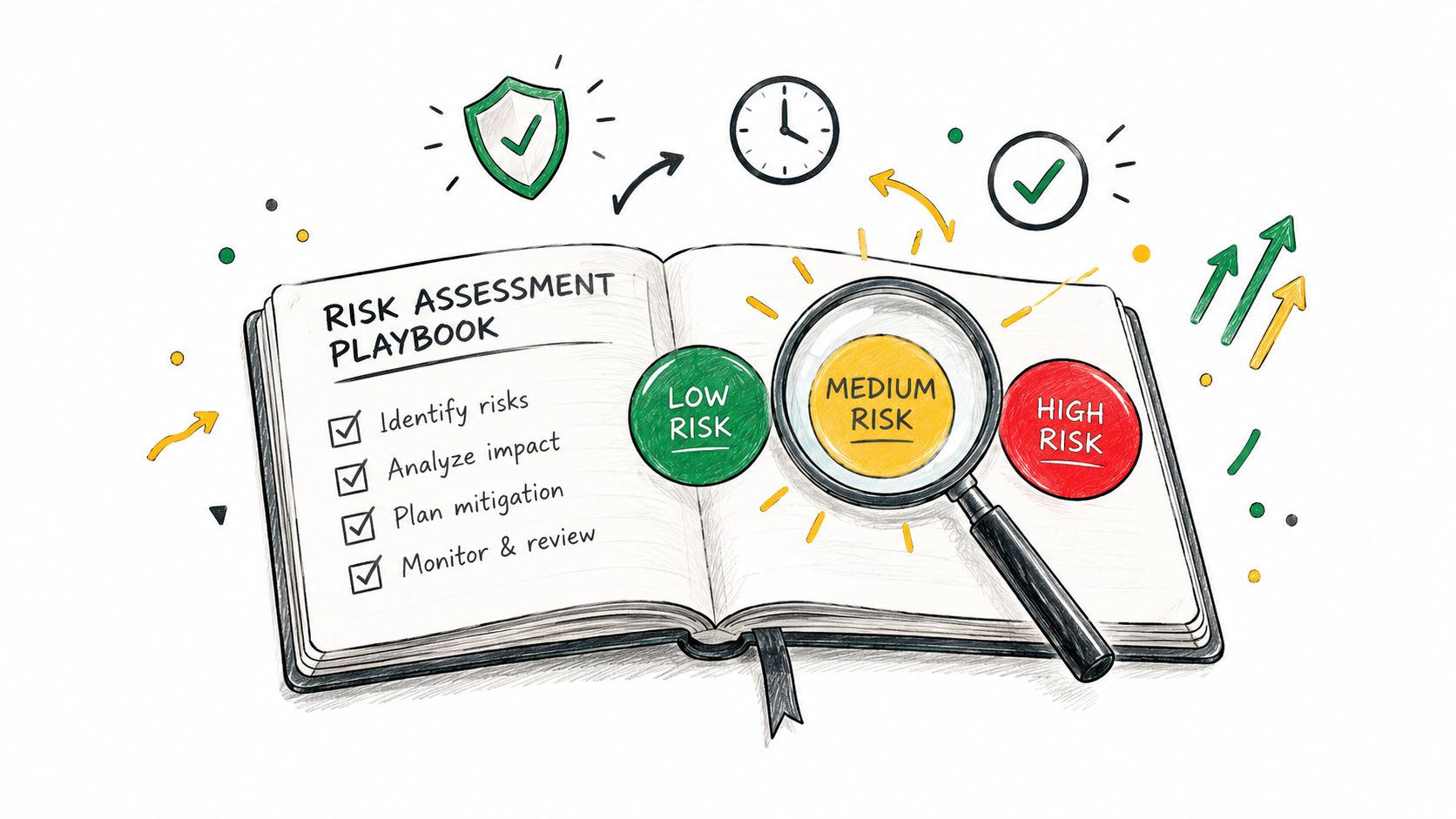
You know the feeling. Three flagged orders land in the queue, one rep wants to ship, one manager wants to cancel, and nobody wrote down the rule that should settle it. Shopify order risk should not be a badge that gets argued over case by case. It should be an operating process with one owner, one rule, and one deadline for each level, so low gets handled automatically, medium gets human review, and high gets a fast refusal when the evidence is weak.
Table of Contents
- Why Flagged Orders Need a Written Policy
- The Order Risk Policy Table
- Automating the Policy with Shopify Flow
- The Medium-Risk Order Problem
- Measuring the Policy Every Month
- Shrinking the Queue Before the Policy Runs
- Where Securify Fits
- Shopify Order Risk FAQ
Why Flagged Orders Need a Written Policy
A messy review queue burns time fast. One person trusts the billing address, another trusts the IP, and a third follows instinct because the order looks fine enough. That is how the same signal gets turned into three different decisions, then the team spends the next week explaining why.
Shopify's Order risk label is useful, but it is not the decision. In the admin, the risk section sits on the order record, and Shopify says it reviews each eligible online credit-card order and labels it low, medium, or high before fulfillment. Shopify also warns that fulfilling a high-risk order without review can “result in disabling payment processing and removal from Shopify Payments”, which is enough reason to stop treating this as a casual judgment call. Start with what each fraud analysis indicator means.
What the label does and does not mean
Low means Shopify did not cross a signal threshold. It does not mean the order is verified safe, and it does not mean your team should stop thinking. Medium and high are warning states, and they need a documented response that every reviewer can follow, not a hero move from whoever saw the order first.
Practical rule: If two people can look at the same order and reach different answers, the policy is missing a decision rule, not a better analyst.
That matters because Shopify does not issue a recommendation on every order. Some orders never get a risk recommendation at all, including test, free, gift-card-paid, POS, B2B, and subscription-renewal orders, and recommendations depend on the plan and payment setup described in Shopify's fraud analysis docs. If your team does not know which orders get analyzed, they will waste time chasing signals that were never there.
The fix is boring and effective. Write the rule once, assign one owner per level, set the deadline, and let the queue run the same way every week.
The Order Risk Policy Table
Keep the policy tight enough that a new hire can use it without asking for a second opinion. Bands should be your own, not borrowed from someone else's store, because product mix, geography, and cart value change what deserves a second look.
| Risk Level | Owner | Rule | Deadline | System Action | Audit Note |
|---|---|---|---|---|---|
| Low, small | Fulfillment lead | Capture and fulfill | Same day | Auto-capture and release | None |
| Low, normal | Fulfillment lead | Capture and fulfill | Same day | Auto-capture and release | None |
| Low, large | Fulfillment lead | Address and email sanity check, then capture | Same day | Capture, then fulfill | Note |
| Medium, small | Fulfillment | Capture, tag risk-medium | Same day | Ship after review | Tag |
| Medium, normal | Ops | Hold capture, verify by phone or fresh email | 24 h | Keep on hold | Timeline note |
| Medium, large | Ops lead | Hold, verify, second approver reviews | 24 h | Keep on hold | Note and approver |
| High, small | Ops | Cancel, restock, tag order and customer | Same day | Cancel order | Reason “fraudulent” |
| High, normal | Ops | Cancel unless a listed exception applies | Same day | Cancel order | Note |
| High, large | Owner | Cancel, exception only with owner sign-off after full verification | 24 h | Cancel or release with sign-off | Note |
Owner matters more than the label. The person who owns the rule also owns the timing, the audit note, and the final call if the order gets escalated. That keeps the team from turning every flagged order into a Slack vote.
The point of the table is not to make every outcome equal. It's to keep low orders moving, push medium orders into one human queue, and make high orders easy to stop before fulfillment creates avoidable damage. For the actual verification step, follow how to verify a high-risk order and keep this policy focused on ownership and timing.
Automating the Policy with Shopify Flow
Flow should handle the easy edges, not the judgment call. If your team is still sorting low and high orders by hand, you are wasting skilled time on work a workflow can do faster and more consistently. Medium still needs a human owner.
Manual capture first
Set Payment capture method to Manually under Settings > Payments. Capture workflows cannot do anything useful if the money is already gone, or if the order was never set up for manual capture. Shopify's authorization window for Shopify Payments lasts 7 days, so the policy has to move before that window closes if you want a clean decision.
The right trigger
Use Order risk analyzed, not Order created. That trigger fires after Shopify finishes the analysis, so the workflow gets the actual risk result instead of guessing before the model has spoken.
Keep the automation tied to the analysis event, not the checkout event. If you trigger too early, you route orders before Shopify has finished classifying them.
Templates and actions

Build from Flow > Create workflow > Browse templates. The useful templates in the risk area are capture payment if order is not high fraud risk, cancel and restock high risk orders, and get notified about high risk orders before capturing payment. Use the actions Shopify exposes, Capture payment, Cancel order, Hold fulfillment order, Add order tags, Add customer tags, and Send internal email, to split the queue by level.
Keep the setup simple. Let low orders capture and move. Send medium orders to one human owner with a deadline. Cancel high-small orders automatically, and send high-large orders down an exception path only when you want that exception to exist. Anything more just builds another inbox.
The Medium-Risk Order Problem
Medium is where the hours go because it's the only level that still needs judgment. Low should run, high should stop, and medium should land on a person with a deadline attached. If you don't give that person a narrow checklist, the queue turns into stalled tabs and half-finished notes.
A review checklist with a hard deadline
Use one checklist for every medium order. Confirm the order context, check the customer's contact details, look for mismatch between signal and story, and decide before the deadline. If the review is still open when the SLA expires, the policy decides, not the reviewer's inbox. The deadline matters because of the real cost of manual fraud review.
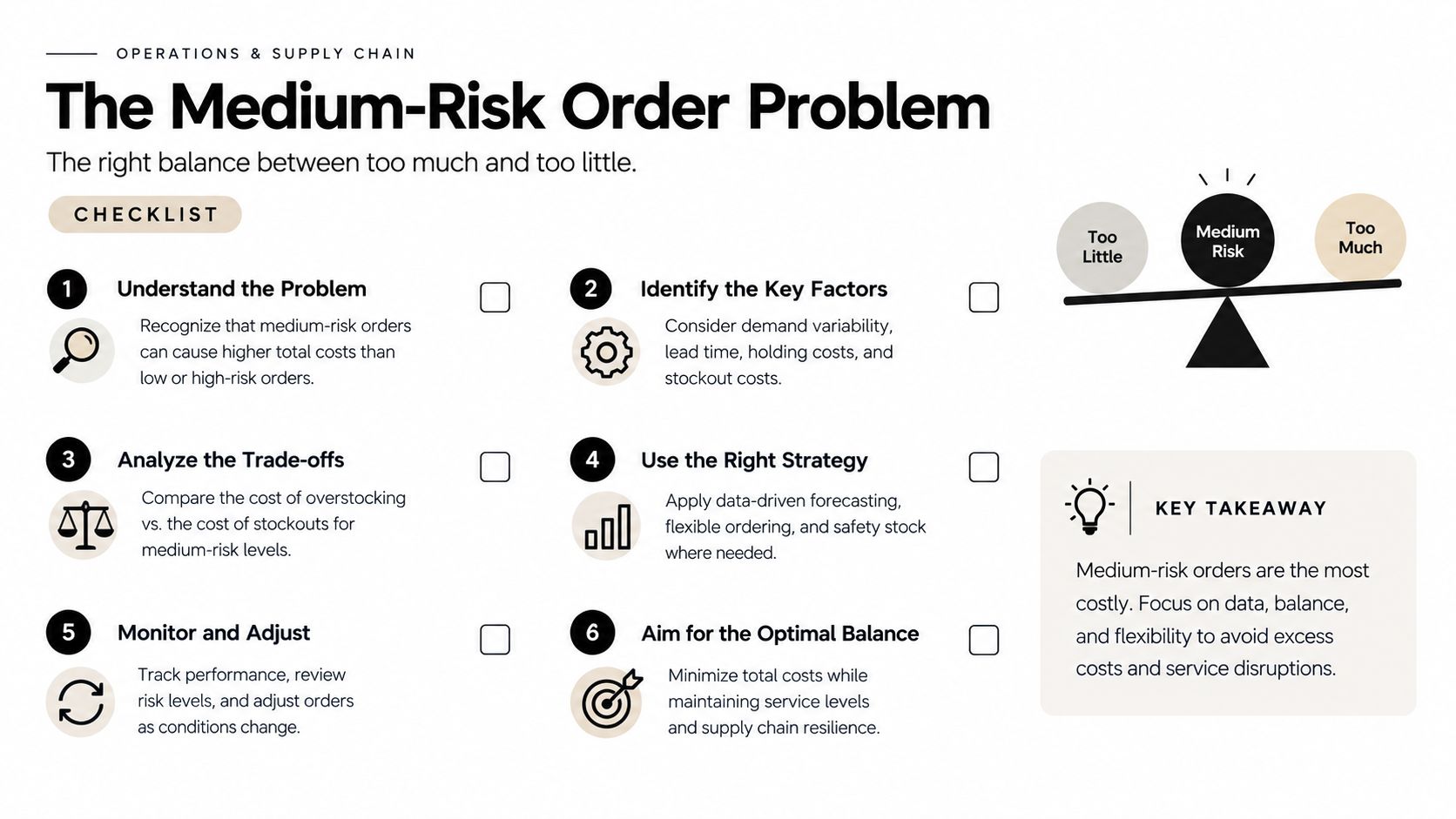
Practical rule: Never auto-cancel medium. If the deadline passes with no contact, neutralize the order with a clean cancellation note and release the inventory.
That rule keeps you from overreacting to borderline orders and helps preserve legitimate conversion. It also gives your team a simple answer when a customer calls back asking why the order sat in review.
The bigger mistake is treating medium as a soft label that can wait until tomorrow. It can't. If the review is still open, somebody owns it, and the policy has to decide what happens next.
Measuring the Policy Every Month
Measure the policy with your own numbers, not somebody else's benchmark. The useful dashboard is the one that shows how many orders were flagged by level, how many were verified and shipped, how many were cancelled, how many later disputed, and how many reviewer hours each level consumed. Put one owner on that review and run it on the first weekday of every month.
| Metric | Current month | Prior month | 3-month average | Owner | Action threshold |
|---|---|---|---|---|---|
| Flagged orders by level | Ops lead | Review trend, not rate | |||
| Verified and shipped | Fulfillment lead | Watch for bottlenecks | |||
| Cancelled orders | Ops | Check for over-blocking | |||
| Orders later disputed | Finance | Investigate outliers | |||
| Reviewer hours logged | Ops lead | Reassign if growing |
The only comparison that matters is your own trend over time. Shopify merchants should monitor chargeback activity in the admin and use the Fraud Control dashboard for risk exposure, but the policy review itself should stay anchored to store-level counts, not an outside rate. The dispute number always lags the original order date, so the right comparison is usually against older cohorts, not last week's orders. Peak season moves the baseline too, see why flagged orders spike in peak season.
If you need a trigger for changing the policy, use one internal rule and stick to it. A falling verified rate on medium orders, or a month where cancelled orders keep turning into disputes anyway, means the thresholds are wrong or the queue is getting too noisy. That is a policy problem, not a reviewer problem.
Shrinking the Queue Before the Policy Runs
Every flagged order started as a visitor. That means the cleanest way to reduce review load is to cut down bad traffic and bad checkout inputs before the analysis step runs. Shopify's fraud analysis speaks after authorization, so upstream controls matter if you want fewer orders to sort later.
Native controls first
Start with the controls Shopify already gives you. Use Shopify Payments fraud settings, address and shipping restrictions, and any country rules you already enforce to keep obvious mismatches out of the funnel. Those filters won't catch every bad actor, but they do remove the easy cases before the order reaches the review queue.
The gap native tools leave
Native checkout rules still miss a lot of messy behavior. A real billing address and a correctly typed name can still sit in the medium band when the signal is weak. The stuff your policy needs to catch upstream is the messy layer around the order, like disposable email domains, mismatched IP geolocation, proxy detection, and repeated guest-checkout velocity.
The policy should review orders. Traffic controls should reduce how many weak orders reach the policy in the first place.
That's the practical split. Fraud analysis decides what Shopify saw on the order. Traffic and checkout controls decide how much junk gets that far. If you keep those two layers separate, your queue gets smaller without forcing medium orders into an overbuilt cancel rule.
Where Securify Fits
Securify fits at the traffic and checkout layer, before or alongside Shopify's order analysis, so the policy gets cleaner input instead of a noisier queue. It's one option merchants use to block risky sessions, filter checkout inputs, and push less junk into the review process. It also offers native-style workflow support and can surface review data into Gorgias, Klaviyo, and Judge.me when those tools are part of the ops stack.

If you want to see the app listing, use Securify on the Shopify App Store. The point here is not to change the policy table, it's to reduce the amount of bad traffic and checkout noise that reaches it. That usually leaves more reviewer time for medium orders and less time spent sorting junk.
Shopify Order Risk FAQ
What does the Shopify order risk level mean? Shopify labels each eligible online card order low, medium, or high based on its fraud analysis. Low means no signal crossed the threshold, while medium and high are warning states that need a decision from your team.
Should I ship a medium risk order on Shopify? Not until someone reviews it against your policy. Medium is the human queue, so the right move is to verify it by the deadline your team set, then either release it or cancel it based on the evidence.
Can Shopify automatically handle risky orders? Yes, if you set up Flow with the Order risk analyzed trigger and the right templates. That lets low-risk orders move and high-risk orders get stopped, while medium orders stay with a human.
Why does an order have no risk recommendation? Some orders never get one. Test, free, gift-card-paid, POS, B2B, and subscription-renewal orders are excluded, and recommendation visibility also depends on the plan and payment setup.
How do I get fewer risky orders? Push the controls upstream. Tighten shipping rules, reduce obvious bad traffic, and validate checkout inputs so weak orders never become part of the review queue.