
· shopify fraud filter app · shopify fraud prevention app · shopify fraud detection app · fraud filter shopify · best fraud app for shopify
Shopify Fraud Filter App: Four Kinds and How to Choose
Shopify fraud filter apps fall into four kinds that act at different stages. Learn what each one stops, what it cannot, and how to pick by symptom.
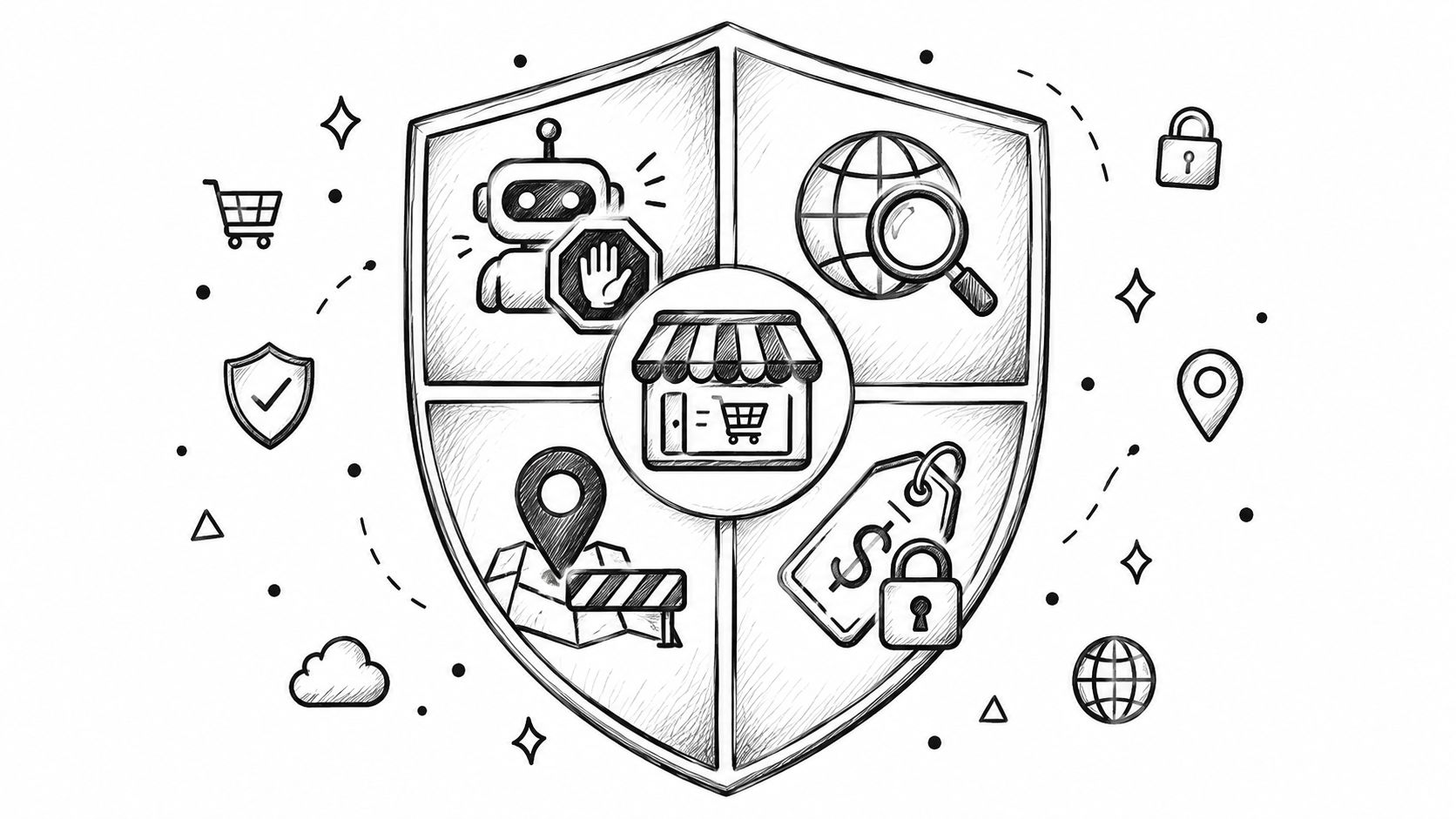
The old Fraud Filter app is retired, and a Shopify fraud filter app now falls into four kinds that act at traffic, checkout, order, or dispute stage. Pick the stage where your problem starts, because blocking bad activity early leaves less to review, cancel, refund, or dispute later.
You're probably here because the symptoms are getting noisy: overnight “John Doe” checkouts, orders from countries you don't serve, a repeat customer using a new email, or analytics full of sessions that never behave like shoppers. The Shopify App Store's Fraud category contains different tools for each problem, not one universal filter.
This guide sorts those tools by what they stop and when they act. It won't rank brands or pretend a chargeback service can block a bot that never places an order.
Table of Contents
- What a Shopify Fraud Filter App Actually Is Today
- What Shopify Fraud Filter Means Now
- The Four Kinds of Shopify Fraud Prevention Apps
- What to Check Before Installing a Fraud App
- Shopify Native Tools Compared With a Block-and-Filter App
- How to Pick a Shopify Fraud Filter App by Symptom
- Where Securify Fits
- FAQ About Shopify Fraud Filter Apps
What a Shopify Fraud Filter App Actually Is Today
A merchant searching for a Shopify fraud filter app may be looking for traffic blocking, checkout validation, order review, or dispute recovery. Those are separate jobs. The useful question isn't “Which app has the longest feature list?” It's “At what stage does my loss begin?”
Earlier controls usually reduce more downstream work. A visitor blocked before checkout can't create an abandoned checkout, risky order, fulfillment task, refund, or dispute. An order-scoring tool acts later, while a chargeback service starts after the payment problem already exists.
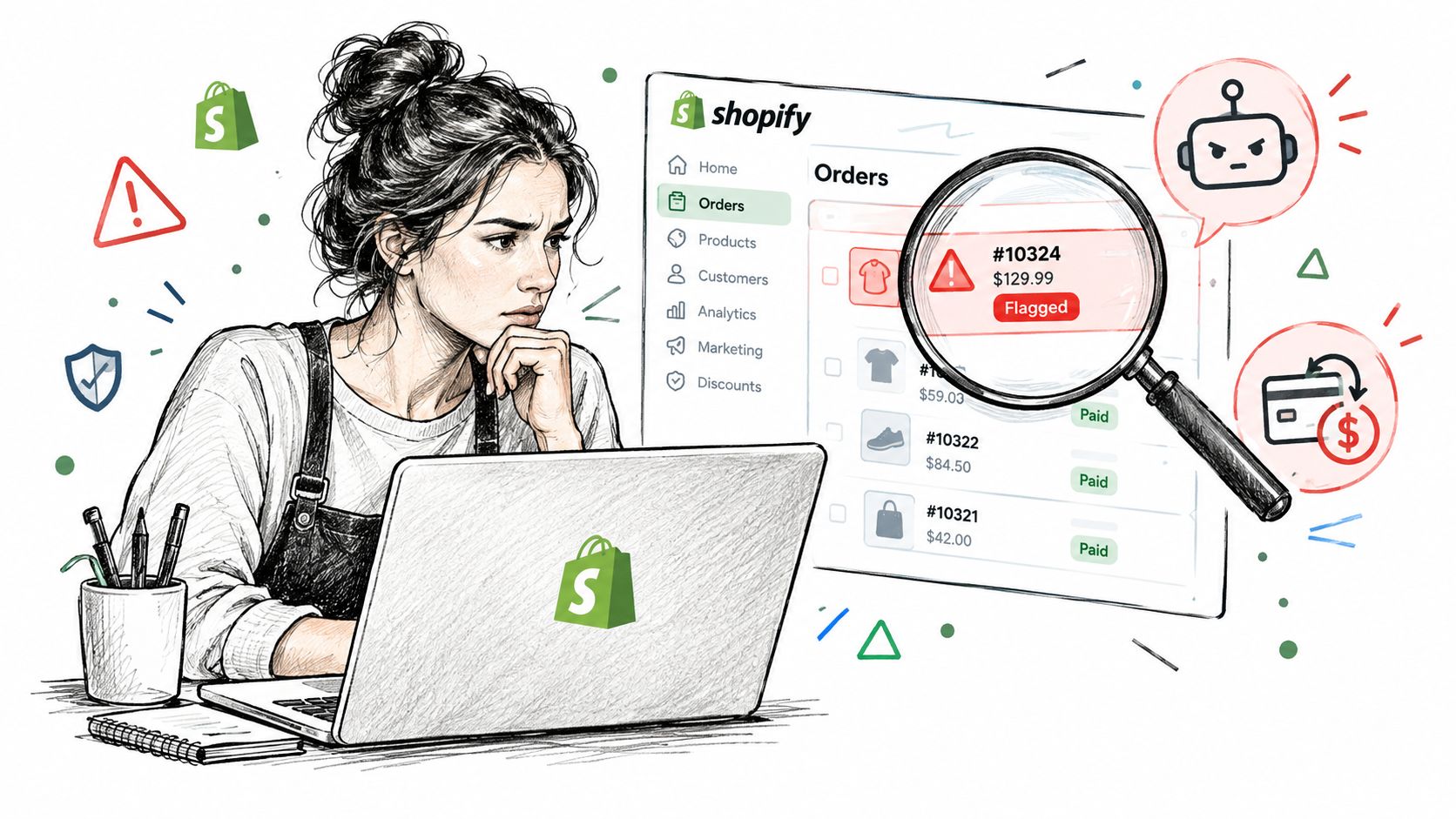
Shopify's own guidance describes bot warning signs such as sudden session or order spikes, suspicious checkout attempts, unusual customer-profile creation, and abnormal analytics. Reviews are more useful across 30 to 90 days, rather than a single noisy day, as Shopify explains in its guidance for dealing with bots.
What Shopify Fraud Filter Means Now
The original Fraud Filter app is retired. Its remaining native rule-based job sits in the free Fraud Control app, which lets eligible merchants create exact-match rules using emails, address attributes, and IP addresses. It's limited to Shopify Payments, and Shopify says the tool “provides insight into potential fraud, but doesn't actively protect against it” in the way a broader traffic filter does.
Flow extends that native setup with automation. A merchant can use conditions to hold or cancel a high-risk order after Shopify creates it, which is useful for fulfillment control but doesn't stop a visitor from reaching the storefront or generating an abandoned checkout.
That distinction matters. Shopify's fraud analysis reviews eligible orders and supplies risk indicators such as AVS, CVV, IP details, and unusual purchase patterns, but the merchant still needs to review suspicious orders before fulfillment. The native Shopify fraud protection overview is a useful map of those layers.
The Four Kinds of Shopify Fraud Prevention Apps
A Shopify fraud prevention app should be judged by its action stage. The four groups below overlap in marketing copy, but they solve different operational problems.
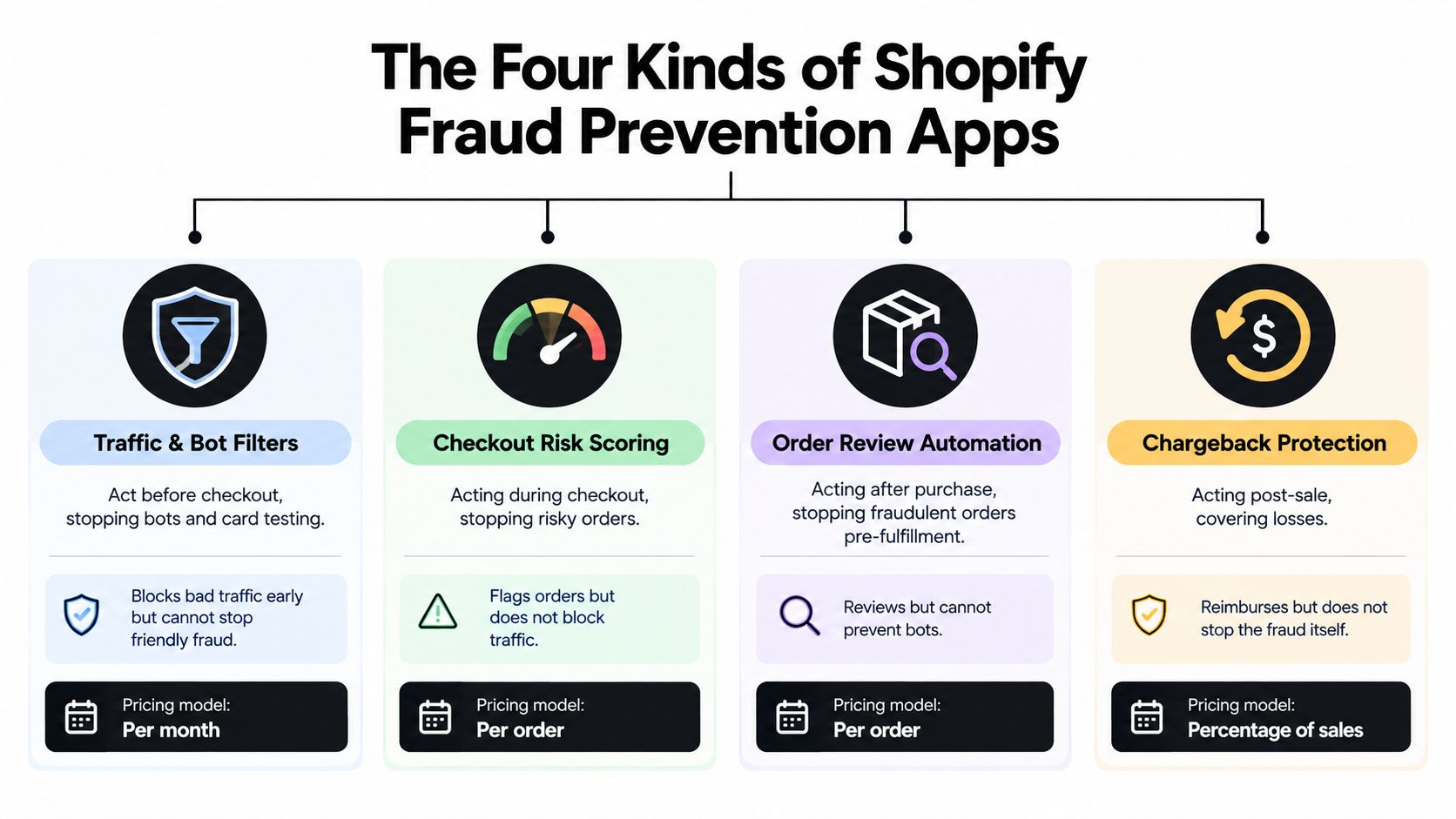
Block-and-filter apps act before the order
These tools operate at traffic and checkout. They may restrict countries, IP ranges, VPNs, proxies, data centers, Tor traffic, bots, repeat offenders, or risky checkout fields. Server-side checkout validation can reject a risky email, phone number, or name so the order is never created.
This is the right category when the symptom appears before payment: fake sessions, card-testing attempts, abandoned-checkout spam, or visitors from regions you don't serve. It can also protect analytics, support queues, email lists, and review systems from activity that never had a realistic chance of becoming a legitimate purchase.
The limit is equally clear. A block-and-filter tool can't score an order it lets through, manage a dispute, or recover money after a chargeback. It can also create false positives if rules are too broad, so a visitor log and reversible controls matter.
Pricing is usually a free tier plus a flat monthly plan. Check whether the paid tier is required for proxy detection, bot controls, checkout validation, or bulk rule management.
Order-scoring and guarantee services act after the order
Order-scoring tools give the merchant a second risk opinion after an order is placed. They evaluate signals around the transaction, recommend approval or review, and may offer a financial guarantee on eligible approved orders.
This category fits a store with a fulfillment queue full of ambiguous orders. The merchant wants a faster decision before shipping, particularly when native risk labels leave too many medium-risk cases for manual review.
It won't stop the visit, clean bot sessions from analytics, or prevent a customer from reaching checkout. It also doesn't address every kind of friendly-fraud or service dispute. The tool sees the order, not the entire traffic problem that produced it.
Common pricing models are per order or a percentage of revenue. Compare the fee against the number of orders screened, not only the number of fraudulent orders avoided, because clean orders may also be billable.
Chargeback and dispute services act after the dispute
These services begin after a payment dispute or chargeback alert exists. They can notify the merchant, assemble evidence, submit representment, or automate parts of the response. Their job is to recover money or reduce the workload attached to a dispute that already happened.
That makes them valuable for a dispute-heavy operation with evidence scattered across order records, delivery data, customer messages, and payment systems. They can also help when native protection doesn't cover the transaction or dispute type.
They can't prevent the original order, stop a bot, block a VPN visitor, or remove fraudulent sessions from attribution reports. Buying this category for an upstream traffic problem is paying for recovery after the damage has already reached the payment layer.
Billing is commonly per dispute or a percentage of recovered revenue. Read the coverage terms carefully. A recovery workflow and a guarantee are different products, and neither replaces traffic controls.
Fraud Control rules and Flow act natively
Native tools are useful for clear, repeatable cases. Fraud Control can apply exact-match rules to emails, address attributes, and IP addresses for stores using Shopify Payments. Flow can automate actions such as holding or canceling a high-risk order after it exists.
The boundaries are practical. These rules don't provide broad visitor visibility, detect every VPN or proxy, block a visitor before checkout, or reliably match a repeat offender who arrives with a new email. They also don't turn a post-order automation rule into a pre-checkout filter.
Use the native layer first when your problem is a known email, address attribute, IP, or fulfillment decision. The guide to blocking a customer on Shopify explains why exact-match rules don't solve every guest-checkout or rotating-identity problem.
What to Check Before Installing a Fraud App
A listing can sound broad while acting at only one narrow point. Check these items before you install:
- Built for Shopify badge: Treat it as a useful App Store signal, then verify the actual permissions and workflow.
- Server-side validation: Shopify Functions or another server-side checkout control is harder for bots to bypass than a theme script.
- Shopify Payments dependency: Confirm whether the app works with your payment setup or only with Shopify Payments.
- Free-plan caps: Look for limits on sessions, rules, countries, orders, logs, or protected traffic.
- Access scopes: Review whether the app requests customer, order, checkout, marketing, or theme access, and whether each scope matches the job.
- Trial length: Use the trial to test real traffic and false positives, not just the installation screen.
- Flow triggers and actions: Confirm whether the app can trigger or receive the specific hold, cancel, tag, or notification workflow you need.
- Visitor log: A live log lets your team inspect a block, reverse a false positive, and explain a decision to support.
Don't confuse a theme-based script with checkout enforcement. A script may catch ordinary browser activity, but advanced bots can skip storefront behavior or change the signals your theme sees. For an order-only tool, ask whether it acts before fulfillment or after a dispute, then price the manual work that remains.
Shopify Native Tools Compared With a Block-and-Filter App
Native controls cover known identities and order decisions. A block-and-filter app covers the visitor and checkout layer that native rules generally don't expose.
| Capability | What to look for | Shopify Native | Block-and-Filter App |
|---|---|---|---|
| Block visitors by country or IP range | Rules before checkout | No, Markets limits shipping rather than visitor access | Often yes |
| Block VPN, proxy, data-center, or Tor traffic | Detection before checkout | No, these signals may be flagged after authorization | Often yes |
| Block bots and card-testing at checkout | Session controls plus checkout protection | Partial, including card-testing protection | Often yes |
| Block a specific customer | Exact-match identity rules | IP on the free tier, email and domain rules on paid tiers | IP, range, phone, email, or behavior controls may be available |
| Checkout validation on risky email, phone, or name | Server-side rejection | Partial, email and address rules | Often yes |
| Per-order risk score | Order-level decision support | Yes, through Fraud Analysis | Not necessarily |
| Auto-hold or cancel risky orders | Automation after order creation | Yes, through Flow | Often yes, plus Flow triggers |
| Live visitor log and alerts | Review and undo controls | No | Often yes |
| Risk context in support and email tools | Signals passed to operations | No | May connect with support, email, and review workflows |
| Chargeback guarantee or reimbursement | Eligibility and coverage terms | Shopify Protect for eligible Shop Pay orders only | Not a standard block-and-filter function |
| Dispute representment | Evidence submission after dispute | Shopify Payments dispute flow | Usually no |
| Pricing model | Free versus monthly or usage-based | Free native tools, subject to eligibility | Free tier or flat monthly plans are common |
Most stores don't need one universal tool. They need the native layer for order risk and automation, plus one additional app kind matched to the missing stage. A store with bot-heavy traffic should not buy dispute recovery first. A store shipping many ambiguous orders may need scoring instead of broader country blocking.
How to Pick a Shopify Fraud Filter App by Symptom
Start with the earliest visible symptom, not the most expensive loss. If analytics are already polluted, a post-purchase service is too late. If disputes are the main burden, a traffic filter alone won't prepare evidence or recover the payment.
| Symptom | Action Stage | App Kind |
|---|---|---|
| “John Doe” checkouts overnight | Traffic | Block-and-filter |
| Orders from countries you don't ship to | Traffic | Block-and-filter or Markets |
| Repeat offender with new emails | Checkout | Checkout validation or Fraud Control rule |
| Too many medium-risk orders to review | Order | Order-scoring |
| Chargebacks outside native protection | Dispute | Chargeback service, plus upstream controls |
| Analytics full of bots | Traffic | Block-and-filter |
Shopify says bot activity can appear as abnormal session spikes, traffic from a single device type, or sessions that aren't human. That's why Shopify fraud problems usually start before checkout is more than a slogan. The funnel can be damaged before the merchant sees a fraud score.
A useful decision rule is simple: block traffic that should never enter, validate checkouts that should never become orders, score orders that need a decision, and recover disputes that already exist. Brand ranking comes later, after the stage is clear.
Where Securify Fits
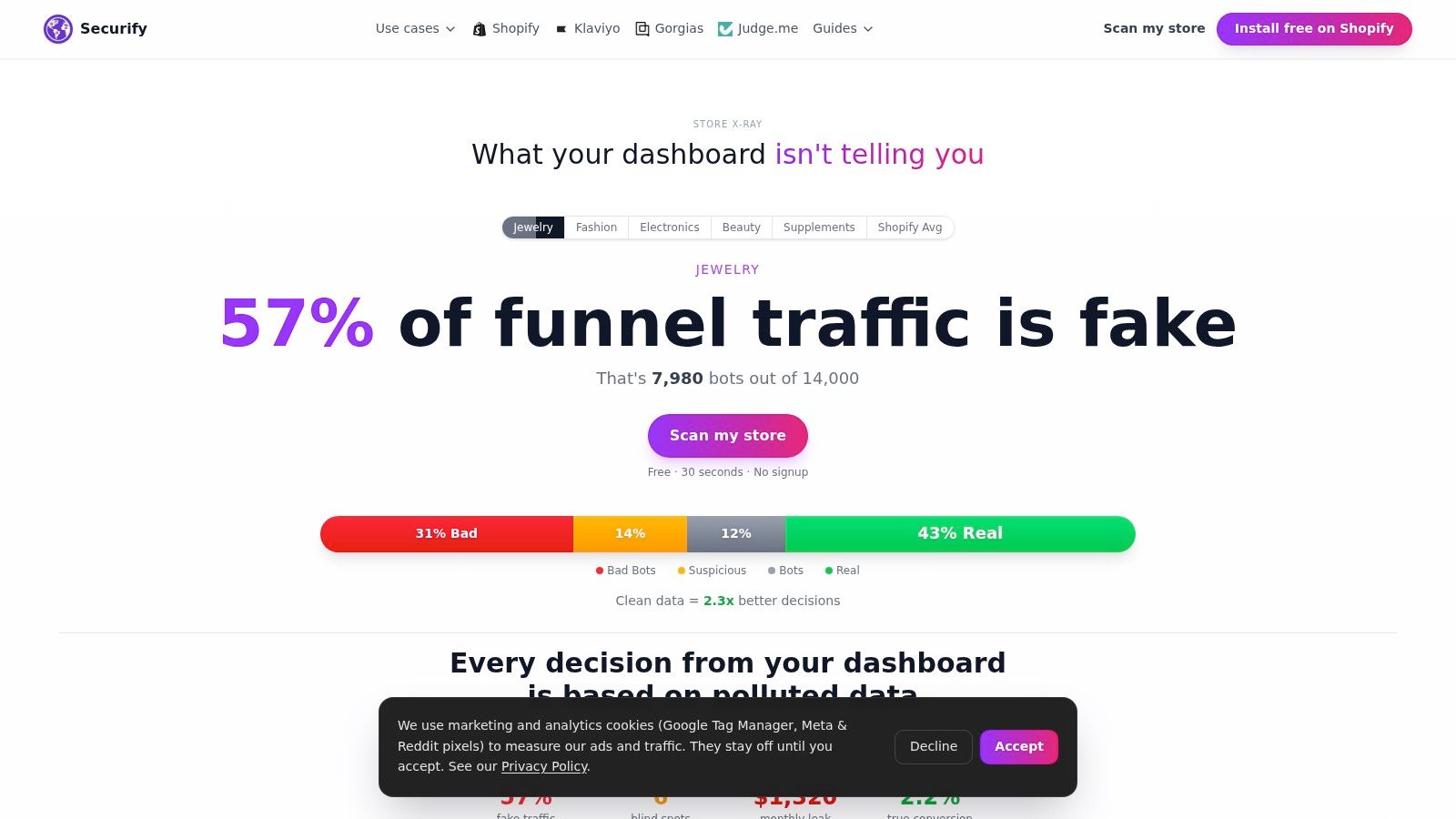
Securify is a block-and-filter app for traffic and checkout controls. It acts before or alongside Shopify Fraud Analysis, Flow, and Protect, rather than replacing those native layers. The free plan covers country and IP controls, while paid plans add VPN, proxy, data-center, Tor, and bot detection.
Checkout validation can reject risky email, phone, or name signals before an order is created. The app can also show Shopify Payments disputes without managing the dispute process itself. Visitor logs and alerts help teams review blocks, while connections with support, email, and review workflows extend the traffic-quality signal beyond the storefront.
Country rules, VPN and bot traffic, and upstream filtering are covered in the Shopify bot traffic and VPN abuse guide. You can review Securify on the Shopify App Store for the current plan details.
FAQ About Shopify Fraud Filter Apps
Does Shopify have a built-in fraud filter?
The original Fraud Filter app was retired. The free Fraud Control app can block checkouts matching exact email, address, or IP rules for Shopify Payments stores, while Flow can auto-cancel high-risk orders.
What is the best fraud app for Shopify?
There isn't one universal choice. Pick the kind that acts where the problem starts: traffic and checkout blocking, order scoring, or chargeback recovery.
Do fraud filter apps stop chargebacks?
Block-and-filter apps reduce risky orders before they exist. Shopify Protect covers eligible Shop Pay orders, while a guarantee or dispute service handles defined post-order losses or recovery.
Do I need a fraud app if I use Shopify Payments?
Often not for the cases native tools already handle. You may still need one for bots, VPN traffic, unwanted countries, repeat offenders, analytics pollution, or chargebacks outside native protection.
Can a fraud app block a customer who keeps coming back with new emails?
Only if it uses signals beyond an exact email match, such as IP, range, phone, or checkout validation. Fraud Control rules are exact-match, so a new email can bypass an email-only rule.